Custom laser cutting service

Custom laser cutting service
Please contact us for a quote.

When you are ready to design your own robots, use our laser-cutting service to create your own custom parts. Non-robot components are also welcome. You can submit an online quote request at our dedicated site for laser cutting, www.CustomLaserCutting.com!

 Description Pictures (1) Resources (0) FAQs (0) 

New web site! Our custom laser cutting service now has a dedicated site: www.customlasercutting.com. Please visit our new site for more laser cutting information and an online quote request form.

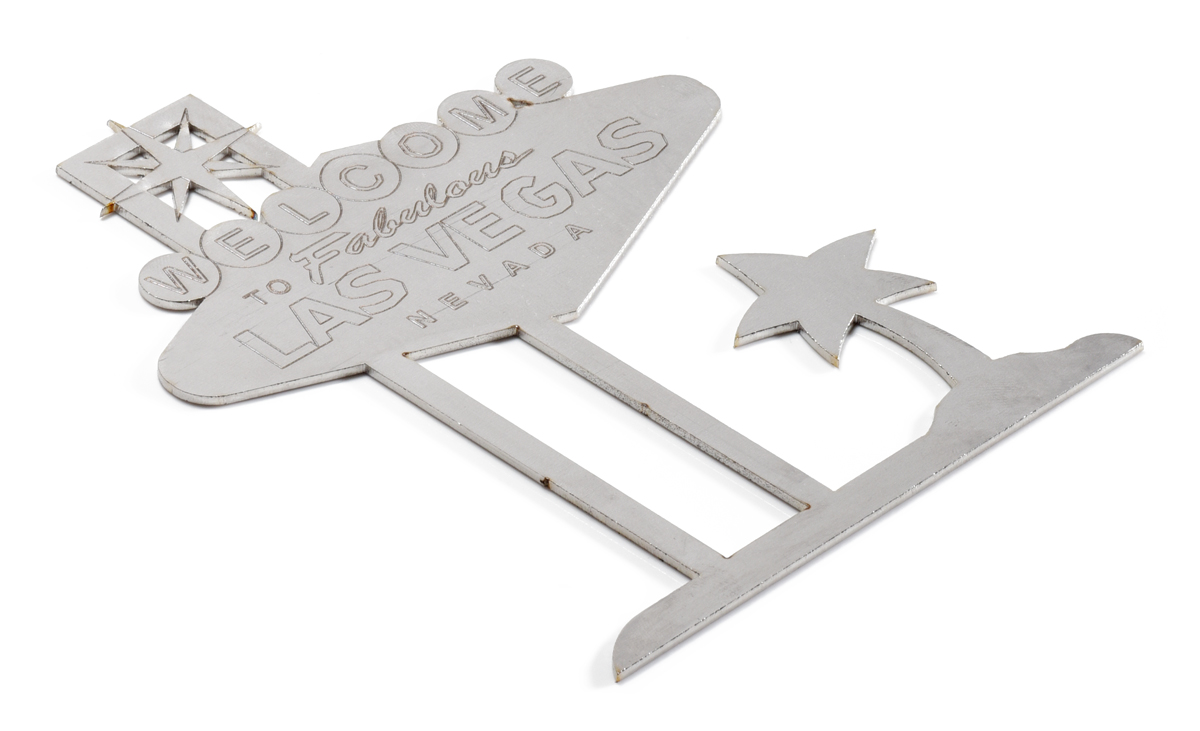
Laser-cut architectural ornament.
On this page:

Laser Cutting Service Overview

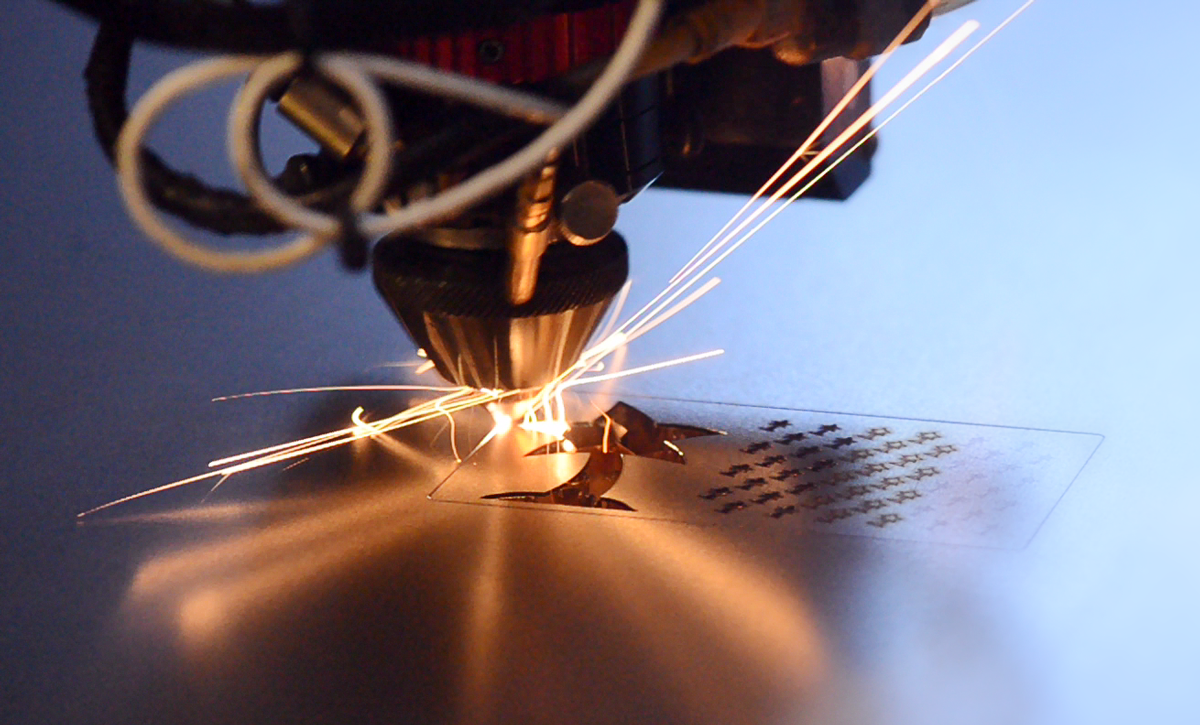
A laser cutter is an ideal machine for quickly making custom robot parts out of sheets of plastic or wood. All you have to do is draw your design on a computer, and you can have a completely custom part delivered as quickly as the next day! Once you have a design that works, it is easy to make more identical parts, which is especially convenient for designs with many repeated components (such as leg parts on 6-legged walking robots).

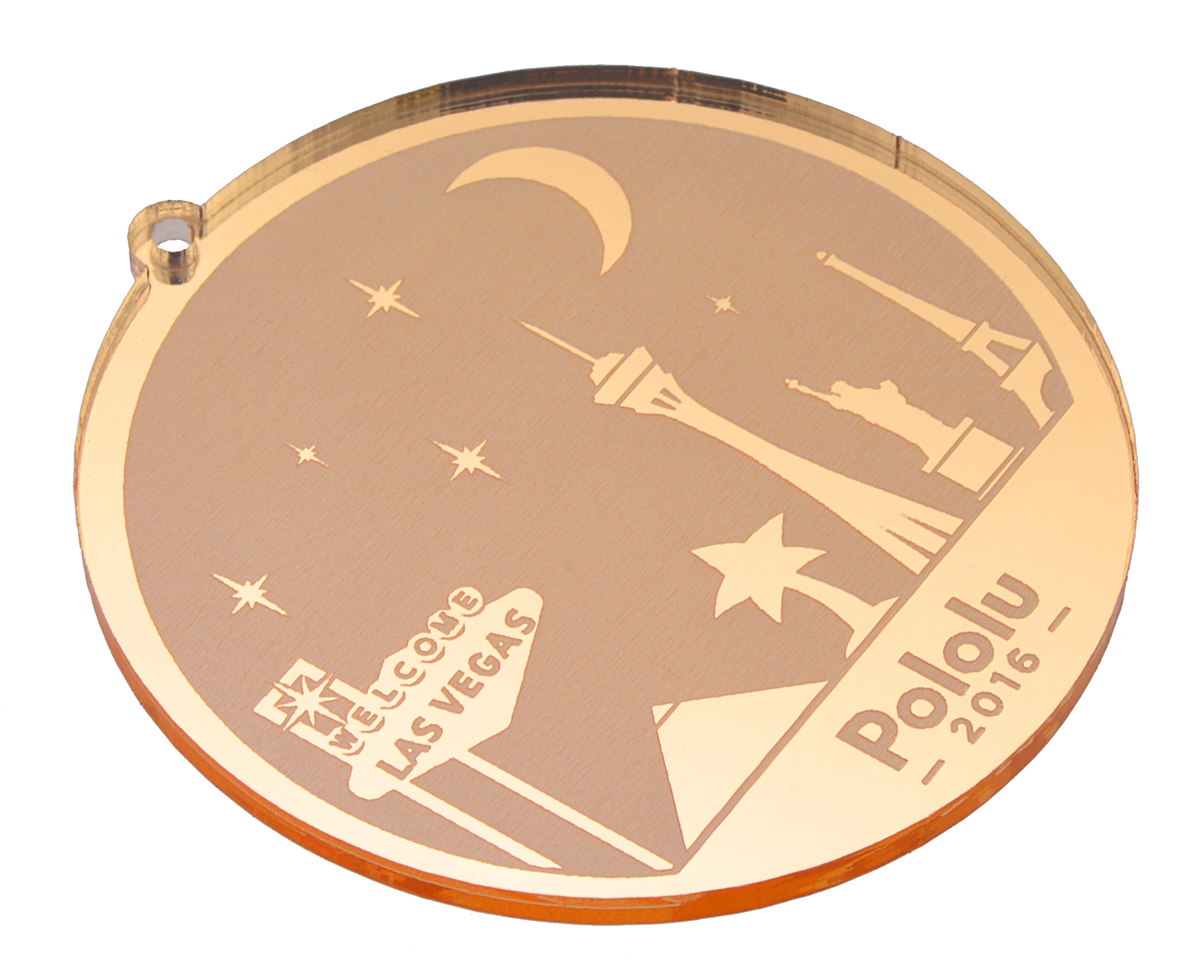
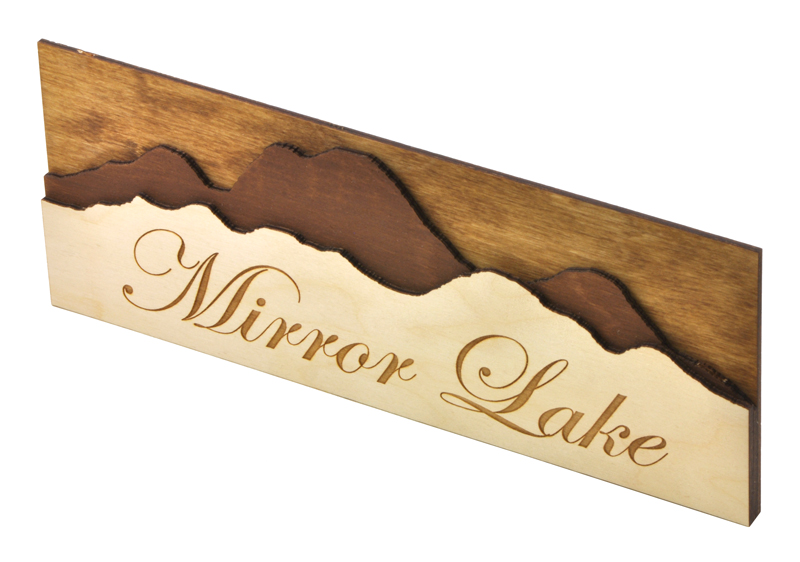
With our custom part cutting service, you can quickly and economically realize intricate designs that are too complex for creating by hand. You can cut smooth curves and even engrave text or logos on to your parts. The only restriction is that parts are flat, but you can make three-dimensional robots by combining multiple two-dimensional pieces. Of course, non-robot parts are welcome – our laser cutting service is great for anyone with a project requiring custom parts!

Even if you do not have access to a computer with the software necessary to draw your part, we might be able to draw your part for you. Just visit our dedicated web site, www.customlasercutting.com to learn how to send us a sketch, or, if the part is simple enough to describe, send us a written description. Another option is to download some free CAD or drawing software; please see our new web site, www.customlasercutting.com for more information.

Laser Cutting Pricing

  • Approximately $2.50 per minute of laser cutting time. Please visit our dedicated web site, www.customlasercutting.com, to request a quote.
  • No set-up fees
  • $25 minimum charge per panel going into the machine
  • For larger jobs, we can offer you a quote for a lower cost per minute
  • Shipping costs start at only $5.00, and you can select shipping methods from USPS or FedEx.

Examples of Laser-Cut Parts with Pricing

Please see www.customlasercutting.com for examples with pricing.

Laser Cutting Materials and Capabilities

We can laser cut various thicknesses of plastics, woods, paper, cloth, and more. We can cut parts up to 45.5” x 35”. We stock acrylic and ABS and can quickly obtain many plastics from local suppliers. You can also ship us your materials. For a more comprehensive list of materials, please see our dedicated site, www.customlasercutting.com

We can laser cut:

Note: Plastic thicknesses are nominal and can vary by up to + or -10%.

  • Acrylic (Plexiglass, Acrylite, Lucite)
    • 1/8” stocked in various colors ($0.05 per sq. in., $4.00 per sq. ft.)
    • Up to 1/2” also available
  • ABS (Acrylonitrile Butadiene Styrene)
    • 1/8” stocked in black and white ($0.05 per sq. in., $3.50 per sq. ft.)
    • Other thicknesses also available
  • Acetal (Delrin)
  • Nylon
  • Styrene
  • Gatorfoam
  • Styrofoam
  • PETG (polyethylene terephthalate glycol)
  • Woods, cloth, paper, and more!

We cannot laser cut metals, PVC, vinyl, polycarbonate (Lexan), or carbon fiber; www.dcwaterjet.com may be able to help you cut these materials.

Steps Involved in Getting Your Laser-Cut Parts Made

Once you have a design for a custom part, getting it laser cut is simple. Upon receiving your design, we can often laser cut and ship your part to you within a few business days (our standard turn time is five business days). Expedited services are also available. Here are the steps involved in making a custom part:

  1. You give us your design by sending a file (CAD programs, CorelDRAW, DXF, Adobe Illustrator, and others), a scan of a sketch, or a written description of your requirements via our online order form at www.customlasercutting.com.
  2. We will email you a quote and a .pdf of the proposed cutting job.
  3. You verify the design or indicate necessary changes; if there are changes, go back to step 2.
  4. You make a payment with a toll-free phone call or via PayPal.
  5. We cut the parts and ship them to you! To get started on your own custom laser-cut part, please visit our dedicated laser cutting web site, www.customlasercutting.com.

Important Issues to Consider

  • The largest part we can laser cut is 50” x 35”, and we can fit even larger pieces of material. We can also vector engrave vector engrave parts up to that size, and we can raster engrave parts up to 24” x 36”.
  • We cannot laser cut any metals, PVC, polycarbonate (Lexan), or carbon fiber, but we can cut a variety of other materials including those on our materials list.
  • Plastic thicknesses are nominal and can vary by up to + or -10%.
  • The laser cuts at a slight taper (since the laser beam is conical rather than cylindrical). Due to the taper, one side of a laser-cut part (the side facing up during laser cutting) will be slightly smaller than the other side. The taper is almost unnoticeable in 1/8” material; the thicker the material, the more noticeable the taper.
  • The kerf (the thickness of the laser beam) is about 0.010”. See our tips for preparing files for laser cutting to learn how to adjust for the kerf.
  • The edges of some materials including wood and paper will get charred from the laser. (Acrylic and ABS do not char.) For more details, please see our new web site, www.customlasercutting.com.

Tips for Preparing Files for Laser Cutting

If you want to create your design using a program such as CorelDRAW, Adobe Illustrator, or TurboCAD, here are some tips for designing your parts. For an updated list of tips, please see our new site, www.customlasercutting.com.

  • For small parts, we accept .dxf, .cdr, .ai, .tcw, .dwg, and many other vector drawing file formats. If in doubt, send a .dxf (most programs let you “save as” or “export” to this file type).
  • For parts larger than 24” x 36”, please send a .dxf, .tcw, or .dwg file that uses only straight lines and circular arcs (you can approximate any curve using many small, circular arcs).
  • Give your file a unique name (the part name, your name, but not “laser_cut_part”).
  • Draw thin black lines where you want the laser to cut; the laser will cut down the center of your lines.
  • Include a one-inch square for a size reference, and include just the outline of your parts (no dimensional information).
  • Send one file that includes one copy of each part, indicate how many of each you need, and the material from which it should be cut. Please make sure to leave enough space around every part so that we can easily select them by dragging a rectangle around them.
  • You may want to adjust for the kerf (the thickness of the laser beam), which is about 0.010”. For example, if you would like a hole of diameter 1.0”, draw a hole with a diameter of 0.99”. If you would like a circular part with a diameter of 3.0”, draw a circle with a 3.010” diameter. (These numbers are approximate and can vary depending on the material and its thickness.)
  • The largest part we can laser cut is 49.5” x 35”.
  • We can do two types of laser engraving: vector engraving and raster engraving. Engraving depths can range from barely scratching the surface to almost going through the material; we cannot control the depths very precisely, but we will try our best to achieve what you need.
    • Vector engraving is for etching lines that are the width of the laser beam (around 0.01”); it is just like cutting, but the laser does not cut all the way through the material. Lines to be vector engraved should be indicated with different RGB colors (each color indicating a different engraving depth). Please group all items of the same color and indicate the approximate engraving depths that you would like for each color. We can vector engrave parts up to 50” x 35”.
    • Raster engraving is slower and more costly, and is used for engraving bitmaps (.jpeg or .gif files of logos, photos, etc.), text, and filled-in areas of your vector drawing file (note that a filled-in figure you want engraved should not have a thin outline since the laser will cut along that outline). The laser blasts away one pixel at a time, similar to the printing process used by inkjet printers. The depth of the engraving is specified by the gray-scale color of the pixel (black gets engraved the deepest, gray is engraved to medium depth, and white is left un-engraved). Please specify the depth of the black (deepest) portions of your image and color everything else with the appropriate grays (50% black will get engraved about half as deep as the black portion). We can raster-engrave parts that are up to 12” x 24”.
  • If you haven’t already, please also see the above topic, Important Issues to Consider.

If you are interested in having a custom laser-cut part made, please visit our new web site, www.customlasercutting.com.