http://www.pololu.com/blog Engage Your Brain A blog by Pololu president Jan Malášek. For more information, please read the first post. en-us Wed, 20 Mar 2013 11:38:37 PST http://www.pololu.com/blog/32 http://www.pololu.com/blog/32/lps331ap-pressure-sensor-test-flight http://www.pololu.com/blog/32/lps331ap-pressure-sensor-test-flight#comments Jan LPS331AP pressure sensor test flight We expect to release a simple carrier for ST’s new LPS331AP pressure sensor this week. While testing and writing example programs for the sensor, one of our engineers, Kevin, came up with a nice demonstration that calculates and displays the altitude on our Orangutan SVP robot controller. It was a beautiful spring day with great flying weather, so Paul and I took Kevin’s digital altimeter on a flight to Lake Havasu City, Arizona, to see how it compared to the altimeter in a plane.

Air pressure is affected by altitude and the weather, so to determine the altitude from air pressure, we need to compensate for the local barometric pressure. For aviation, this calibration value is provided in the form of an “altimeter setting” that pilots receive from weather observation stations. Under “standard conditions”, the setting is 29.92 (which is 1 atmosphere in inches of mercury).

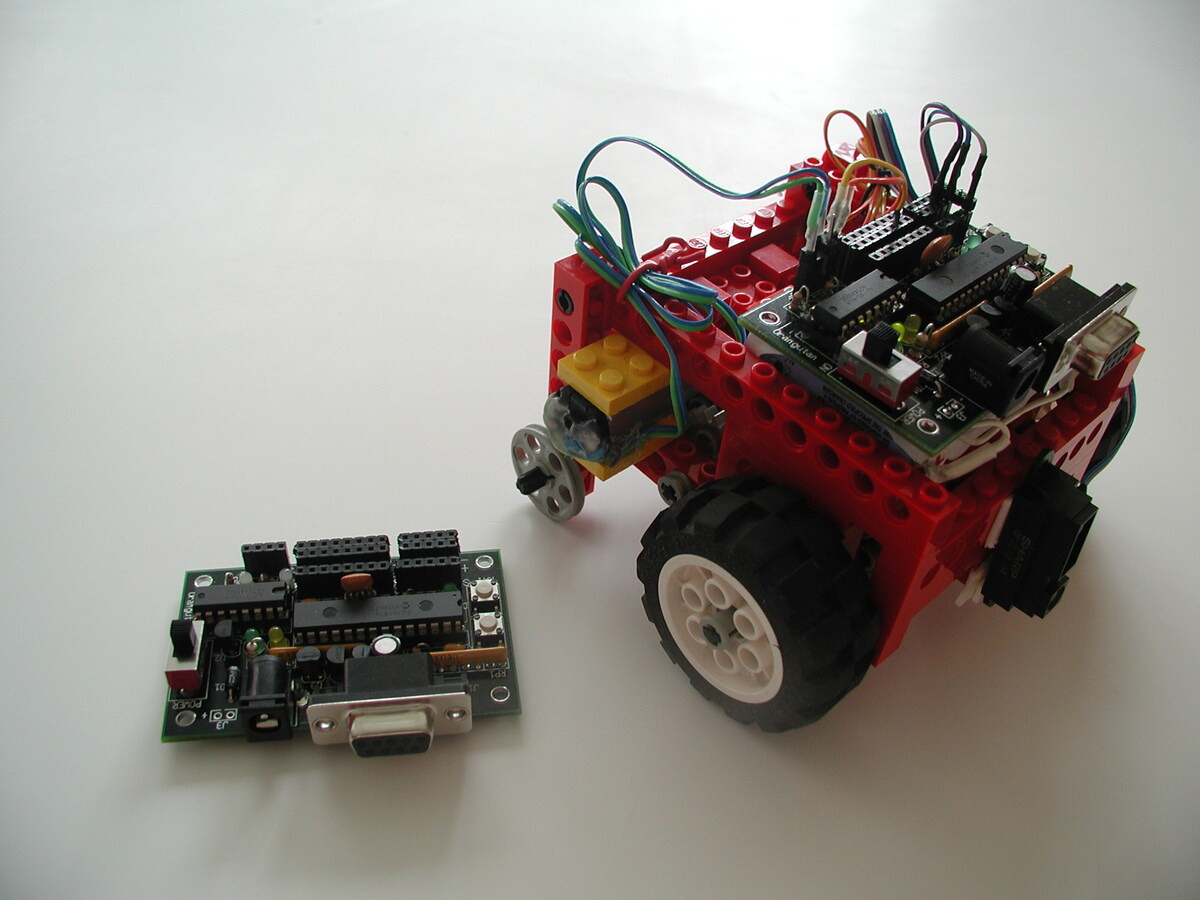
Kevin’s demo let us adjust the altimeter setting and read the altitude on the Orangutan SVP’s LCD. He was planning to have some data logging using the board on the left, but he did not get it working in time for our departure. The altitude in feet is on the right side of the first line; the altimeter setting is on the left of the second line. (We kept turning the board on and off throughout the flight, so the elapsed time on the lower right does not mean much.)

Kevin’s LPS331AP pressure sensor test assembly.

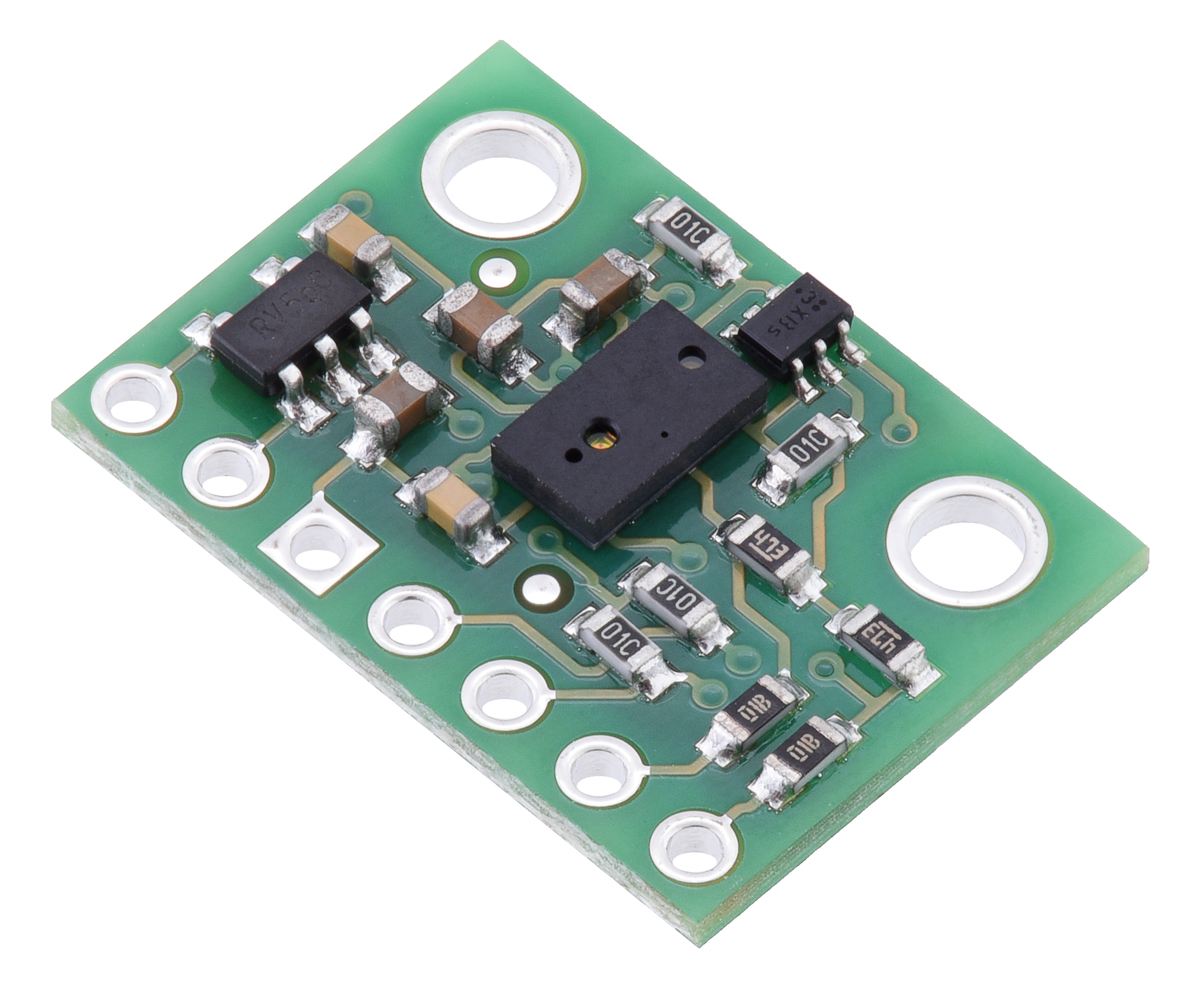
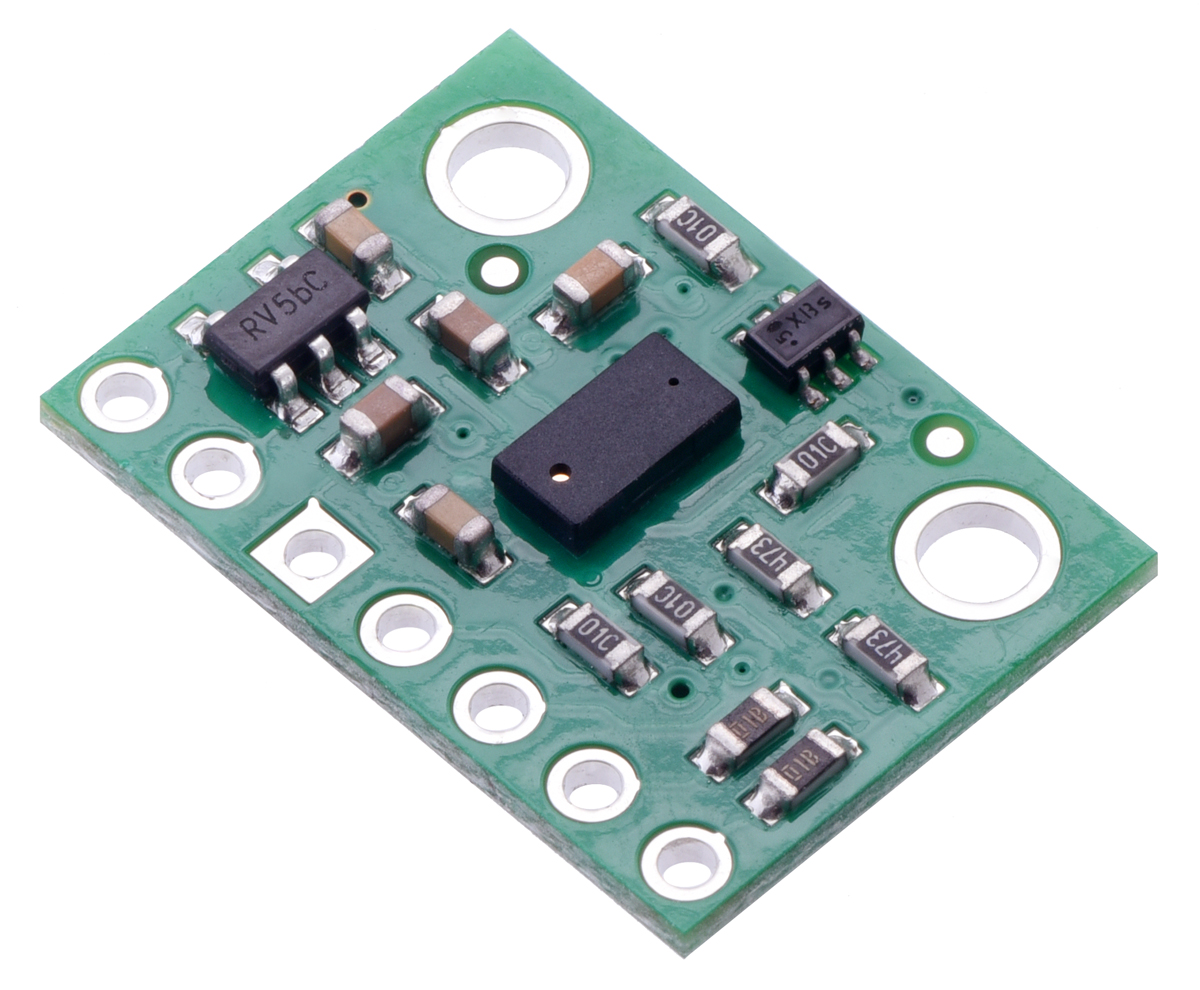
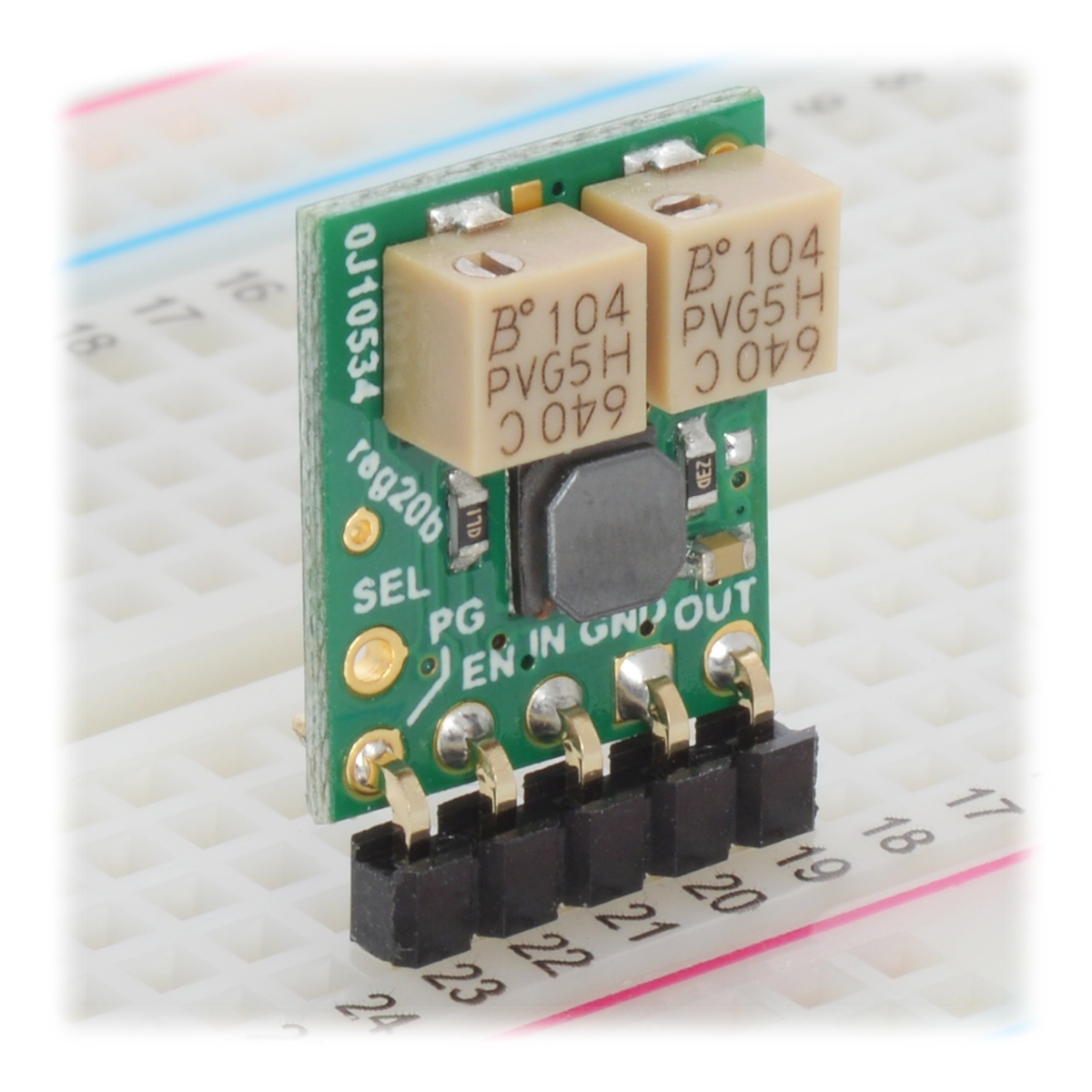
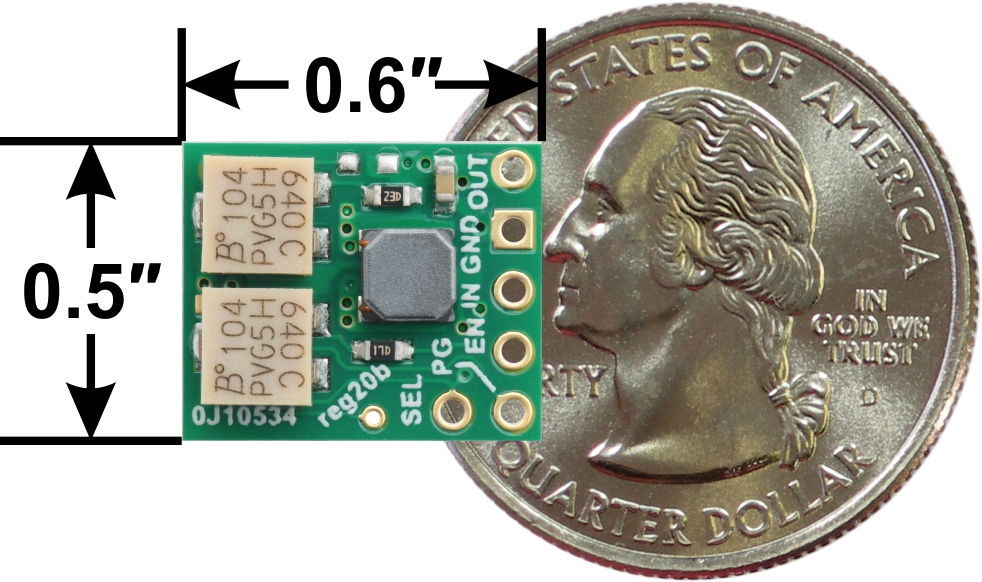
The pressure sensor carrier is the small PC board on the bottom; a close-up picture of the component side is below. There is a little hole for sensing pressure right above the “A” on the first line of the package. After burning holes into integrated circuit packages for decades, it was strange for me to see a package with a hole in it on purpose!

Pololu LPS331AP pressure sensor carrier.

The plane we flew was a Piper Archer from a local flight school.

Preflight inspection at Henderson Executive Airport (KHND).

Paul and the LPS331AP pressure sensor test assembly on the ground in Henderson, Nevada.

On the ground with an altimeter setting of 30.02, our digital altimeter based on the LPS331AP indicated around 2,480 feet, which was close to the 2,460 the plane’s altimeter indicated. The elevation where the plane was parked was about 2,460, so I actually got the altimeter setting by adjusting it until the altimeter showed the right altitude.

Plane altimeter indicating 2,460 feet and LPS331AP demo indicating 2,473 feet on the ground at KHND.

We planned a flight that was almost straight to Lake Havasu City at a cruise altitude of 9,500 feet. The next higher altitude we could have flown for that direction was 11,500 feet, which is probably about as high as that plane could go. On the way back, we stopped by Needles, California and Bullhead City, Arizona. You can also view the detailed GPS log of our flight.

GPS track of LPS331AP pressure sensor test flight from Henderson, Nevada to Lake Havasu City, Arizona (image from Google Maps, 2013).

The early part of departures are always kind of hectic for me because we have to talk to air traffic control in the busy airspace near Las Vegas while avoiding the mountains, so we did not power up our digital altimeter until we were close to 9,000 feet. The plane’s altimeter was reading about 100 feet below our digital one.

Plane altimeter indicating 8,900 feet and LPS331AP demo indicating 8,990 feet while climbing to cruise altitude of 9,500 feet.

Paul and Jan in Archer N32441 at 9,500 feet.

Once we were at our target altitude, we checked again, and the LPS331AP-based altimeter was still showing about 100 feet higher than the plane’s altimeter. The plane’s altimeter uses a pressure port on the outside of the plane, so that might have been part of the reason for the discrepancy. There is an alternate port available inside the plane, but unfortunately, neither of us thought of trying that until we got back.

Plane altimeter indicating 9,560 feet and LPS331AP demo indicating 9,670 feet 5.0 nautical miles north of Searchlight, Nevada.

Laughlin, Nevada and Bullhead City, Arizona from the west at 9,500 feet.

Descending toward Lake Havasu City, Arizona from the north.

On the ground in Lake Havasu City, the lowest point we tried our altimeter, it indicated 726 feet, about 70 feet below what the plane showed.

Plane altimeter indicating 800 feet and LPS331AP demo indicating 726 feet on the ground at Lake Havasu City.

Descending toward Bullhead City, Arizona from the south.

The Bullhead City field elevation is another 80 feet lower than Lake Havasu. Unfortunately, I aborted my first bouncy landing attempt and did an extra lap in the air traffic pattern. It was getting late and I wanted to be back in Henderson before dark, so we did not do any altimeter tests on the ground in Bullhead City.

Sunset over Searchlight, Nevada from 8,500 feet.

]]>

Mon, 18 Mar 2013 15:02:24 PST http://www.pololu.com/blog/31 http://www.pololu.com/blog/31/more-fun-machines-part-2 http://www.pololu.com/blog/31/more-fun-machines-part-2#comments Jan More fun machines, part 2 I posted toward the end of last year about some new equipment we were adding to our manufacturing operations and said the best stuff was still coming. I and several others at Pololu have since had some more personal deliveries of the crying-all-night sort, which delayed my promised update. I still do not have the performance information I had hoped to have by now, but let’s at least look at what we got:

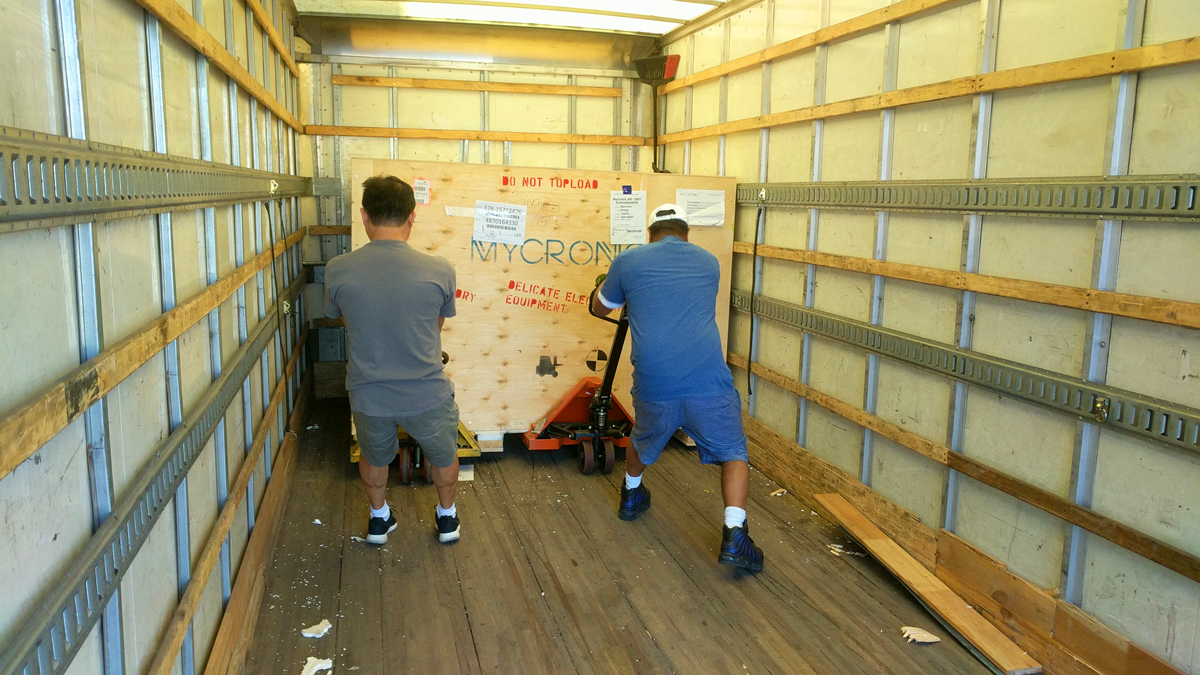
I am pretty happy with our current building, but one limitation is that we do not have any loading docks. The main crate for this shipment was over 6,000 pounds, so we needed to rent a much bigger forklift than our usual one. I stressed to the vendor and freight company that we do not have docks and that we would need the crate at the back of the trailer since the forklift would not be able to drive in. As you can see, the delivery arrived with our crates way in the front of the trailer.

Fortunately, the equipment rental company had run out of the more regular 10,000 pound forklift we had reserved and had sent us this beast instead:

Even then, reaching into the trailer to fish out the crate was more difficult than you might expect: everything has to line up just right, and there wasn’t much clearance between the top of that boom and the ceiling of the trailer.

Another complication was that the forks were shorter than the 6 feet we had ordered. We strapped the crate to the forklift and had the truck drive away, hoping the straps would hold.

Maybe the moms will object, but this picture sequence, especially that last picture, somehow reminds me of baby delivery. Once the big crate was out, we quickly unloaded the remaining six crates with pallet trucks in the trailer and our regular forklift. Even the big crate was much more manageable once we could pick it up from the side, and the stakes were much lower with it three inches off the ground instead of three feet off the ground.

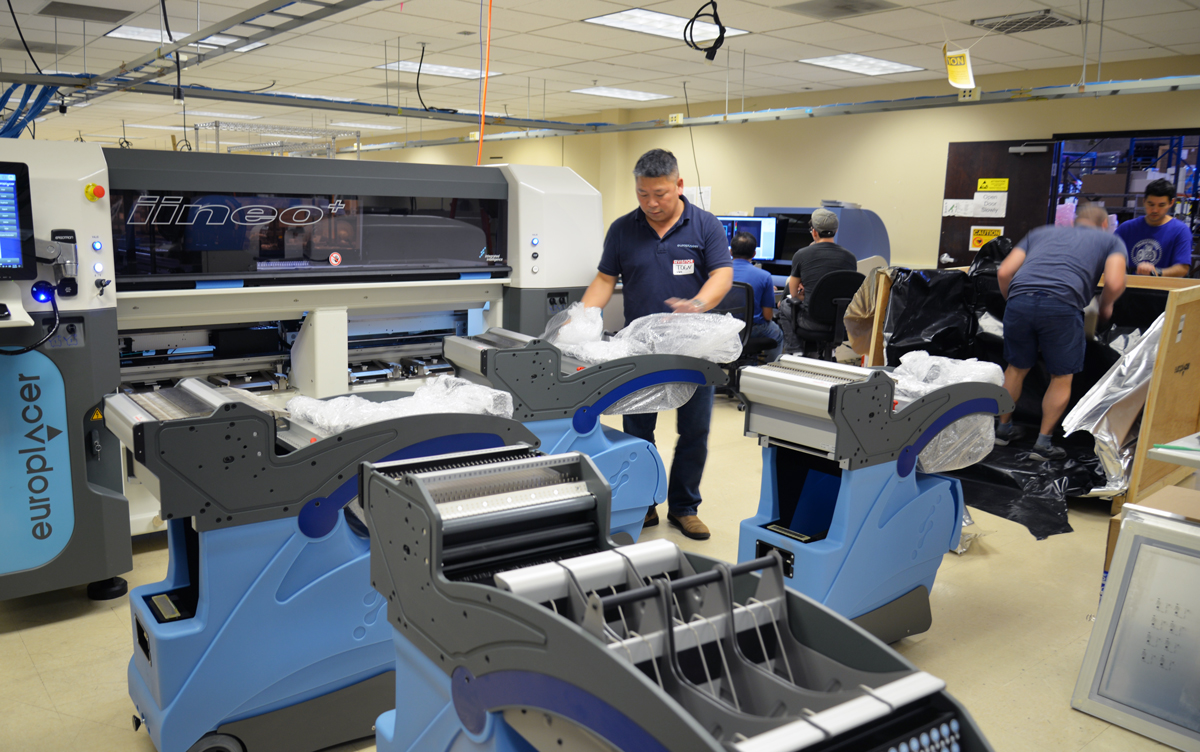
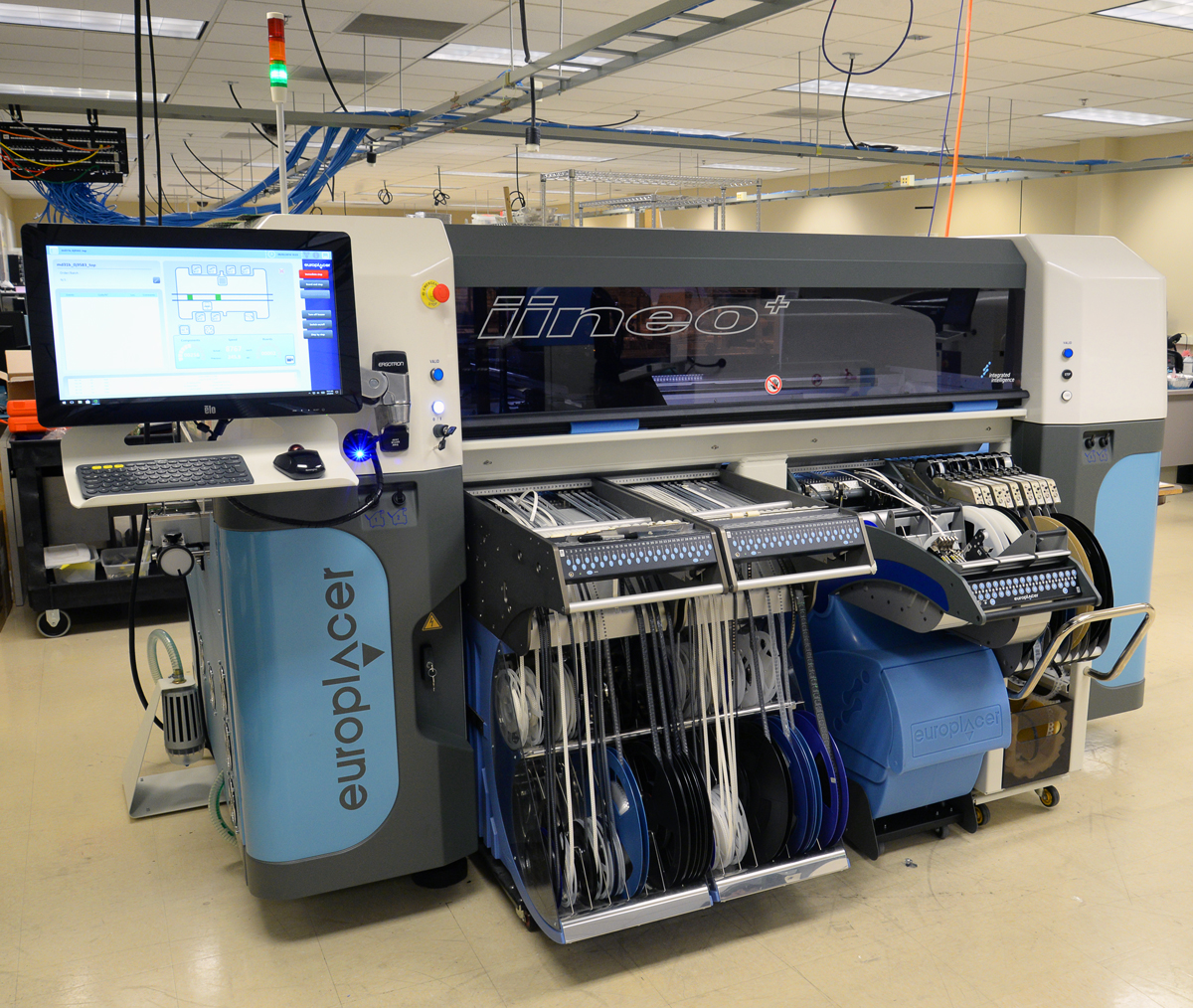
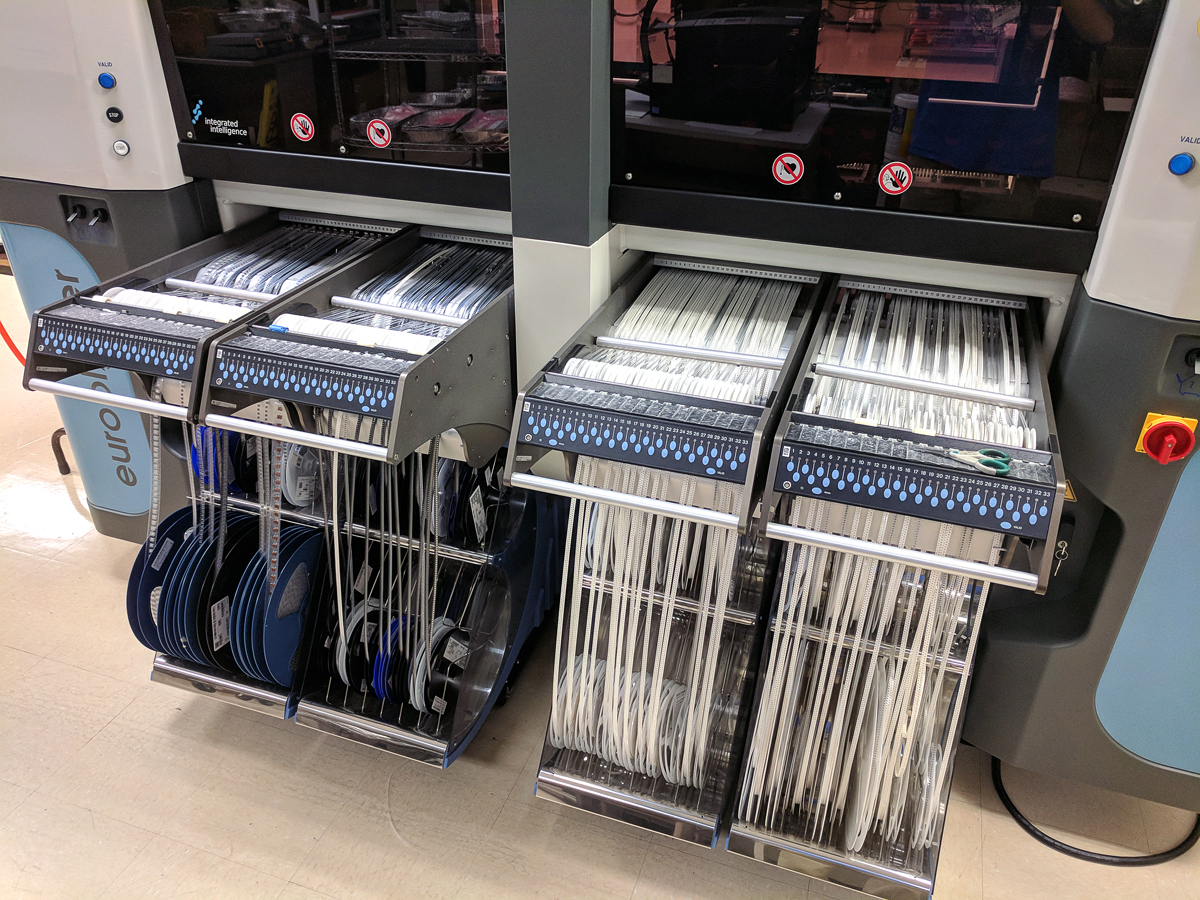
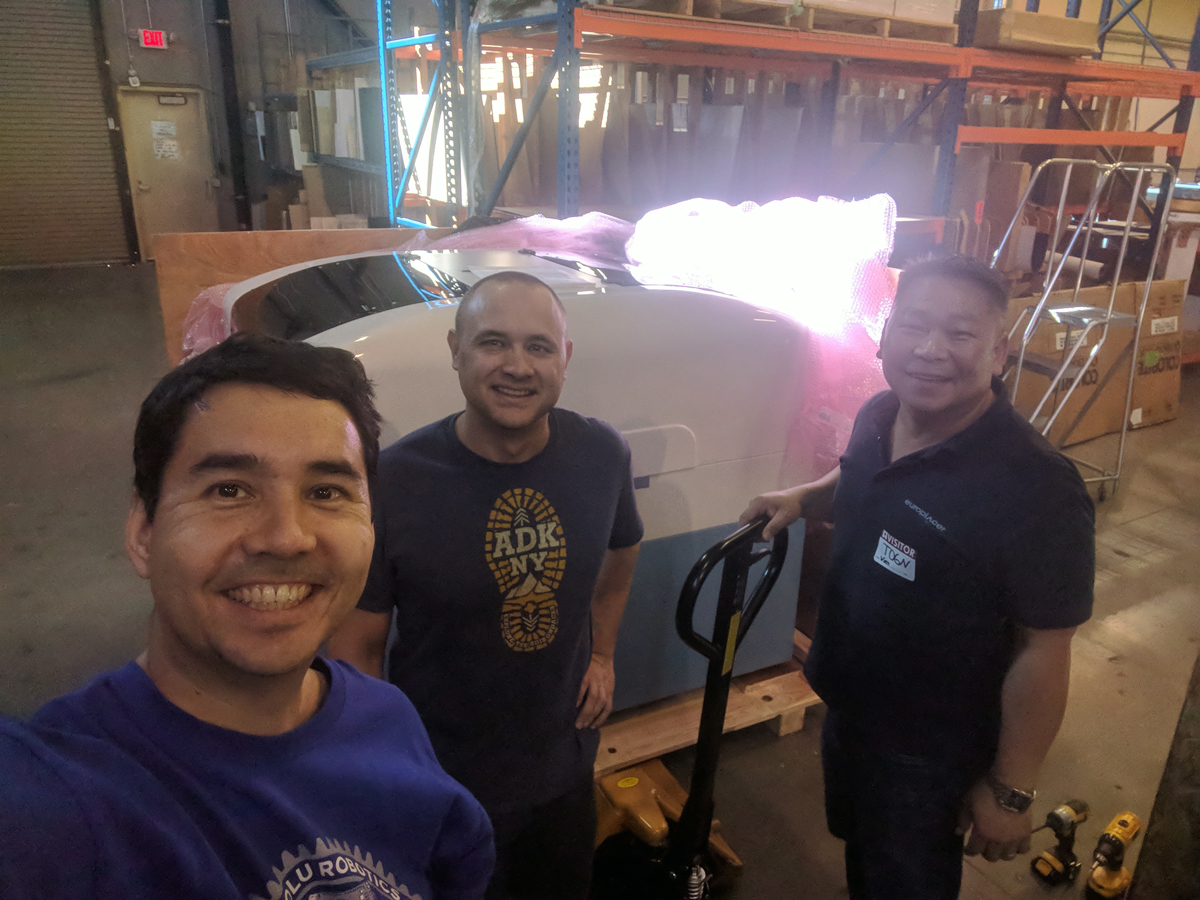
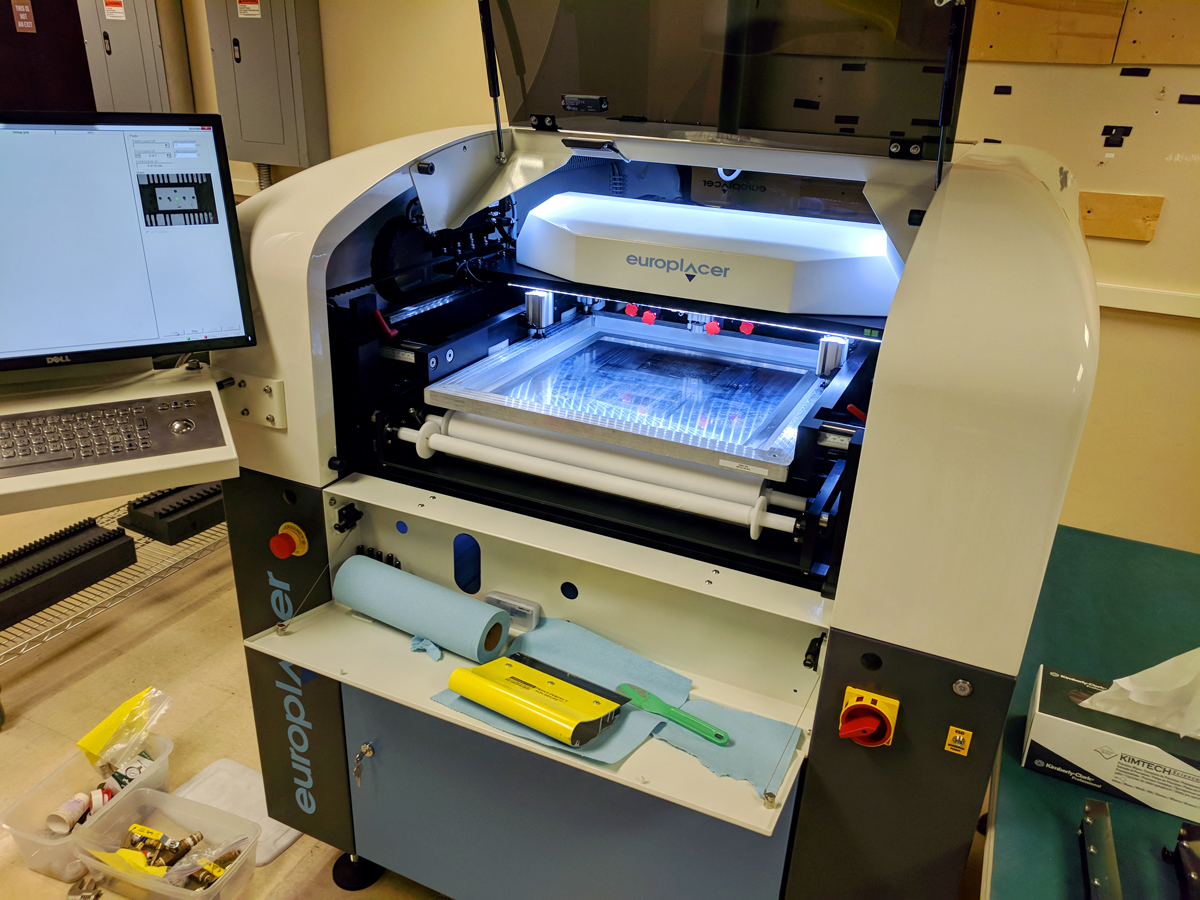
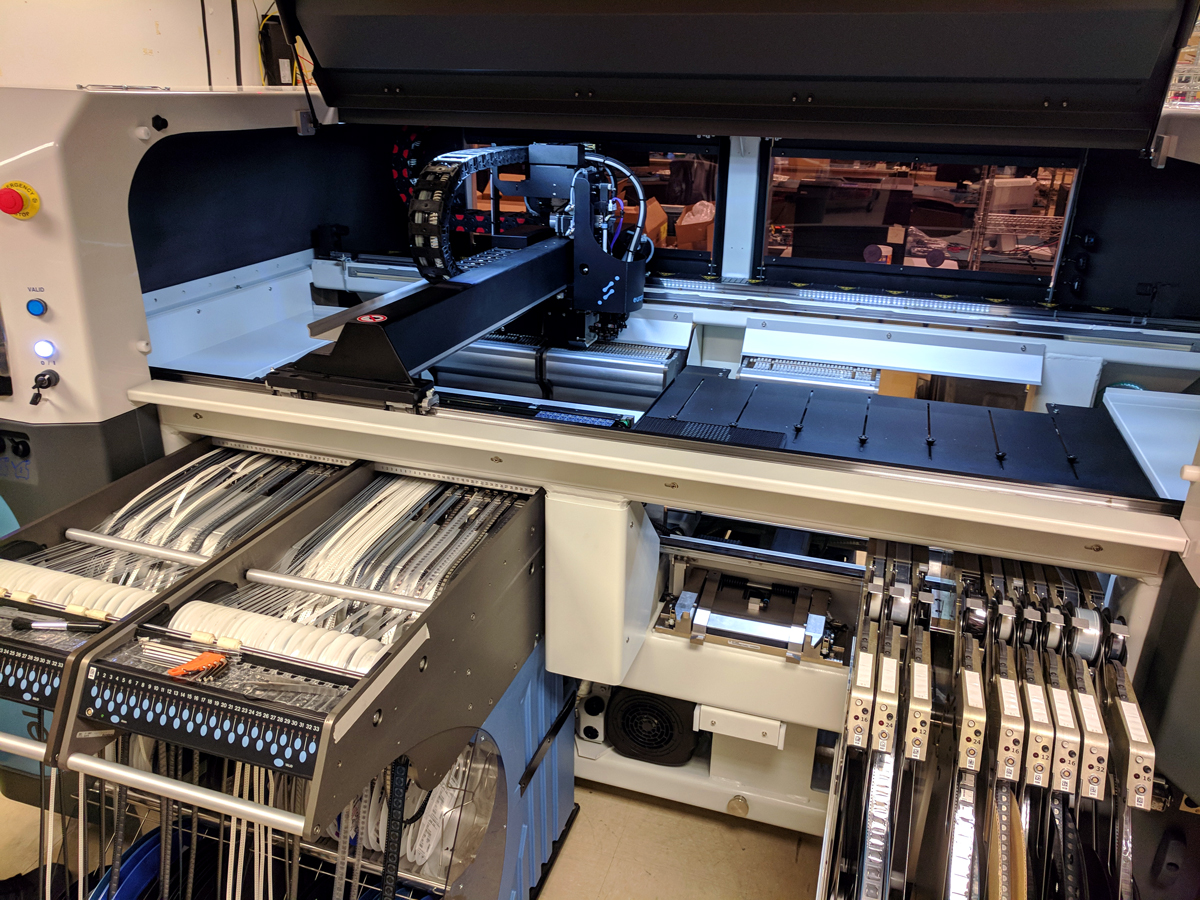
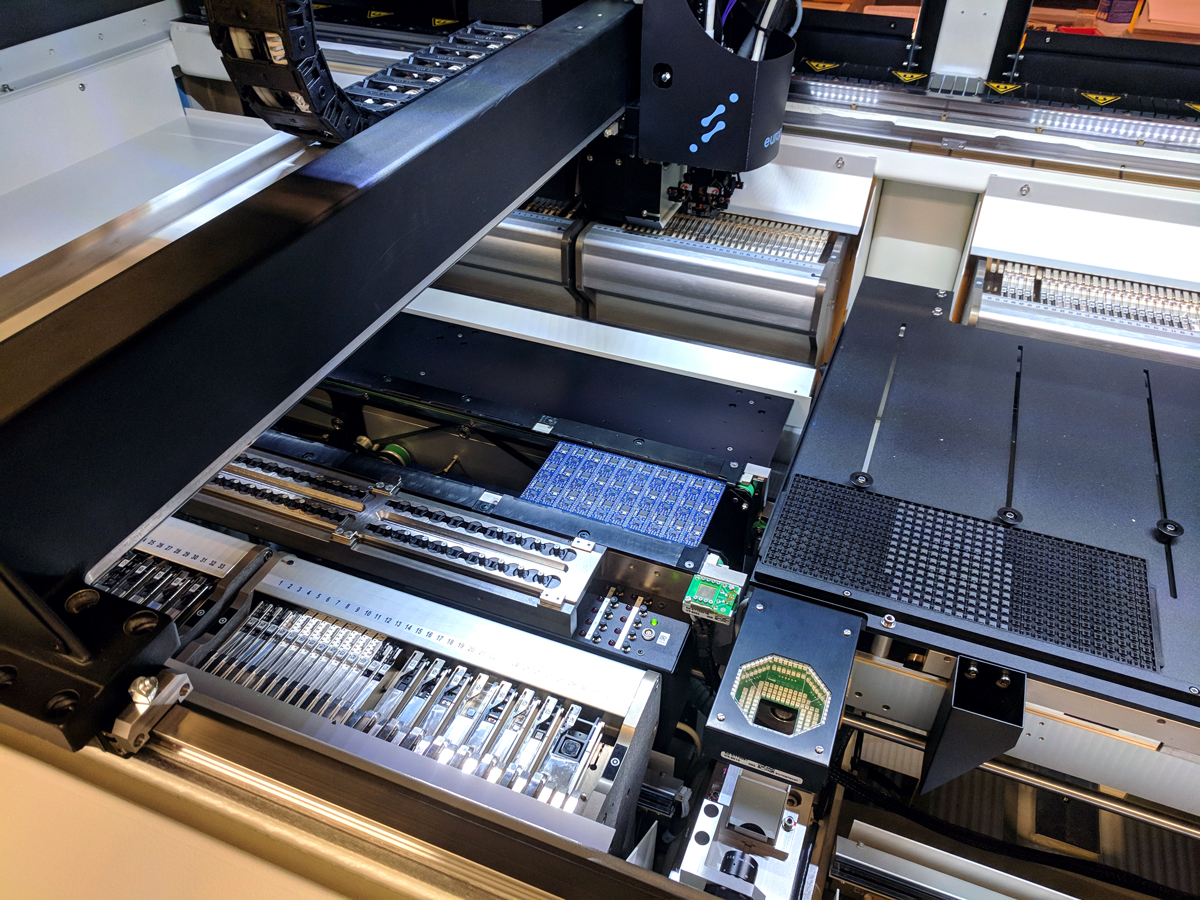
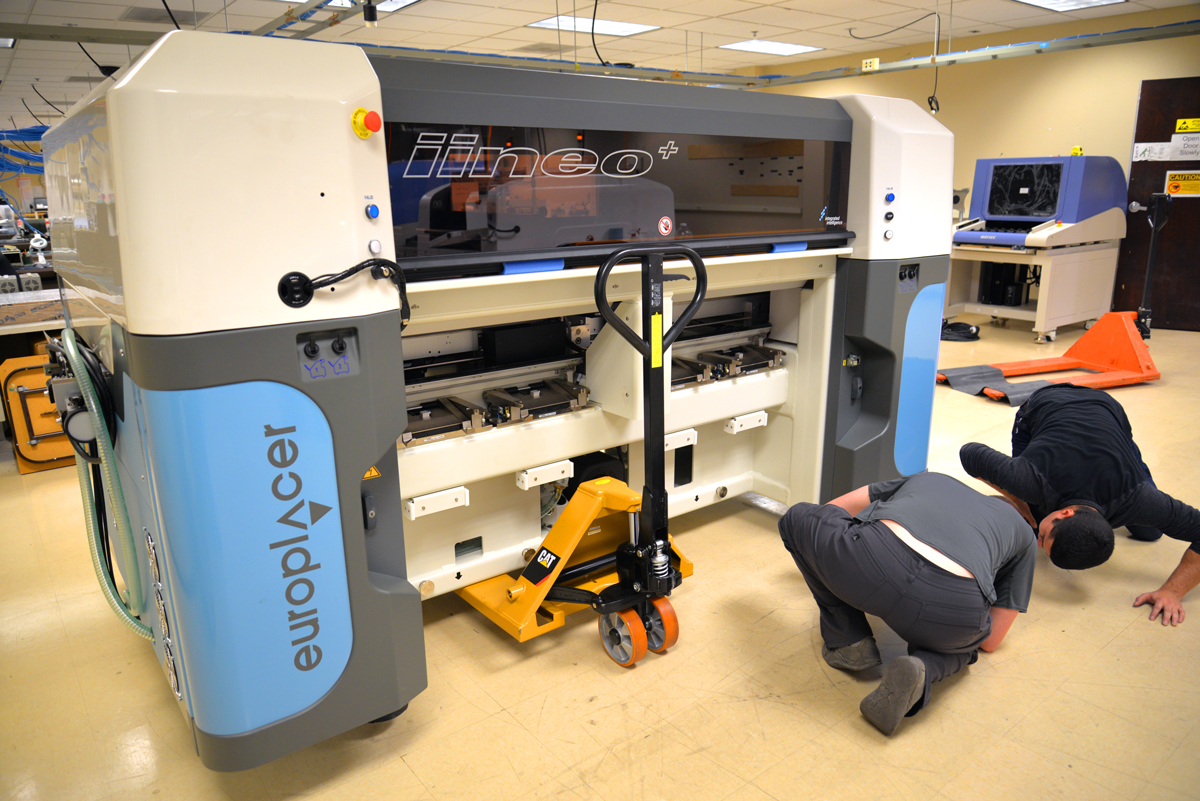
So, what was in the crate? A Europlacer iineo pick and place machine! (Or P&P, or P ‘n’ P, or PnP machine.)

Ben checking out the new pick and place machine.

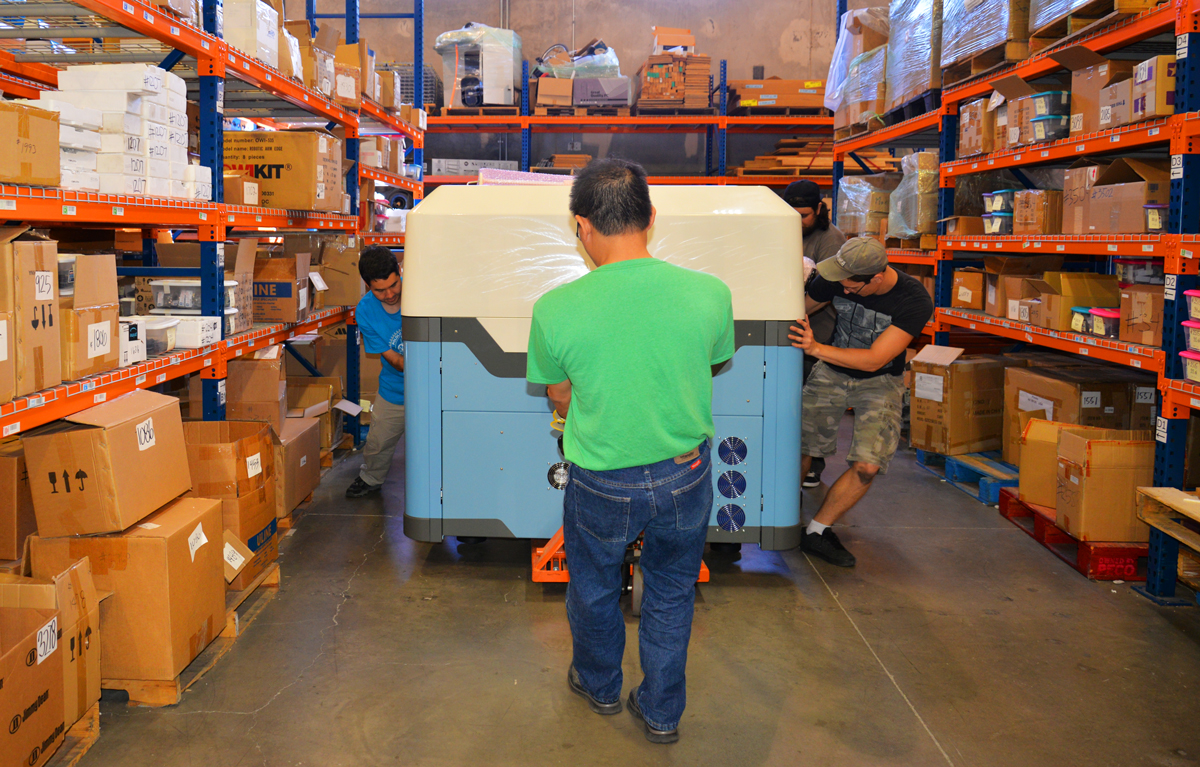
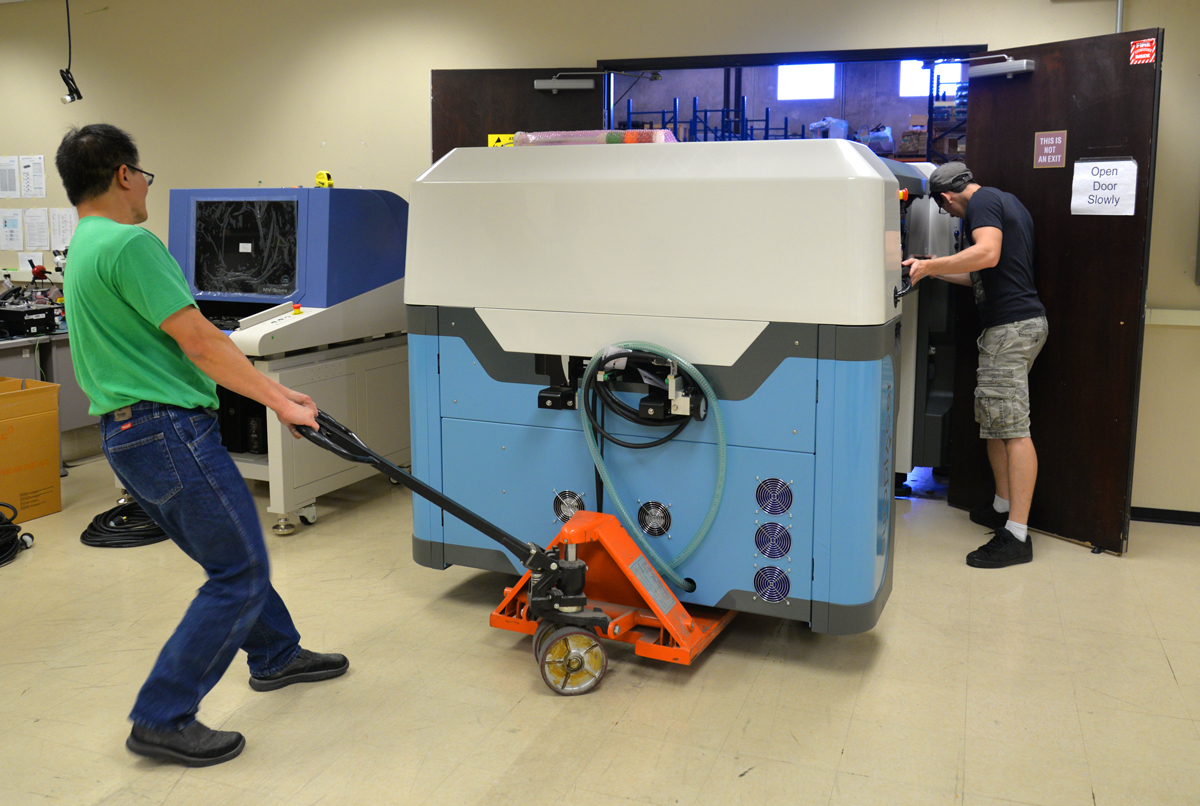
The big forklift was too big to maneuver inside the warehouse, so we had to drag the uncrated machine on pallet trucks for the final few hundred feet.

Transporting Europlacer pick and place machine through the warehouse.

It’s much easier when the machine is small enough to fit on our small forklift since our manufacturing room is right next to the warehouse.

Stencil printer being delivered right to manufacturing room.

However the equipment gets to the manufacturing room, final positioning is manual. The machine looked smaller once it was out of the crate in the warehouse, but it seemed a lot bigger again once it was in manufacturing.

Positioning Europlacer pick and place machine in manufacturing room.

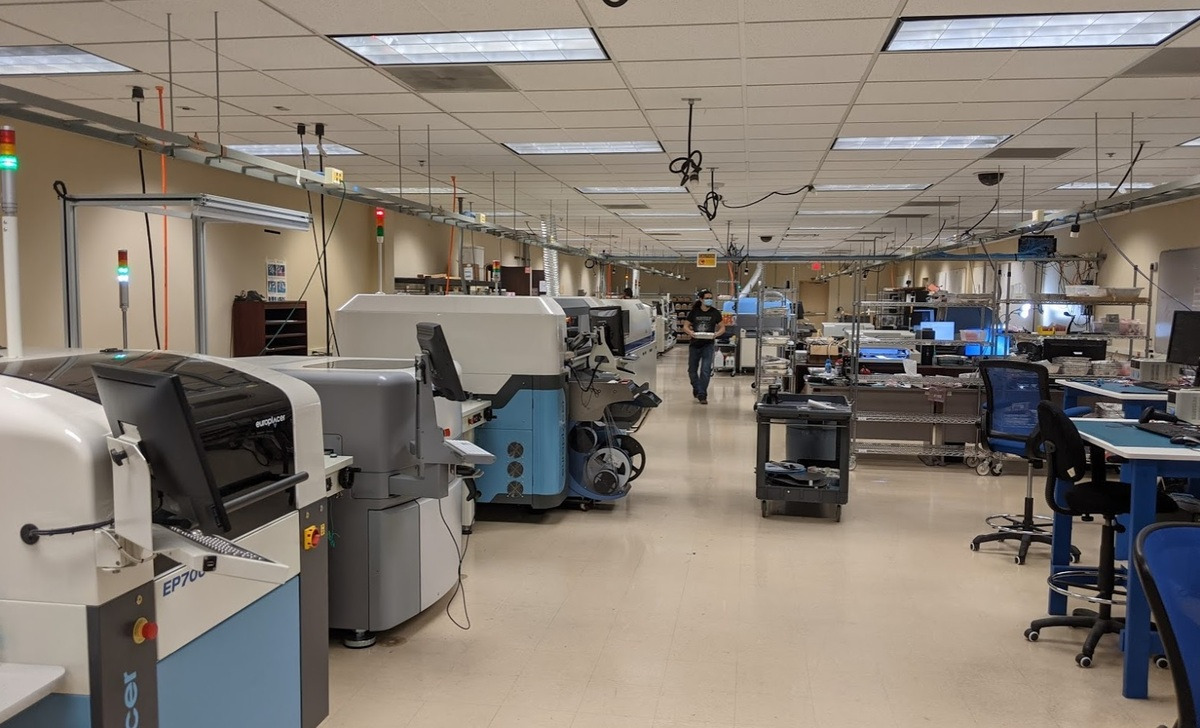
With a fully automated stencil printer and a conveyor in front of the pick and place machine, our production line is 32 feet long from the end receiving the bare boards to the end where assembled, soldered boards emerge. Aligning and leveling the five pieces of equipment took several hours. It didn’t help that the Europlacer arrived with a lower-than-standard conveyor height, which the manufacturer recommends because the machine is already so big. Because the feeders are all on little carts that also have to match the height of the P&P machine, we had to decide between raising the machine and all the carts or lowering the stencil printer, conveyors, and oven. We ended up opting for the lower line.

Aligning the Europlacer electronics manufacturing line.

Installation of Europlacer pick and place line.

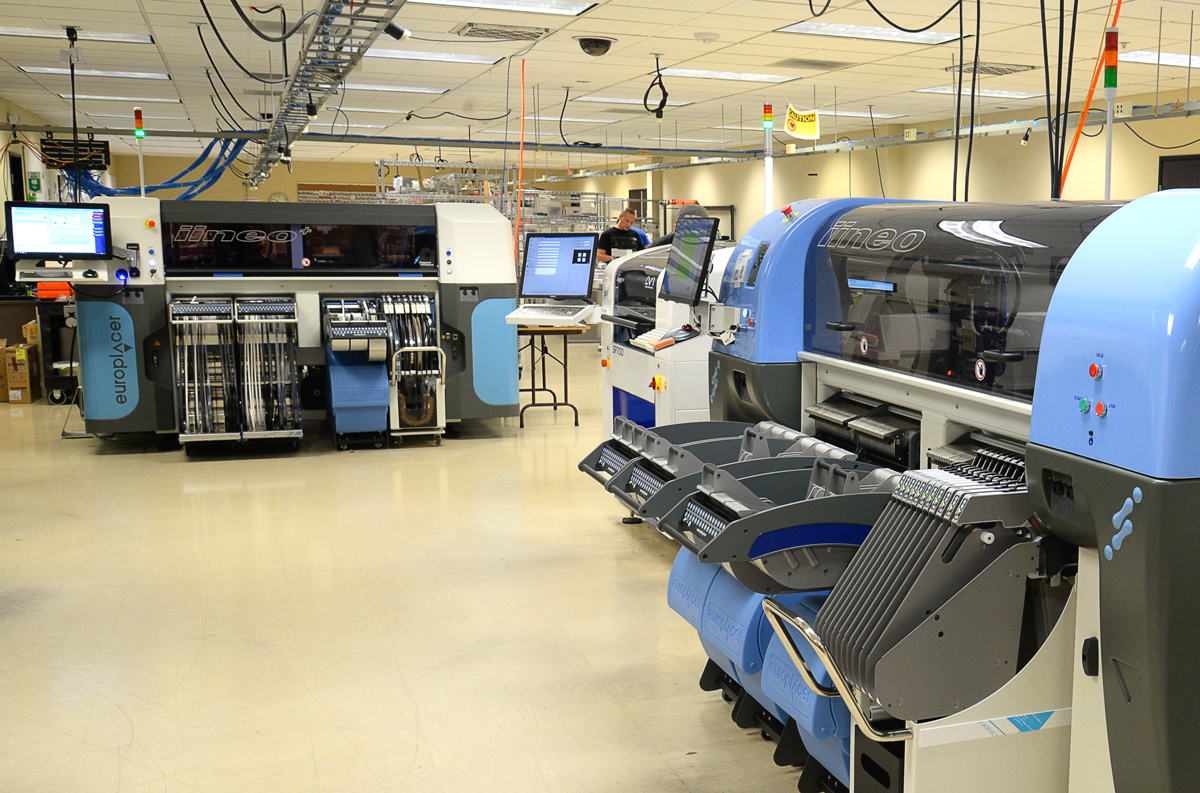
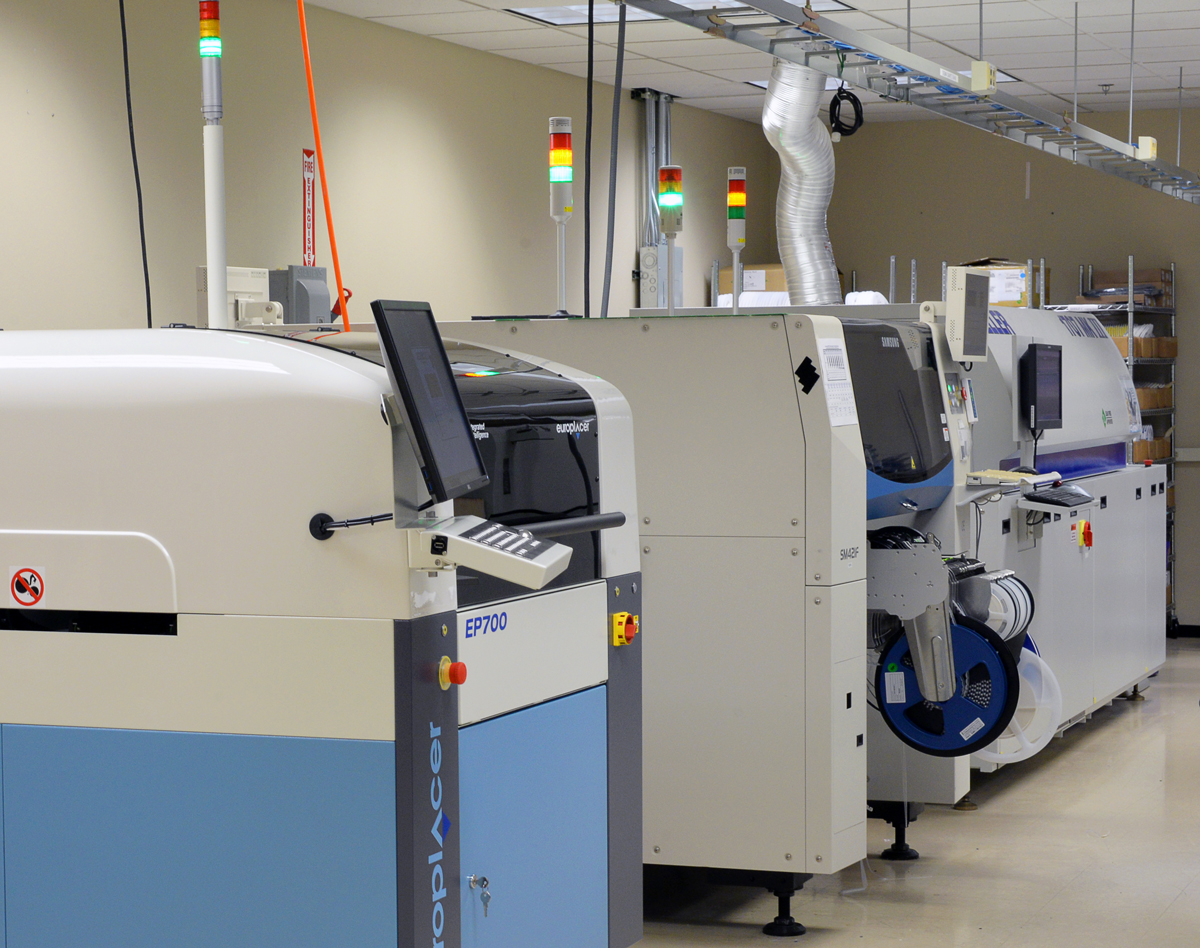
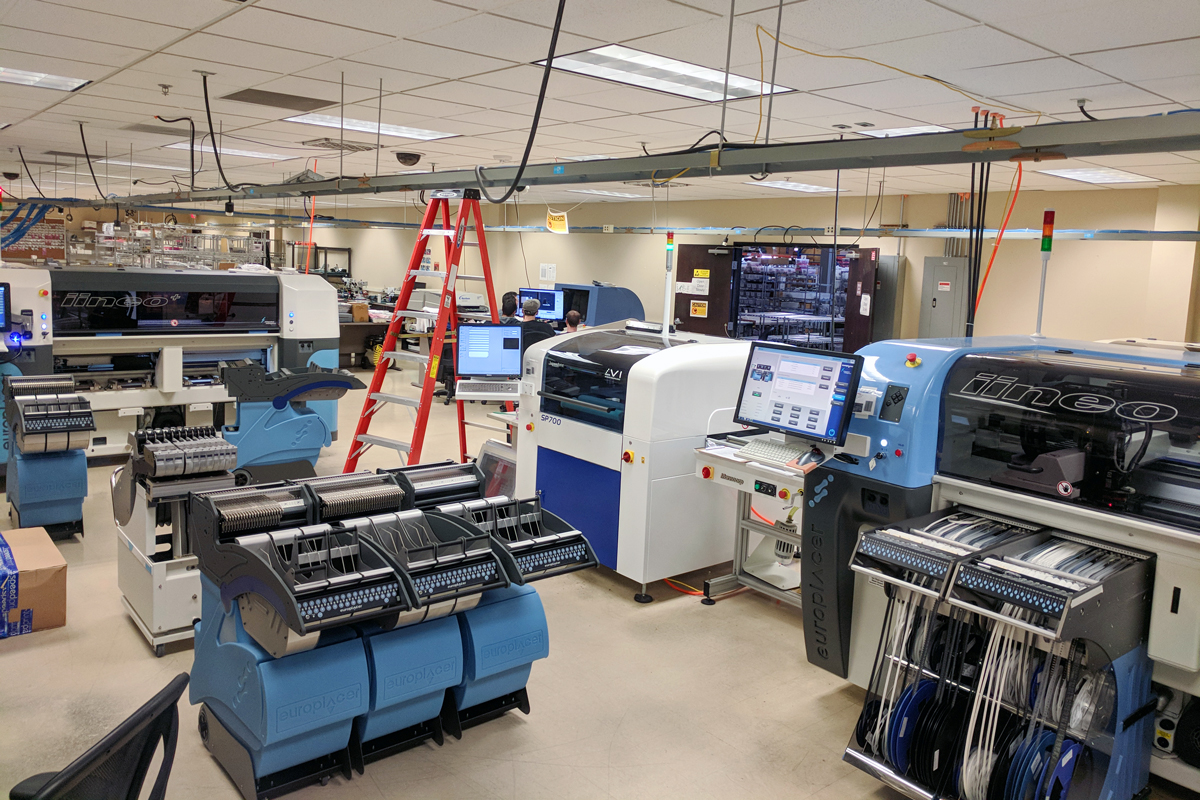
With our three older pick and place machines from Manncorp, including the first one that is now nine years old and still running, we are up to five P&P machines. Here is our complete Europlacer pick and place line, with the Samsung P&P line in the background:

From talking to various equipment vendors, I get the impression that my move of adding two completely different pick and place machines at the same time is somewhat unusual, though maybe that’s just each vendor preferring I buy two of their machines rather than keeping their competitor in the picture. My main reason for getting these two new machines is that they offer such different solutions to the basic problem of handling a wide variety of designs and component types. Every major aspect of the machines, from the design of the mounting heads to the philosophy behind the feeders, is about as different as I have seen. I believed both machines would fundamentally work, but one machine could be 30% better for us than the other, and we wouldn’t ever know it without trying them. Also, because the two machines are so different, I suspect each will be better for some kinds of board designs, giving us more optimization options.

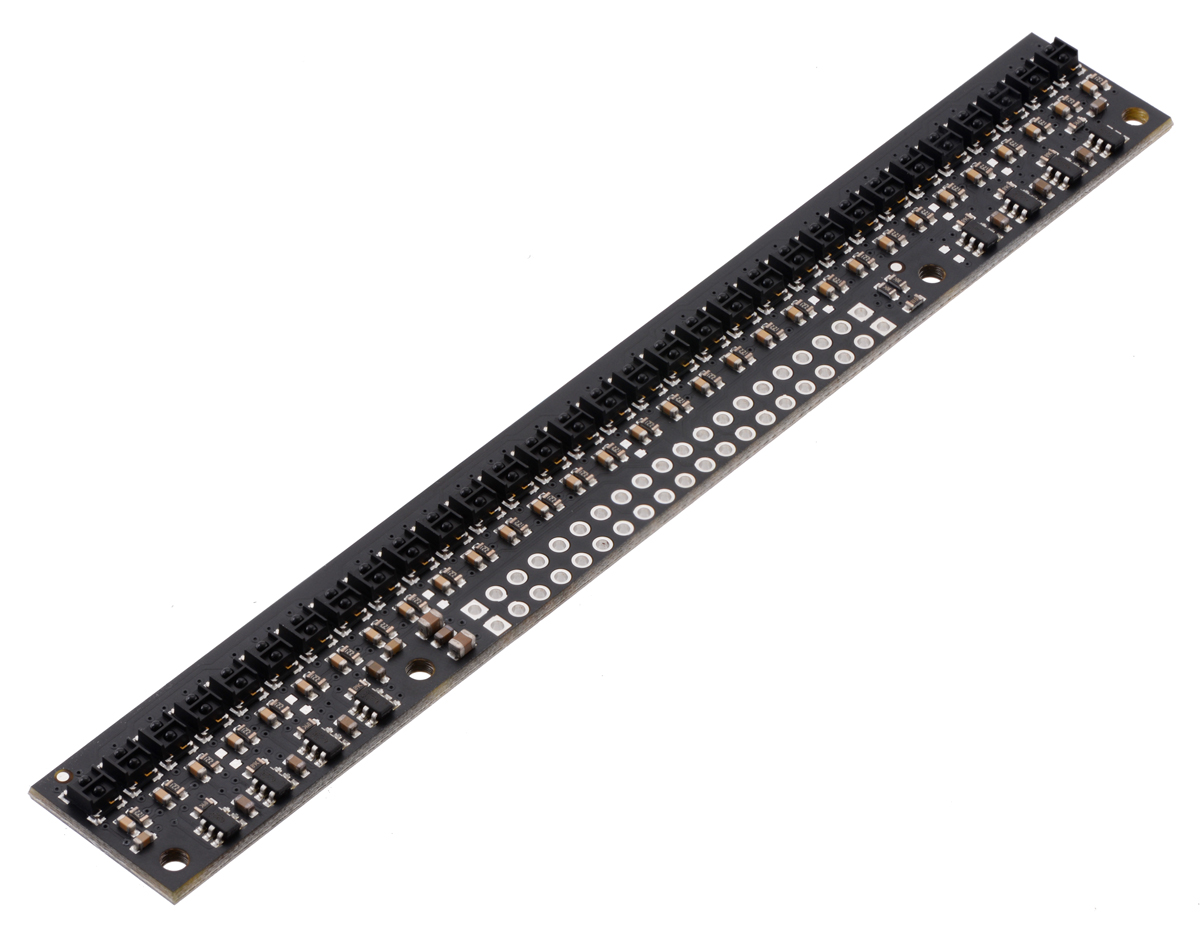
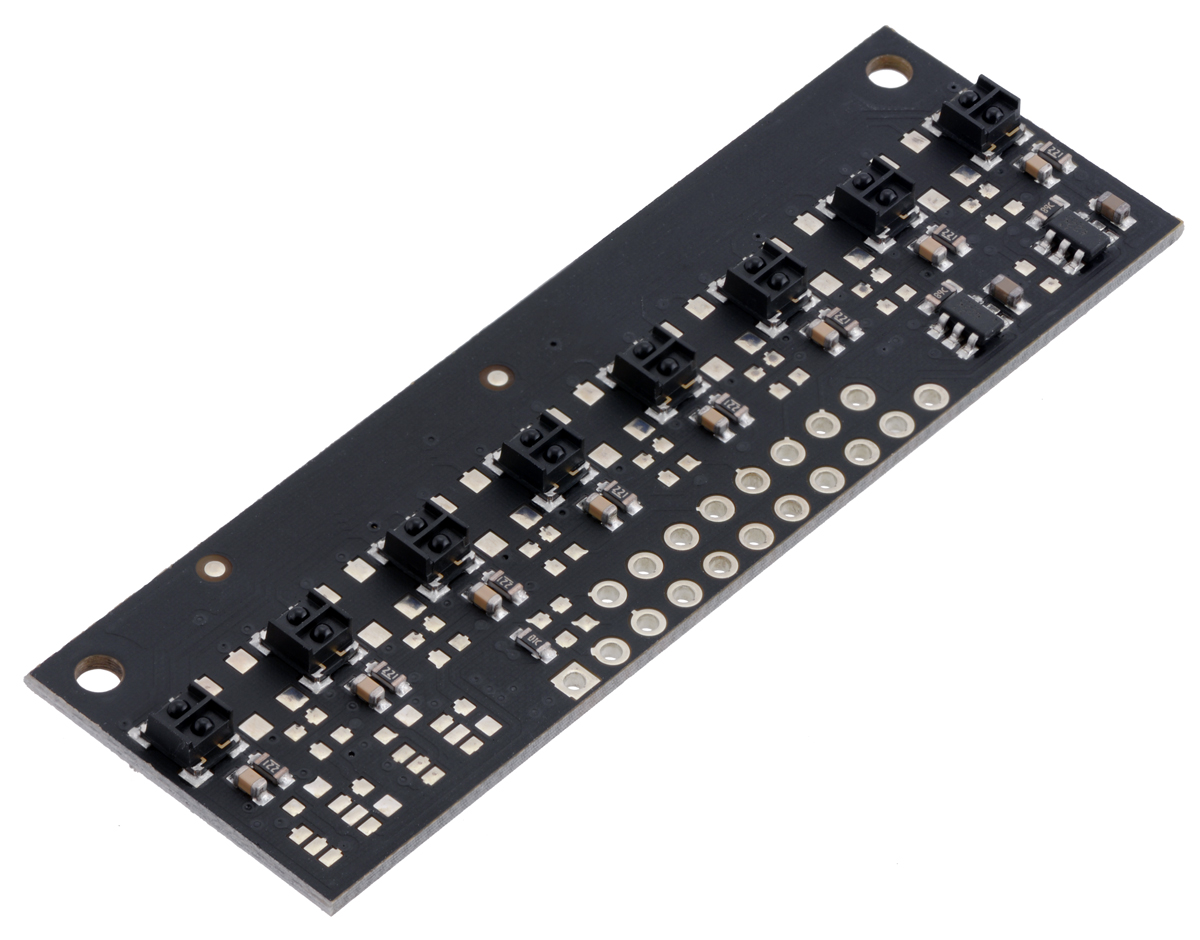
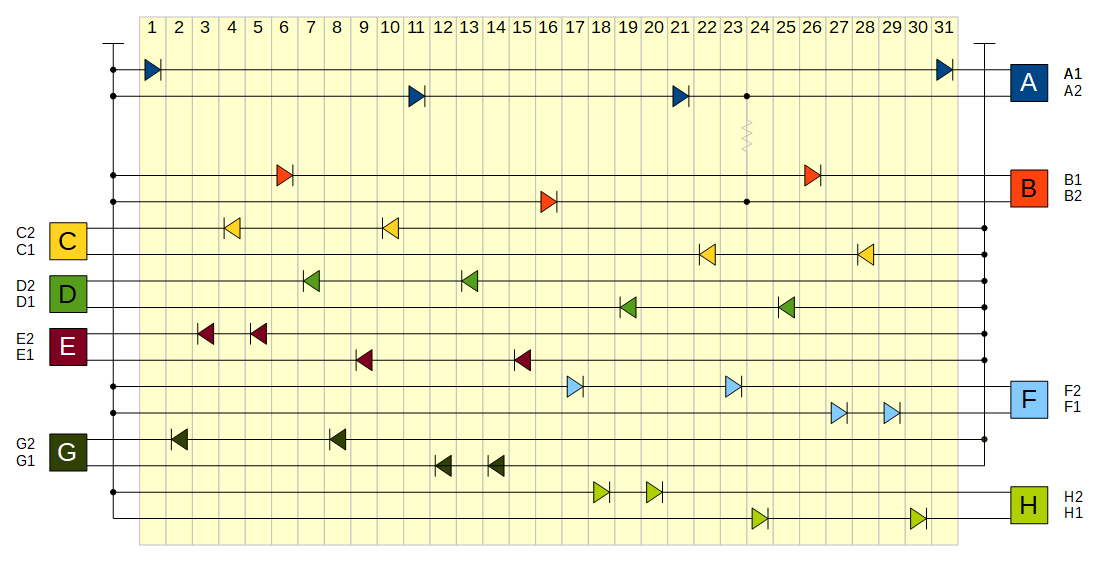
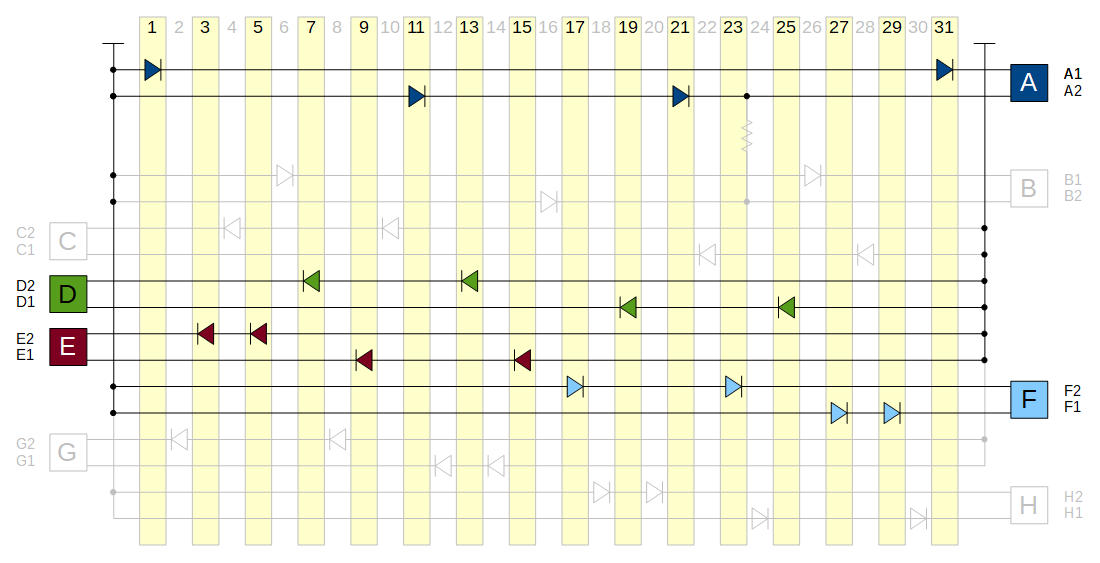
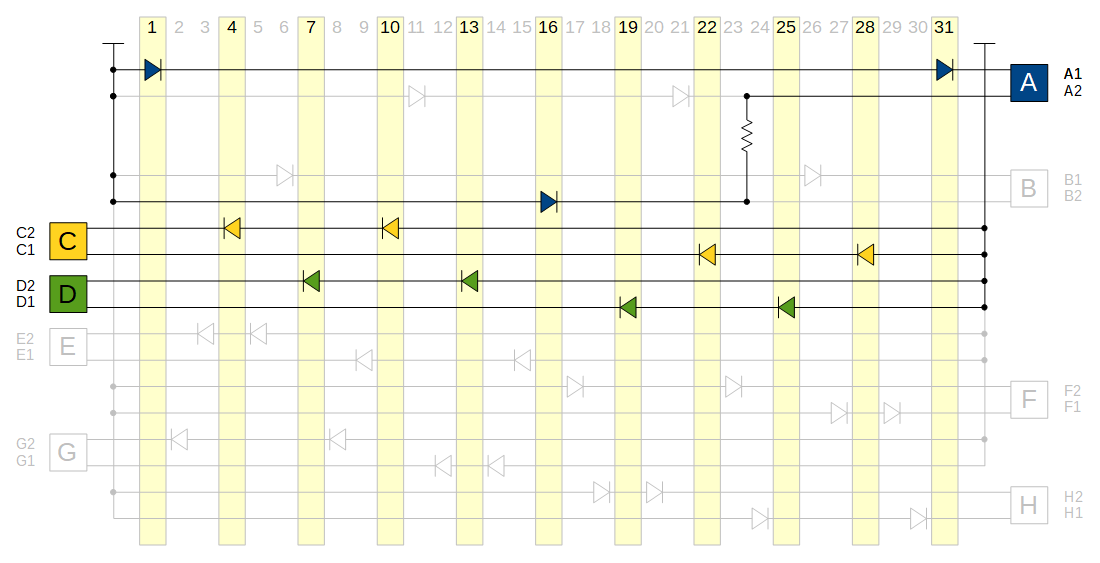
I do not have the statistics yet to give us some objective comparisons, but so far, we are very happy with both new pick and place machines. Here is a video of the Europlacer assembling our new Zumo reflectance sensor array:

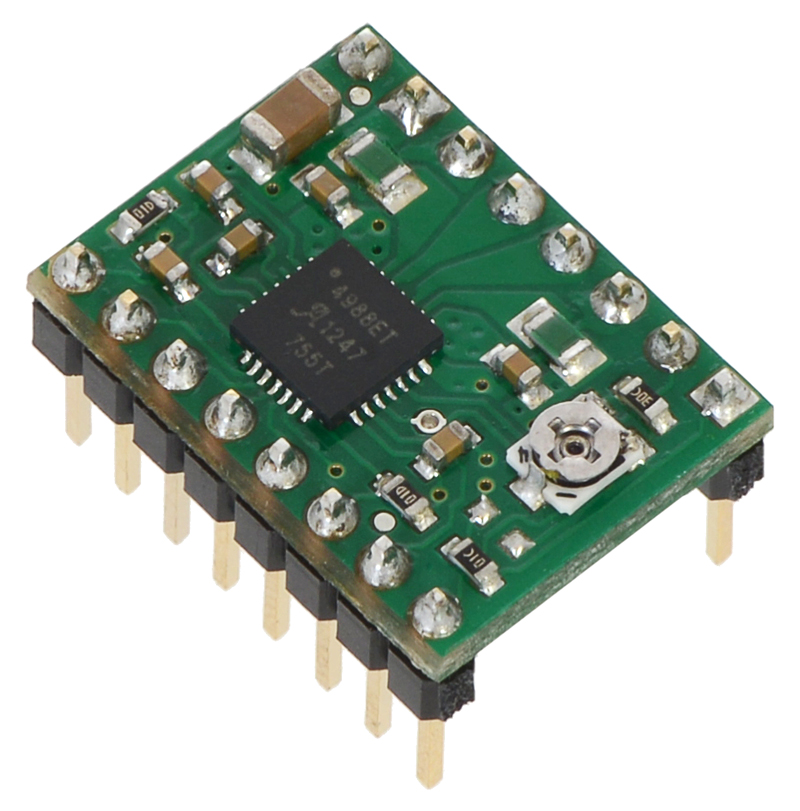
And, for comparison, here is the video from last time of the Samsung place machine assembling some A4988 stepper motor driver carriers:

]]>
Fri, 14 Dec 2012 13:22:43 PST http://www.pololu.com/blog/30 http://www.pololu.com/blog/30/meeting-with-governors-office-of-economic-development http://www.pololu.com/blog/30/meeting-with-governors-office-of-economic-development#comments Jan Meeting with Governor's Office of Economic Development I sort of had a meeting with the governor of Nevada this morning. I’m posting some notes about it mostly for others at Pololu, but maybe it will be interesting to other small businesses in Las Vegas. I probably should have been more prepared for the meeting; I still don’t know much about who was there or what exactly happened or what the stakes were, so a lot of my descriptions are kind of vague.

The background is that we are spending over a million dollars on new equipment (see some of it here; there’s more coming), and like most states, Nevada has some incentives for existing businesses to expand and for enticing out-of-state businesses to move. Nevada already has relatively low taxes, but one thing that hits us kind of hard is sales tax, which we have to pay on our equipment. One of the incentive programs is abatement of that sales tax from 8.1% to 2%, and that is the bulk of what we applied for. We applied through a separate organization that helps businesses apply for these programs. Our contact there said we should have no problem qualifying since we easily met the criteria, which included things like how much money we were spending and how many employees we were expecting to hire.

As part of the process, there is supposed to be a public meeting. The process is changing quite a bit right now: until recently, the idea was that someone from the company would do a presentation, but that is apparently getting phased out since every board member who votes on the abatement has the application packet with way more detail. The meeting was characterized to me as largely a formality since technically, there has to be some public hearing in which the public has an opportunity to comment or object. I asked our contact if anyone from the public ever actually showed up at these meetings and if I should expect any potential objections; he said he had never seen anything adversarial.

Candice, our VP of operations, had already been to a meeting two days ago in which the director of the Governor’s Office of Economic Development, which I think is the government division running this incentive program, got to ask any questions before formally recommending our application to the full board. Her meeting was maybe 20 minutes with only a few people, and she was asked, “How has Vegas been for you”, to which she had a basically content-less, 10-second response. So, I went in expecting approximately the same thing.

The meeting was at the Grant Sawyer Building in Las Vegas. On the top floor, there’s a governor’s office with a meeting room that gets teleconferenced to a larger meeting room in Carson City. I sat in a chair along the back edge of the room, which was just off the right side of this picture:

Governor’s office on 5th floor of Grant Sawyer Building in Las Vegas.

The camera in Carson City had a fairly wide-angle shot, so even though I wasn’t very far from the monitor, I could not tell if Governor Brian Sandoval was actually there or not.

The meeting had more people than I expected, with maybe twenty people in Vegas and a similar count in the remote room. It seemed like it was mostly people who knew each other, and they proceeded to have almost two hours of discussion about economic development in Nevada, details of some laws, how to have these meetings, and other boring stuff like that. At least it gave me a few clues about who some of the participants might be. Apparently, Nevada is very low or last among the states for these special incentives, but that is at least partly because the taxes are low to begin with. The last meeting this group had was apparently October 18th, so two hours to go over stuff didn’t seem that bad.

We finally got to the portion of the meeting where the company applications were considered. Pololu’s was the only one in Vegas, and there were two in Carson City. We went first. My contact gave a brief spiel about our company and application. I don’t remember exactly how this part went, but I think Governor Sandoval expected a presentation from me, at which point my contact said his understanding was that the protocol was changing and that companies were no longer doing presentations. But they still wanted to hear something from me, so they called me up to make some comments.

I think I started by unsmoothly saying, “hi”, and maybe waving into the camera before someone said I should say my name. Someone asked if I had something to say, so I commented on the earlier discussion about the incentive program: “I think it’s good for Nevada not to have a strong incentive program and to instead just have a good climate for all businesses. That way, I can focus on my business and not on knowing about the right government programs.” I think I said something along the lines of appreciating Nevada government not being too abusive. I’m not sure if I literally said “abusive government”, but someone in the room repeated it in a maybe amused, maybe questioning way, and I think the governor said something along the lines of taking it as a compliment.

One of the board members who was in the room with me started asking if we needed this incentive, basically questioning whether the $100k or so we were applying for would make any real difference. I said something to the effect that sure, not getting approved would not break us, but that for us it was still a significant amount of money that we could put into growing the business.

Then they voted on it, which I somehow was not expecting to happen on the spot like that. Two of the four board members in Vegas voted no, but we got approved 6-2. The portion of the meeting involving Pololu’s application took maybe 5 minutes.

Next up were the two companies in Carson City. These turned out to be from billion-dollar companies, video game maker Take-Two Interactive and another public company, Lincoln Electric (or maybe some smaller company that was being acquired by them). They had presentations ready. The governor thanked them for their comprehensive presentations. Their applications got approved 8-0.

The meeting ended soon after that, and I asked my contact if the two votes against us were typical. He said they were the first no votes he’d seen in seven years. I was wondering why, so I went against the contact’s advice and asked one of the board members why he voted no. We had a very nice conversation, and he was quite direct and frank with me, but I do not want to post exactly what he said or attribute things too specifically to him since my recollections are based on a mix of statements from many people.

At least it wasn’t because of what I said or how I was dressed. (Phone conversation last week in preparation for the meeting: “What should I wear?” “Just normal clothes: suit and tie.” “Oh, I don’t own a suit or tie. Should I get one for the meeting?” “No, just wear something nice.”) Basically, this whole program seems to be in flux. The first part of the meeting was about things like objective measures vs. discretion the committee had, whether businesses who were already in Nevada should be considered differently than those considering moving to Nevada, whether number of expected jobs created mattered more than health care benefits provided, and so on. My impression is that my participation in the meeting was still largely a formality and that the dissenting votes might have been some combination of protest against rubber stamping the applications and belief that Pololu would grow just fine without lowering our tax burden.

I hope we would have been just fine without the abatement, but it is a relief to have received it!

]]>

Mon, 19 Nov 2012 11:40:53 PST http://www.pololu.com/blog/29 http://www.pololu.com/blog/29/more-fun-machines-for-us-better-quality-and-lower-prices-for-you http://www.pololu.com/blog/29/more-fun-machines-for-us-better-quality-and-lower-prices-for-you#comments Jan More fun machines for us, better quality and lower prices for you As we head into what is traditionally a week of heavy discounting, I want to give a little update about some new equipment that will be a foundation for our long-term commitment both to lowering prices and increasing the quality and sophistication of our products. Plus, I figure these kinds of machines are fun for our customers to look at.

Unloading these big crates is a new challenge every time since they arrive on a variety of trucks that sometimes have other freight on them. The crates weigh several tons and the machines cost as a much as a decent house, so we really don’t want to drop one like we did last year. (It was just a few inches, and the machine was fine!) Here, the oven was on the back of a flatbed truck so it could just drive out from under the crate once the forklifts were supporting it.

Unloading the new reflow oven.

The oven is not as exciting as a pick and place machine, especially since it’s the same model as the one we got last year. But, while we can print solder paste and place parts by hand, the reflow soldering is one part of electronics manufacturing that we cannot do manually, so having two identical good ovens allows us to keep operating even if one of them goes down.

Moving new oven into position in manufacturing room.

We still have our older, smaller oven, so we can run three ovens at the same time if we ever want to.

New oven installation.

We have a more interesting new machine, so on to the next crate:

There’s a big new pick and place machine inside!

We are adding two new pick and place machines to our facility this year, and the first to arrive was the Samsung SM421F. One of our criteria for a new machine was high feeder capacity. Our designs are not that complicated, so the main reason we want the high feeder count is to allow us to keep many of the parts on the machine as we change from design to design. With a machine like this, we can also put the same component in several locations to increase production speed. However, since our designs tend to have relatively few components and our volumes are low, pure placement rate is less of a concern for us than being able to switch between designs quickly.

New pick and place machine installation and training.

A big selling point for us was the availability of an external tray changer that does not take up any regular feeder positions. On many machines, there is only room for one or two trays in the machine, and adding a tray changer might take up thirty or more feeder slots. With the tray changer, we can have twenty different trays and up to 120 tape feeders at the same time.

Tray changer for pick and place machine.

Speed is still nice, though. I expect this machine to be about as fast as our three older machines combined. The machine has four heads and a claimed top placement rate of over 16,000 parts per hour. Some preliminary results had us placing around 12,000 parts per hour on our designs (the average includes larger parts like integrated circuits, which we expect to be slower).

Samsung SM421F has four heads with flying vision.

Part of the appeal of the Samsung pick and place machine is that Samsung uses their own machines to build their electronics products. While the model we got is an entry-level unit, the basic platform is the same one being used around the world to make millions of products. Some of the competing pick and place machine manufacturers acknowledge Samsung’s workhorse performance but claim they make more sense in a mass production environment where the machines are churning out the same product 24 hours a day. The Samsung reps of course claimed otherwise, and so far, changing the machine’s setup has seemed reasonable. As I mentioned, the Samsung unit is just the first of two machines we are adding this year. The second machine is on its way and is supposed to be optimized for a high-mix environment like ours. I’ll post pictures of that once we have it here.

Rear view inside Samsung SM421F pick and place machine.

The new machines should allow for some interesting new developments for us and for our customers. On a basic level, tripling our manufacturing capacity reflects our commitment to manufacturing our products ourselves, but there is more to it than that. As our products have become more popular, we have seen various imitations or knock-offs appear. I have heard people in the open source hardware (OSHW) community argue that merely lowering prices is not a valid contribution (as opposed to modifying or improving the underlying design). I think those who deny the contribution of manufacturers who reduce prices undervalue the hard work and innovation required to produce products at ever lower prices. Perhaps some OSHW contributors just want to have their cake and eat it, too: they want the benefits and good feelings associated with contributing to open-source projects while wanting to maintain control of possible profits, sometimes through some not-so-open ways.

Well, I want to have my cake and eat it, too. As I mentioned in my thoughts on OSHW post, I think OSHW benefits those who are good at manufacturing but might not be so good at product design. The flip side of that is that those who are good at design and who open up their designs risk losing sales to more efficient manufacturers. So, my plan is to make Pololu very good at manufacturing our products. My goals in starting Pololu included making better products and making electronics and robotics more accessible to everyone by making those products affordable and by sharing how they work. I expect our new equipment investments to give us a big leg up in achieving those goals.

Happy Thanksgiving and happy Black Friday shopping!

November 20 update: here’s a short clip of the pick and place machine assembling some A4988 stepper motor driver carriers:

]]>

Tue, 05 Jun 2012 14:34:25 PST http://www.pololu.com/blog/28 http://www.pololu.com/blog/28/ten-years-in-las-vegas http://www.pololu.com/blog/28/ten-years-in-las-vegas#comments Jan Ten years in Las Vegas Starting with the move from our dorm to an apartment in Watertown, Massachusetts, Pololu has moved or expanded ten times. The most significant was our move to Las Vegas, which represented a commitment to doing this thing for real. This past Sunday was the 10-year anniversary of arriving in Las Vegas, so I figured I should commemorate it by putting up some old pictures.

Back then, Pololu was basically Candice and me, with some occasional remote help from Paul, who had not had enough of school yet. None of us had any connection to Las Vegas, but we wanted to avoid the cold, natural disasters, and oppressive government. With the added benefit of cheap housing, Las Vegas seemed like an easy place to at least try out. So, at the end of May 2002, we sold most of our stuff, mailed several boxes of stuff to an apartment we had found online, and crammed the rest of our stuff into a small Honda hatchback for a four-day drive across most of the continent.

Leaving Watertown, MA on 30 May 2002.

We actually fit quite a bit of stuff into that car, though having the passenger seat as far forward as possible made the trip rather uncomfortable. Note the soldering iron and power supply in the foreground.

First day in Las Vegas, 3 June 2002.

In those days, we did not even have orders every day, so eight orders in one day was a big deal.

Eight orders in a day used to be a lot.

We kept track of which states we shipped orders to. (We had a world map for tracking countries, too.)

Early on, we kept track of the states to which we had shipped orders.

At the end of 2002, we moved to a house; we ran Pololu out of it for all of 2003. We got our first laser cutter in 2003 and had it running out of the kitchen with the exhaust duct blowing into the back yard. Unfortunately, I can’t find a picture of that or much else from 2003.

We operated Pololu out of our house for all of 2003.

By late 2003, it became clear that we had to move to a commercial space. First, we apparently were not allowed to have employees in our house, and second, we needed a space in which we could better run electronics production equipment. Our first commercial space, which we moved to in early 2004, was a little under 1,500 square feet, split about evenly between one big office space and a warehouse.

Soon after we moved there, we started holding LVBots meetings at our office, which we still do today.

Probably the first LVBots meeting on 22 February 2004.

Paul occasionally visited to help set up computer and web stuff and to see what we were up to.

Paul, Candice, and Jan in April 2004.
Checking out the new pick and place machine in April 2004.

We have not bothered putting up signs at our last two locations, but for our first real location and with our own laser cutters, it seemed like the appropriate thing to do.

Sign parts laid out in the office, June 2004.
Jan putting up sign number 1, June 2004.

We were excited enough about it that with our corner location, we put up two signs.

Candice putting up sign number 2, June 2004.
Signs on first Pololu commercial space, June 2004.

In that first year operating from a commercial space, we went to events like Robothon, where our table was right next to SparkFun’s.

Robothon booth, September 2004.

In late 2004, we moved to a larger suite in the same office park. It worked out well because the move was only a few hundred yards, so we could just pull our machines there on pallet trucks. Our neighbors to both sides happened to move out with good timing so that we gradually expanded over most of the building, from 3,000 square feet to 7,500. Candice and I got individual offices and a separate lab space, but office pictures all look mostly the same. Here’s a shot of our warehouse at the end of 2006:

Suite 12-D warehouse, last day of 2006.

Ben, my best friend from high school, moved to Las Vegas around then to join the company.

Candice and Ben in Suite 12-D lab, May 2007.

Meanwhile, Paul was finally finishing up his Ph. D. in a different kind of lab.

Paul in Caltech lab, February 2007.

He and his wife finally joined us full time in the summer of 2007.

Paul and Fang, August 2007.

By the end of 2007, there were almost 15 of us.

Birthday party, October 2007.

I said the office pictures basically look the same, but this building picture is a little special. One day of snow in ten years was about right. Right now, that’s the last building on which we had a sign. After we scraped the two signs off the first building, we had enough good parts for one sign. With the hassle of putting up and removing signs, the rate at which we were moving, and our limited local business, it hasn’t seemed worth it to put up a sign again.

Snow on 17 December 2008.

And, just to have one recent picture for comparison, here we are, working hard at our most recent Christmas party in our new building (there are some pictures of our current space here and here). The break room is larger than our first office space.

Pololu Christmas party 2011.

]]>
Thu, 26 Apr 2012 13:11:01 PST http://www.pololu.com/blog/27 http://www.pololu.com/blog/27/thoughts-on-open-source-hardware http://www.pololu.com/blog/27/thoughts-on-open-source-hardware#comments Jan Thoughts on Open-Source Hardware

As open-source hardware (OSHW) has become more prominent over the past five years or so, I have heard questions about where I or Pololu stand on the subject. Most recently, I got into a bit of a discussion with Phillip Torrone of Make and Adafruit on one of his blog posts, and his questions and subsequent interview pushed me to try to organize some of my thoughts about OSHW. Because there are many aspects to OSHW, I don’t have a simple conclusion like, “It’s great!” or “It’s the future!” or “Pololu will never release an OSHW product.”. I am skeptical of some of the claims by OSHW proponents and of the significance of the more organized aspects of the OSHW movement. However, what is going on is very significant to me because it affects Pololu’s business and involves issues I care about a lot, such as freedom, creating things, and education.

Since I will be making claims and speculating about the motives of others, I should start by giving you some idea of my background so you can better judge my biases and honesty. Without any significance to the order, here is some information about me and Pololu in three general categories: my knowledge of OSHW, business and OSHW interaction, and personal philosophy.

Knowledge of OSHW issues

  • I have not followed the OSHW movement carefully. Now and then, I read some article about it and look at the comments.
  • Most of my impression of OSHW comes from a few companies that are involved and that are similar to Pololu, such as Sparkfun, Adafruit, and Parallax.
  • I have read only a few OSHW licenses or definitions, and I do not know whether they were initial proposals or are widely used and accepted.
  • I know little about copyright, patent, and other intellectual property law, especially outside the US.
  • I do not know much about open-source software.

Business-related conflicts of interest

  • Pololu products are used in several OSHW projects.
  • Several OSHW products compete with Pololu products.
  • OSHW-related companies like the ones I listed above tend to be Pololu competitors, suppliers, and distributors. I am sometimes annoyed or disappointed in some details of how they do things, but I think they make the world better and are operated by hard-working people with good intentions. Plus, I prefer to be on good terms with them, so I am less inclined to criticize them publicly.
  • I have very little knowledge of Pololu customers and what they do; I know anecdotally that some Pololu customers like OSHW and some dislike it. I have no clue about what any particular stance on OSHW will do to customers’ impression of Pololu. I prefer for them to think Pololu is great.

Personal beliefs and biases

  • My work and my life should not be separate and both should be a manifestation of my personal values.
  • After working on understanding and presenting my values for most of my life, I’m still working on it. The most important things to me are, in order: truth, the human individual, and beauty. For the purposes of this discussion, valuing truth leads to valuing dissemination of knowledge, valuing truth and the human individual require valuing personal freedom and justice, and valuing the human individual and beauty imply valuing creation.
  • I want to be awesome. I want to make the world a better place. I want to earn the admiration of people who know me, but I do not necessarily want a lot of people to know me. I would rather be in a cool world where I can contribute little or get little credit than to contribute a lot or get a lot of credit in a crappy world.
  • I want to make stuff for $10 that I can sell you for $100 that will have $1000 of value to you.
  • Very few creations succeed because of a great idea; most great creations depend on many good ideas and attention to many details.
  • Intellectual property is not a morally valid construct. This is a big topic of its own, but I’ll try to briefly present my perspective. My father escaped from communist Czechoslovakia when he was eighteen; he instilled in me a love of freedom. I think a lot of the problems in the world come from people thinking it’s okay to force others to do things, especially when that force is coming from a democratic society. Physical property must be protected since exclusivity is inherent in physical things (I no longer have something if you take it from me) and the rights to the result of your own work are fundamental to basic freedom. That is not the case with intellectual property: the primary purpose of that construct is to forcibly prevent people from doing things. If I invent a wheel, of course I would rather you give me something in exchange for my making you one, but it is not right for me to go beat you up or destroy your wheel if you make one yourself. Besides being immoral, intellectual property is also empirically bad for society; however, that should not really be relevant to the discussion, just as consideration of economic costs should be irrelevant when considering the morality of slavery.

Initial reaction to OHSW and its organizers: what is their motive?

With those general biases out in the open, I will move on to more specific biases that are likely to turn up when topics related to OSHW come up. I am skeptical, as are many others, whenever claims are made about things being free or almost free. “What’s the catch?” or “it must not be worth much if it’s free” might be the initial response to anything unexpectedly free or open, not just OSHW designs. My skepticism goes up even more when people try to control something that seems almost free. Why is it so difficult to give things away?

I think I get the basic motivation. Some people are happy just to let others use their ideas, and it’s easier to contribute to a project if you think your work will benefit a general, open community rather than a restrictive organization. And, as people become aware of the possibility of getting design files for hardware they buy, the “open-source hardware” term becomes a marketing point that unscrupulous organizations might abuse to sucker in new customers. So, it helps to come up with some standard of what OSHW is:

The problem with even this simple view is that different entities have different motivations when it comes to making OSHW designs. The meaning of any particular OSHW definition is diluted if every organization uses a different definition, so there will be pressure on a “the” OSHW definition to accommodate more organizations by relaxing the standard to a point where membership is large enough to be meaningful. Purists will want to pull the line as much to the open side as possible, and those wanting the benefits of an OSHW label without wanting to give up control of their product will want to pull the line to the restricted side.

Of course, there is no simple “openness” axis. Things get much more complicated if we expand our view to just two axes, say, how restricted use of the design is (e.g. non-commercial only, for educational institutions only, etc.) and how restricted understanding of the design is (e.g. all the component identifications are scratched off, schematic is provided, all source files and an explanation of operation is provided):

The red Xs show where a few kinds of designs might be: a patented design should give full disclosure of how it works, but uses the power of the government to restrict the use of the design; at the other extreme, a design might use a commonly-understood circuit but hide what circuit is being used. The task of the OSHW definers becomes more difficult the more axes are considered because different organizations will want to pull each spot along the boundary in different directions. Pololu sells products out where the Xs are, and given that we have not specifically tried to release open-source hardware products, it’s no surprise that we are well outside the OSHW line. But if we do move toward an OSHW release of a non-trivial design, chances are that we will move toward the line gradually, rather than jumping completely across it, so it is important to know where it is.

Of course, that’s if we care about “the” definition of OSHW, which brings me back to the basic motivation question; the more difficult it is to define this notion of OSHW meaningfully, the more I wonder why people are trying to do it. As I see it, there are three main types of interested parties: non-commercial consumers and contributors, the standard-setting organization(s), and commercial consumers and contributors.

Non-commercial consumers and contributors

By non-commercial, I mean those who are not really financially involved, who are not trying to make money in any way related to OSHW. They might buy the OSHW products they use, and the openness aspect might influence their purchase, but ultimately, they’re in it for fun or to learn something. By consumer, I am imagining someone who uses the OSHW product in a separate (possibly non-OSHW) project, whose interaction with the product might not be different than if it were a closed-source product. By contributors, I mean those for whom the OSHW project is their project; these people want to specifically advance the project. Of course, someone who initially starts out being just a consumer might get drawn into the project and contribute to it, and a contributor could be the sole creator of the project.

For the non-commercial consumer, OSHW makes complete sense. All else being equal, having access to the source documents only gives the user more options. I like knowing how things work and how some designer chose to do something. I am happy that my pick-and-place machines came with schematic diagrams. However, as I will get to later, all else is usually not equal, so I do not think automatically giving priority to OSHW designs is wise.

The non-commercial contributor is the one to whom I would most unequivocally advocate OSHW. If you are designing something for fun or to better yourself, sharing your work is a great way to go. Presenting your design to others usually forces you to consider more aspects of your design more analytically and lets you get more feedback about your work. Some people think that they might be giving up control of some great idea, but as I said earlier, I think that it is extremely rare for just an idea or even an initial design to be worth much. If you are just doing a project for fun or personal satisfaction, think of how rewarding it will be to see others get something out of your work. People also tend to have the reaction that they are getting gypped if someone else makes money off of their idea instead of them, but the reality is that the other person still has to put a lot of effort into making money off your work, and you still would not have gotten anything out of it if you had kept your work to yourself.

The standard-setting organizations

This is the role I can relate to or understand the least, at least for those who are in it purely out of principle. It’s easier to understand the participation of the commercial organizations, and I’ll get to them in the next section. I am automatically wary of those who profess their unsolicited representation of others; they make me think of politicians and class-action lawyers. I guess I would be more comfortable if the advocacy organization said, “Here are our values, come stand with us.”; the impression I get is that it’s more of a, “We represent you guys, what should our values be?” sort of thing. But some amount of asking for feedback about one’s values is reasonable, so maybe my impression is wrong.

One other point with an advocacy organization is that if they advocate for something I don’t support, they only make the world worse. This is unlike a company that produces things but has views I disagree with; the negative is offset by their contributing value to the world. With something like the newly formed OSHWA, I’ll have to wait and see what they do. I would support efforts to reduce axiomatic acceptance of intellectual property as a good construct; but, I am afraid that other, anti-freedom messages might get mixed in. For instance, I routinely get an anti-capitalist vibe when looking into OSHW stuff. Then again, people might think my anti-intellectual property stance is anti-capitalist.

Commercial consumers and contributors

Commercial participation is crucial to making the OSHW movement relevant. People whose livelihoods are at stake are in general going to be more serious and dedicated than those who are involved as a hobby, but with hardware in particular, significant financial commitments are necessary to actually make the end product. But what kind of company would want to give away their designs?

While a cynical answer might be, “a company whose designs aren’t worth anything”, the general answer is: a company whose primary means of making money is something other than creating the designs. The companies that most push for the free proliferation of the designs are those that offer complementary products or services; common examples are companies whose primary business is manufacturing the OSHW designs and companies that make proprietary components in those designs. There’s nothing wrong with that, and it’s also not new: integrated circuit manufacturers have long supplied application notes and reference designs showing how to use their products.

Watching the emergence of some OSHW companies, I suspect that it’s fairly common to somewhat unintentionally evolve from contributor to consumer along this path:

  1. An individual or small group designs some project as a non-commercial pursuit.
  2. The project gains traction, and encouraged by its popularity, the primary designers invest in manufacturing of the product. This might start out as minimally as ordering a batch of PCBs and giving extra copies away.
  3. The initial investment further propels the project, and the designer starts getting some money out of the project. He cannot just keep giving away the PCBs, so he charges some nominal fee to cover his expenses.
  4. With money coming in, it’s easier to justify more investment. Maybe the designer might buy a batch of parts to get a quantity discount or even get some boards assembled. If there is a group of initial designers involved, they might register themselves as a legal organization to separate personal finances from those of the project. It’s fun: their baby is taking off, the project is paying for itself, and an appreciative community wishes them well.
  5. And just like that, the initial designer is in the business of manufacturing the OSHW product. There is enough of a community that occasional design improvements get made, but the initial designer is primarily involved with the logistics of manufacturing and supporting the product. Although he is manufacturing a product, he has gone from contributor to consumer of the design.

And that’s where the open-source motivations stop being so pure. If the product is popular enough, others will want to produce it without contributing to the design, and they might be better at manufacturing than the original designer. If the original creator wants to stay involved, he has to invest even more in manufacturing to get an edge there or try to gain some kind of control over the design. Things I have seen on that front include moves toward less-open licenses (e.g. non-commercial) and embracing branding and trademarks to stake out ownership of a project. While there’s nothing wrong with that if the designers are up front about it, I wonder what effect seeing projects get more restrictive will have on the enthusiasm of future independent contributors.

The other kind of OSHW-supporting manufacturer is one that makes many not-particularly-notable designs. Sparkfun and Adafruit probably fit in that category, and that’s probably where Pololu would be if our products were open-source. While there might be varying levels of design effort and competence from company to company and even product to product, the underlying acknowledgment is that there is not all that much advanced design to the product. The products might also incorporate components that the company has an advantage in sourcing.

There might also be a viable business model in becoming a good contract manufacturer to the OSHW community (and maybe that’s what some of the aforementioned companies are trying to do). A company could develop a good low-volume, flexible manufacturing system, and then seed a bunch of products with minimal designs that work well with the company’s manufacturing processes. The company’s design and engineering staff would focus on transferring new independent open projects into formats that work well for the company. It seems like it could be a win-win, with independent designers getting to do the fun part of designing, and the manufacturing company not really having to invest a lot in design. But, the company would still be doing contract manufacturing, which I think is a tough business, and I am skeptical that there are enough benefits to open-source hardware to give the company a competitive edge.

The virtuoso

Before I move on to address potential benefits of OSHW, I want to throw out one other thought about motivation. I think people just like being good at stuff, and that relates to open source in two ways. The basic one is that releasing source documents can be a way of showing the world the glory of your design. I think some also have the hubristic desire to show exactly what they’re doing and still do it better than anyone else. I have heard smart people claim that it’s fine to release all their designs because they would only be of use to those that are behind them, anyway. I doubt that they will all always be one step ahead of everyone else.

It is awesome that a composer and pianist like Franz Liszt could write down his creations and 150 years later, people still devote themselves to replicating (“interpreting”, say the professionals) his pieces and probably cannot perform them as well as he did. Magic tricks are kind of like that, too, in that they blow me away the most when the illusionist tells me exactly what impossible thing he’s about to do before doing it. Of course, we know the magician is usually cheating a bit, in the sense that he’s actually not doing exactly what he’s saying; I think OSHW companies have to be careful about not doing what they say, too.

Benefits of open-source hardware

Some basic, immediate benefits of open-source hardware are obvious. Anyone who interacts with an OSHW-related project or product always has the option of ignoring the extra information that would not be available in a closed-source equivalent, so any extra benefit, no matter how small, would give the overall edge to the OSHW alternative. I don’t think there’s much controversy regarding the basic benefits, but I’ll list them here for completeness (and maybe someone can point out ones I’m missing):

  • The source documents are the ultimate documentation of what a design actually is (and good documentation is an important part of a good product).
  • Open source allows more people to scrutinize a design and catch mistakes, again leading to better products.
  • Making a product open-source puts pressure on the price to be low: if someone starts charging too much for it, others can step in and make it available cheaper.
  • Open-source products put competitive pressure on proprietary products.
  • Open-source products give users confidence that a design will be available even if the original manufacturer ceases production, increasing use of the product.
  • If a manufacturer actually does cease production, customers counting on continued availability aren’t as screwed if the product is open-source.
  • Open-source products enable more customization and therefore use of a design. For instance, I might want $1,000 to add a special feature for you to one of Pololu’s servo controllers; that price might not be worth it to you. If the design were public, you might find someone that can do the modification for you for $500.
  • Open-source products allow original designers and manufacturers to benefit from their customers’ enthusiasm and effectively get cheap design work, testing, consultation, etc..
  • If there is a vocal open-source community, making your design open could help with spreading the word about a product. (Though that benefit will get diluted the more mainstream OSHW becomes.)
  • There is educational value to seeing how a design really works. Open-source design makes people more aware and appreciative of how things work, which is good for society.
  • If an idea or design is good, maximizing its proliferation and minimizing barriers to its use will maximize society’s benefit.

I started drifting away from immediate benefits to more theoretical, philosophical benefits toward the end there. And I think the main problem skeptics have with OSHW is that the immediate reality does not match the optimistic claims (and it’s not clear that that will change any time soon). In my mentions of the open-source alternative being a no-brainer for a consumer, I qualified them with phrases like “equivalent” and “all else being equal”. But from what I’ve seen, OSHW products tend to have more mistakes, worse engineering in general, worse documentation, worse availability, and not necessarily better pricing than similar proprietary products.

I see two main reasons OSHW does not live up to its claimed potential: the source documents tend to have little value as a starting point for anything other than very minor changes, and there are other large barriers to meaningful participation. These issues are especially important because they distinguish open-source hardware from open-source software, which I think many OSHW proponents look to as evidence of feasibility.

Barriers to meaningful participation

A common criticism of OSHW is that it’s really not that open because it’s based on proprietary components and uses proprietary software. Of course, that does not have to be the case, but it’s very relevant to anything Pololu might release. All of our PCB designs are done in Altium Designer, which right now costs around $5,500 per seat. We have paid Altium tens of thousands of dollars over the years because we really think it’s much better than cheap or free alternatives. If we wanted to be open-source, we would have to decide whether to dumb down our internal development by switching to inferior software or to release documents that are not really that accessible. (I realize that in itself is not an argument for not releasing what we have, but it substantially weakens the motivation for doing so.)

But something like accessibility of the software to look at the source is not the main problem, which is that because we are talking about physical things, you actually have to have stuff and spend a lot of money to participate; knowledge and understanding are not enough. For example, in the open-source software world, if there is a flaw in an application you are using, and no one else cares about it enough, all you need is understanding of the software to fix it yourself. You can (almost) immediately verify if your modification worked and then use the new and improved application. In contrast, with hardware, you cannot immediately go from fixing the design in the abstract to having the fixed real product. To get the benefit of your fix, you also have to go through all of production, from ordering new PCBs and components to assembling the device. For anything but the most basic designs with basic technology, that just isn’t feasible.

Thermal image of the top side of the dual VNH5019 motor driver shield during one of our current tests.

When you do get your hands on a physical copy of the device being developed, validation and troubleshooting of advanced products is still expensive and beyond the means of most individuals. Even for relatively basic products, we use tens of thousands of dollars’ worth of equipment like oscilloscopes, current probes, and thermal imagers to make sure our products work. If we made the designs open, most users would not have the means to contribute at the level necessary to be meaningful, and if a more advanced organization were to improve on the design (maybe using X-ray analysis, EMI testing, whatever), we would no longer be able to contribute much, either. In other words, contributors need to be peers or approximately equals in resources or capabilities to be able to contribute meaningfully; however, with hardware, dissemination of information alone is not sufficient to make them equals. I suspect that any decently advanced OSHW product that sees meaningful advancement or improvement will evolve into a less and less accessible design.

Difficulty in merging branches

The other major shortcoming I see in the OSHW vision is that specific hardware implementations are difficult to merge. With that software fix example I used earlier, getting the modification back into some main version of the software is probably relatively simple. (I’m not talking about changes that might cause subtle problems elsewhere; that kind of problem can show up in hardware, too.) With appropriately designed software, you can tack on huge modules because the connections are logical. With hardware, it’s not enough to put two designs side-by-side and say, “these nets should be connected”; you will almost certainly have to reroute all kinds of other connections to make it possible. Therefore, the source documents are very limited starting points for derivative works.

This is not just hypothetical; it’s the reality even for our own designs where we obviously have all of the source information available. For instance, we have simple carrier boards for a compass chip and a gyro chip:

When we then took the obvious next step of putting both chips on one board for a 9-axis IMU, the source documents for the first two boards were basically irrelevant. There was not too much to the schematic in the first place, but once we decided what we wanted the circuit to be, it was easier to just make a new project from scratch. Things could maybe be a little different if there were a really capable autoplacer and autorouter that could just lay out the PCB for us once we gave it the concept of the design, but I don’t think any existing software could make anything close to our human design:

As with the barriers to participation problem, this limited usefulness of the source files for anything more than trivial changes is not in itself a reason not to release our designs, but it severely undercuts the motivation for doing so.

Conclusion

So, what is Pololu going to do as far as open-source hardware? I don’t really know. One of the subjects I have not directly addressed is whether it would be bad for Pololu to switch to an open-source approach. Even though I listed a bunch of benefits to OSHW, it’s obviously better for our customers to have the option to buy our closed-source products than not to have the products exist at all because we went out of business. I know that if we went out of business, I would want to release everything so that it would continue to exist and to give some last benefit to the customers that have supported us over the years.

Ultimately, I don’t have a good way of judging what open-sourcing our products would do to our business, and it seems like a difficult decision to take back. If you’ve read this far, I’d like to hear what you think. How does making or not making our products open affect your relationship with Pololu, even if you don’t expect to use the source documents (i.e. just on principle)? If you think you would use our work, what specific products would you want access to, what would you do with them, and how would opening those products affect Pololu? Is there some existing open-source project you would like us to get involved in?

]]>
Thu, 29 Mar 2012 11:19:48 PST http://www.pololu.com/blog/26 http://www.pololu.com/blog/26/three-and-a-half-months-to-plug-in-our-machines-legally http://www.pololu.com/blog/26/three-and-a-half-months-to-plug-in-our-machines-legally#comments Jan Three and a half months to plug in our machines legally This post is an account of the difficulties I have had for the past four months in getting permits to run our equipment at our new location, which we moved to in December of 2011. I am writing this partly as notes for myself and others at Pololu, but the main point of sharing this is to warn and commiserate with other businesses having to deal with such problems and to give other readers some awareness of the real-world ramifications of the regulations much of the public seems all too eager to embrace. I still have a hard time believing we really had to go through all of the hassle and expense, so I am also hoping that some readers might point me to some resources so that I can avoid this in the future. I realize there is speculation and hearsay in my report, but I want to emphasize that my impressions are based on many vendors, contractors, public employees, and manufacturers: in all, I spoke to dozens of people about our experience. I will try to be as specific as practical without unnecessarily exposing individuals who were trying to be helpful to undue scrutiny.

Scope of the installation

Our manufacturing consists primarily of laser cutting and electronics assembly. Our assembly equipment is on the entry-level side as far as electronics manufacturing goes, so most of the machines run on 120V available from regular wall outlets; the main exceptions are the reflow ovens, which typically use 3-phase power and need some kind of exhaust to get rid of the flux fumes. At our previous location on 3095 E. Patrick Ln., we had a single roof-mounted exhaust blower for one oven and three laser cutters. The picture below shows the main exhaust duct going to the ceiling, a branch going to the left to the assembly room, and a pair of ducts going to our laser exhaust filter, which is the white box at the bottom:

Warehouse exhaust ducts at 3095 E. Patrick.

On the other side of the wall on the left, the exhaust duct connected to the reflow oven:

Reflow oven exhaust duct at 3095 E. Patrick.

That work was all permitted, as far as I knew (more on that later), when we moved into that location in late 2009. The non-electrical part, including getting the crane out there to hoist the exhaust blower on the roof, took about two days and cost $2,300. (The electrical portion cost almost $9k, but there was a lot of other work involved.)

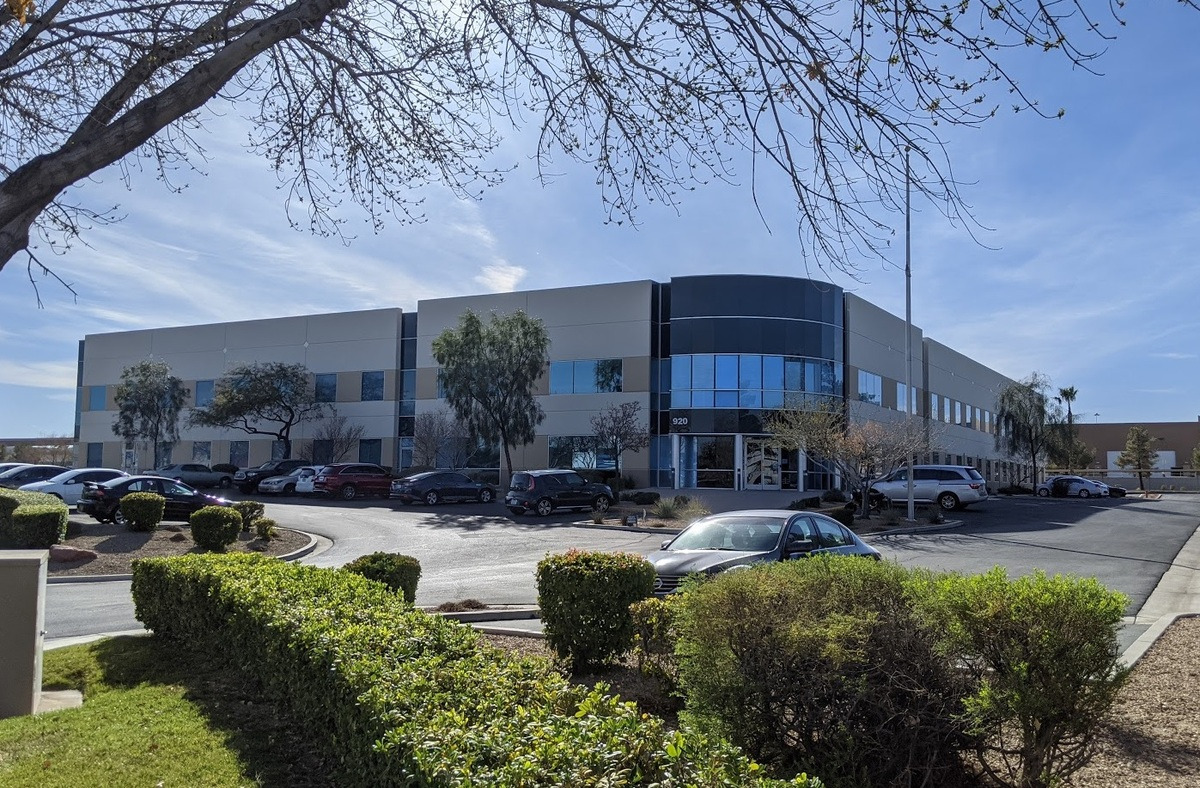
As I mentioned in my previous post, one of the features of our new location is better power, and we took advantage of that right away by getting a higher-power laser cutter and a bigger oven. To accommodate the extra equipment and the larger space, my plan was to install three exhaust blowers: two in the warehouse, where we now have four laser cutters, and one in the electronics manufacturing room, where we can have up to three reflow ovens. The completed setup looks like this (the third oven, on the right, is not connected; the duct sticks out a few inches from the ceiling to the right of the door):

Reflow oven exhaust ducts at 920 Pilot.

The complete warehouse exhaust ducts for the laser cutters look like this:

Warehouse exhaust ducts at 920 Pilot.

Target schedule

Our building leases gave us these restrictions: we could access our new space in November to start setting it up, we could start operating out of it in December, and we had the old location through the end of the year. My initial plan was to have the electrical work and duct work completed by early December so that we could have some machines up and running in the new location before taking down any machines at the old location. The new machines started arriving in November, and before Thanksgiving, we had the details of the layout figured out, HVAC guys and electricians selected, and landlord approval for the work. I was getting a little concerned because of the holidays slowing things down, but based on earlier experience and the contractors’ estimates, it seemed like basic work could be completed in the first full week of December, with everything getting wrapped up the week after that, leaving us two weeks to get the machines moved from the old location.

The contractors I was getting quotes from had varying degrees of concern about permits taking a longer time lately, but they all indicated the schedule was doable and that they could work on it in parallel, taking care of the paperwork while getting materials to the site and doing things like the sheet metal work for the ducts.

Besides completing the work in time to move our equipment, the other major scheduling concern had to do with installations of the new machines, which for tax purposes had to get completed in 2011. This was less of an issue with machines we could get up and running ourselves, but the new reflow oven in particular was a concern. One of the reasons I went with Heller was their assurance that I could have a 480V version delivered in the time frame I needed, and they could do that because they already had a 208V unit that they could convert to 480V. That modification would get done by the technician that installed the machine, and he would require power to be available at the machine to do his job.

Permit denied

The first indication that obtaining a permit would not be as trivial as in the past was when the HVAC contractor started coming back with more questions about the details of the machines we were connecting. In the past, general descriptions had been enough, but now we were being asked for more specifics and manufacturers and model numbers. I mentioned we had not had to provide that before, but I figured that there was nothing to hide and that perhaps providing the extra info would move things along, so I did not really think too much of it.

The project took a sudden turn into uncharted territory for me when the main electrician called, saying the Building Department was not even accepting his application for a permit (as opposed to accepting the application and then denying a permit). I do not know the workings of the permit process—I do not even know if I should refer to an electrician as a contractor or what to call his company without sounding like I’m talking about the electrical utility company—so I probably have some of the details wrong here, but the gist of it was that the electricians had hit a dead end of a sort they had not encountered before. The main contact I was talking to was basically saying he was at his wits’ end and was asking me to call some manager at the Building Department. I explained that I had no idea how this permit stuff works and that I had little hope of instigating any progress if he did not know what to do.

But, with no other immediate option, I called, figuring I could at least find out if the county viewed my electrical contractor as particularly incompetent. Apparently, some combination of the mechanical and electrical permits being applied for separately, combined with the amount of power and volume of exhaust, had raised some flags. I vaguely remember the guy saying something about being concerned about unsafe wood or cabinetry shops. I assured him that there was no sawdust involved in our operation and tried to explain what we do. He asked me and my contractors to meet with him the next morning, when we could make sure any concerns the inspectors raised could get addressed at once to expedite the process.

The next morning, I went to the Clark County Building Department main office as prepared as I could be: I had manuals for the machines, pictures of our old setup, including the pictures above, sample assembled boards to show the kinds of things we manufacture, and a plaque we received when we completed OSHA’s SHARP, a proactive safety consultation for small businesses. I was getting mixed advice from the contractors, but I was unsettled by the parts that sounded like other advice I generally hear about when dealing with the government: say as little as possible. My thought was that if I could establish that we weren’t doing anything shady and that we had been doing this kind of thing for years with the appropriate permits and government blessings, they might just need to double check some specifications about the machines, which would be covered by the manuals, and we’d be set. And, for the most part, that’s how it went. The manager seemed to agree that this was a small project that should be easy to get approved, and he understood that we had a tight schedule; he did not personally look over and approve permit applications, but he would make sure he was on top of the guys actually doing that.

One issue that the HVAC contractor was having even before the meeting had to do with UL labels on the machines. Apparently, the person reviewing the mechanical permit wanted confirmation that the machines had these labels, and the contractor made several trips to our facilities (old machines at old place, new machines at new place) to look for some kind of acceptable label. Unfortunately, none of the machines had UL or equivalent listing. I told the manager that these kinds of machines were being used all over the US and even in several places in Clark County. He sounded like we would have to work on getting that straightened out, but worst case, we could probably get some kind of provisional permit that would let the contractors start doing the work but would not allow us to actually operate the equipment.

I left the meeting optimistic that at least the work could get done but concerned about how to resolve the UL listing issue. The contractors had not wanted me to say outright that the machines weren’t UL listed, so the discussion on that point was hypothetical—how would we proceed if it turned out the machines weren’t listed, and so on. Basically, the answer seemed to be, talk to the manufacturers, who should know what to do. I had already started contacting them, though the questions had been about whether or not they had their equipment listed as opposed to figuring out what to do next.

More dead ends

I think it was still that same day that we got notified of the permits being denied, without even any provision for allowing some of the work to proceed. I talked to the manager again, who said he was not going to overrule a technical decision of his examiner: unless the machines were listed, there would be no permit. I told him the manufacturers did not know what I was talking about, and I pushed him for some kind of substantiation of how to proceed. These machines might be rare in Clark County, but it was inconceivable to me that their answer would just be, “You can’t use them, period.” This manager at the Building Department was always very polite and seemed kind and sympathetic to the frustrating absurdity of the situation: these machines were being used around town and all over the country, but I, trying to do things legitimately, was being prohibited from using them. He told me he would look into how I could possibly proceed.

He soon emailed me what amounted to a screenshot of OSHA’s NRTL page. While I was unclear on how that information would help me, the one hope it gave me was that I was now dealing with federal laws and directives, not some local ordinance. Now, the manufacturers would not be able to give me some run-around about not knowing the local laws, and there would likely be a lot more resources I could turn to.

Except that there weren’t. At least not ones that I could find, which is part of the reason I am posting about my experience. With the exception of one manufacturer, Heller, they still did not have any advice. The rep from Heller said that there was a UL-listed version of the oven available, which cost around $3k extra, and that they could exchange it for me at no extra cost. Still, that would have taken several months and involved re-crating and re-shipping a three thousand pound machine that was quite a hassle just getting unpackaged. I questioned their not having mentioned that option being available to me earlier, but they said it just didn’t occur to them since the vast majority of their customers get the normal version like I did. But even if I had exchanged ovens, I would still have been left with all of the other equipment, whose manufacturers and representatives were completely useless on this problem.

I also started contacting the Nationally Recognized Testing Labs (NRTLs) on that OSHA list. The list is actually pretty short, but if you click on those listings, you’ll see that the organizations tend to have many locations, followed by possibly hundreds of different standards to which they can certify a product. With neither the county nor the manufacturers giving me any guidance on what standards were applicable, it took days of calling around before getting to dead ends along the lines of, “we do not do field listings of that kind of machine”.

It was well into December, and I was starting to panic. I had hoped our old landlord would let us do a week or two extension, but they turned us down: if we were not out by the end of the year, we would be in violation of our lease and have to pay for all of January at some deadbeat rate that would have cost us almost $25k. With the holidays approaching, it would get more difficult to resolve the NRTL listing issue, and worst of all, I did not even have a specific next step to take. So I called Mr. Building Department Manager again, giving him the sob story of this potentially destroying a company with dozens of employees and imploring him to somehow direct me to some next step or a person who had some discretion and authority to help us out.

He had already been talking to his boss, Mr. Director, about our situation, and the only thing Mr. Manager could suggest was that I try talking to Mr. Director directly. Now, I do not know about the titles and hierarchies involved in the county organizational chart, and there are various modifiers like “deputy” that I am leaving out, but this guy was high enough up the chain of command that his name shows up on various Department letterheads, and he has his own secretary to keep people like me from bugging him too easily. She did a good enough job of it that after a day or two, I decided to go stake out his office in person.

Mr. Director’s office was in a different wing than Mr. Manager’s, but not having an appointment, the basic protocol of taking a ticket and waiting to be called on was still in play. After being called and variously explaining my situation and that I just wanted a few minutes of his time or to set up an appointment, the front office staff finally relented and let me talk to his secretary. Mr. Director was in a meeting, she said, but as she had told me on the phone, he would be in touch with me if appropriate. After pushing for something more definite or for just grabbing him after his meeting, she said I could try waiting. After maybe an hour, Mr. Manager appeared, apparently summoned by the secretary. We both knew he was the one that told me my only move was to get an audience with Mr. Director, so he just kindly confirmed that was the situation. I think he might have said something more to the secretary, though, because another half an hour or so later, I finally got to meet Mr. Director!

“I can’t remember everything you told me.”

At least it was worth it. Mr. Director, also very nice and polite, understood my situation and deadlines and indicated that I should go ahead without the permits. He did not say that, of course. But I am sure I understood him correctly. All of the words I am attributing to others here are just summaries, but I remember one thing quite specifically: when I asked him how I could proceed given that I had effectively notified him that I was about to defy the regulations, he said, “I can’t remember everything you told me.”

Despite the paranoid part of me wondering if I was getting set up, it was quite a relief to hear that from Mr. Director. The contractors had already been acting as if it would play out this way. Almost every contractor I had giving me bids recommended not getting a permit, and I heard from various vendors that it was standard operating procedure, even for major companies, to do the work first, get the permit later. With less than three weeks left in the year, there was no other answer. And though I understood that the conversation, which he could easily deny, gave me no formal or official protection, I was very grateful to him for making things clear.

I still pushed Mr. Director about a legitimate long-term solution, how to actually get the permits, and he helped me in an off-the-record way with that problem, too: he took me to some inspector, whom he told to give me a name and direct contact info for an NRTL representative that could help me. The total meeting time with Mr. Director was about 5 minutes. With the new information he gave me, I was able to proceed in parallel on getting the actual work done and on getting the NRTL listing. It took a little extra pushing to get installers to come out the week between Christmas and New Year’s, but we got the work done, the new machines installed, and our operation moved by the end of the year.

Getting the NRTL field listings

The direct contact the Clark County inspector had given me was for someone at Intertek, which according to Wikipedia is “the largest tester of consumer goods in the world”. They have a listing mark with “ETL” in a circle, which I had seen on our 3D printer when looking for listing labels on our machines. Working directly with the right person, who was familiar with Clark County, was much easier than trying to get somewhere starting from their main web page (though I am not sure if Intertek was one of the NRTLs I had gotten to a dead end with earlier). It was also nice to have a definite course of action, as opposed to most of my earlier interactions with the county and the machine manufacturers, which generally did not lead anywhere. Basically, I had to send the sales lady at Intertek a list of machines and their basic specs, and she gave me two quotes: one for their inspector to make one trip out here, and another quote for making two trips.

This brings me to one of the most frustrating aspects of this experience: I had no indication of how the inspection would go and what I was paying for. Was I paying for an inspector to fly out, look at our machines, and tell me, “These machines aren’t safe, so we won’t list them”? The idea behind the two-trip quote was that the inspector would come out, find some problems, we would then fix them, and the inspector would come back and verify that we had sufficiently addressed the issues. But what if the necessary changes required substantial redesigns of the machines? (Why would the Heller oven cost an extra $3k for the UL-approved version, and why would they bother with having two versions, if the required changes were minimal?)

I asked the Intertek sales lady about it. I understood that they could not know ahead of time what the state of our machines were, but if this is what they do all the time, surely they could tell me if they had approved a Heller 1707 Mark III oven before or what kind of modifications were required. But she wouldn’t tell me. So I decided to have them do one trip to inspect every non-trivial piece of equipment we have, even if it wasn’t really relevant to the Clark County building permits. At the very least, we could learn what kinds of things they checked, and I could hope to come away with some approved machines that I could show Clark County.

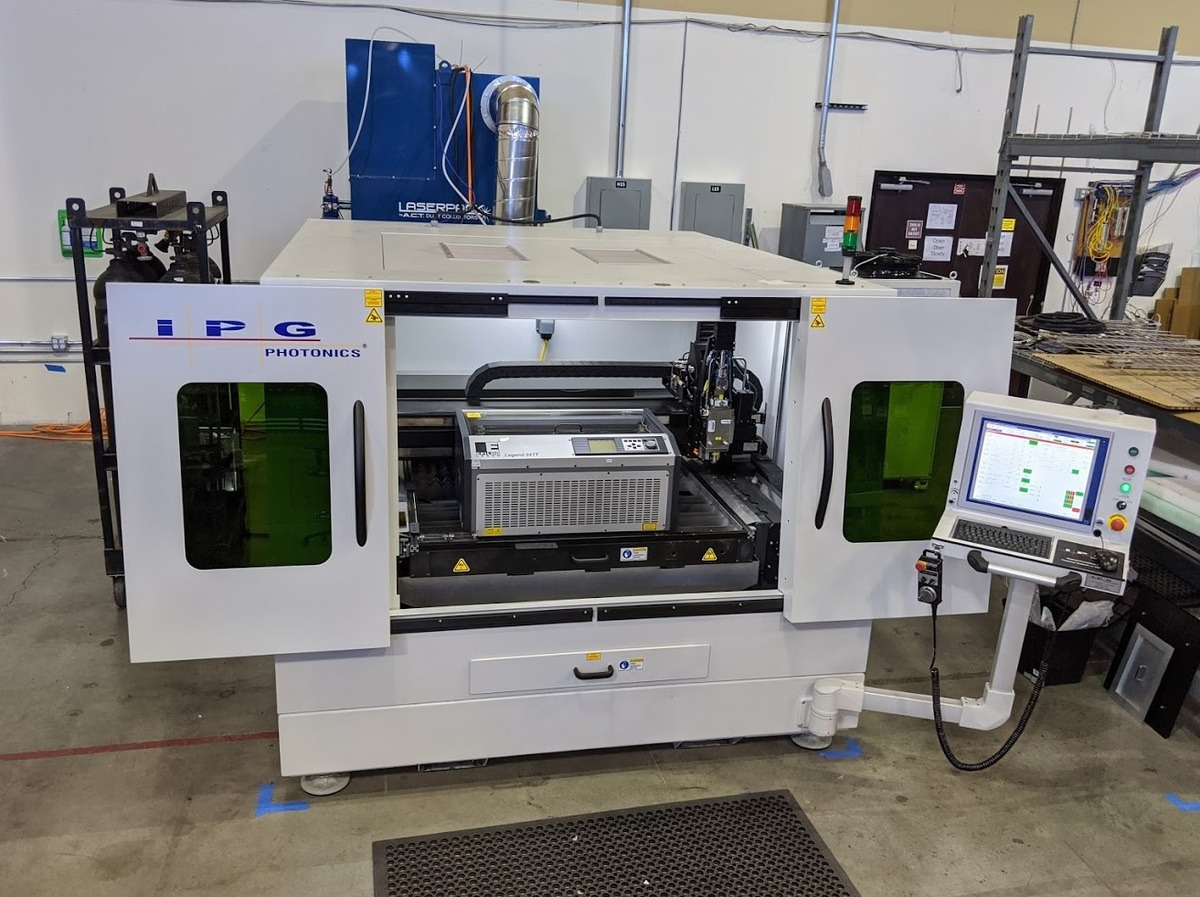
As I mentioned before, the 3D printer from Dimension Printing was the only special machine we had that was listed (more common machines, like printers, ultrasonic cleaners, the forklift charger, and small compressors were listed). So we had 16 machines inspected:

  • Two laser cutters from Epilog Laser (24TT and 36EXT)
  • Laser cutter from Beam Dynamics/Coherent (METABEAM 400)
  • Laser cutter from Full Spectrum Laser (FSL 48×32-80W)
  • Reflow oven from Heller (1707 Mark III)
  • Reflow oven from Manncorp (R-500)
  • Reflow oven from Dima (RO-0402)
  • Three pick-and-place machines from Autotronik/Manncorp (MC-383, MC-391, and MC-392)
  • Stencil printer from Autotronik/Manncorp (MC-1400)
  • Two small conveyors we also got from Manncorp
  • Chiller for large laser cutter from Polyscience
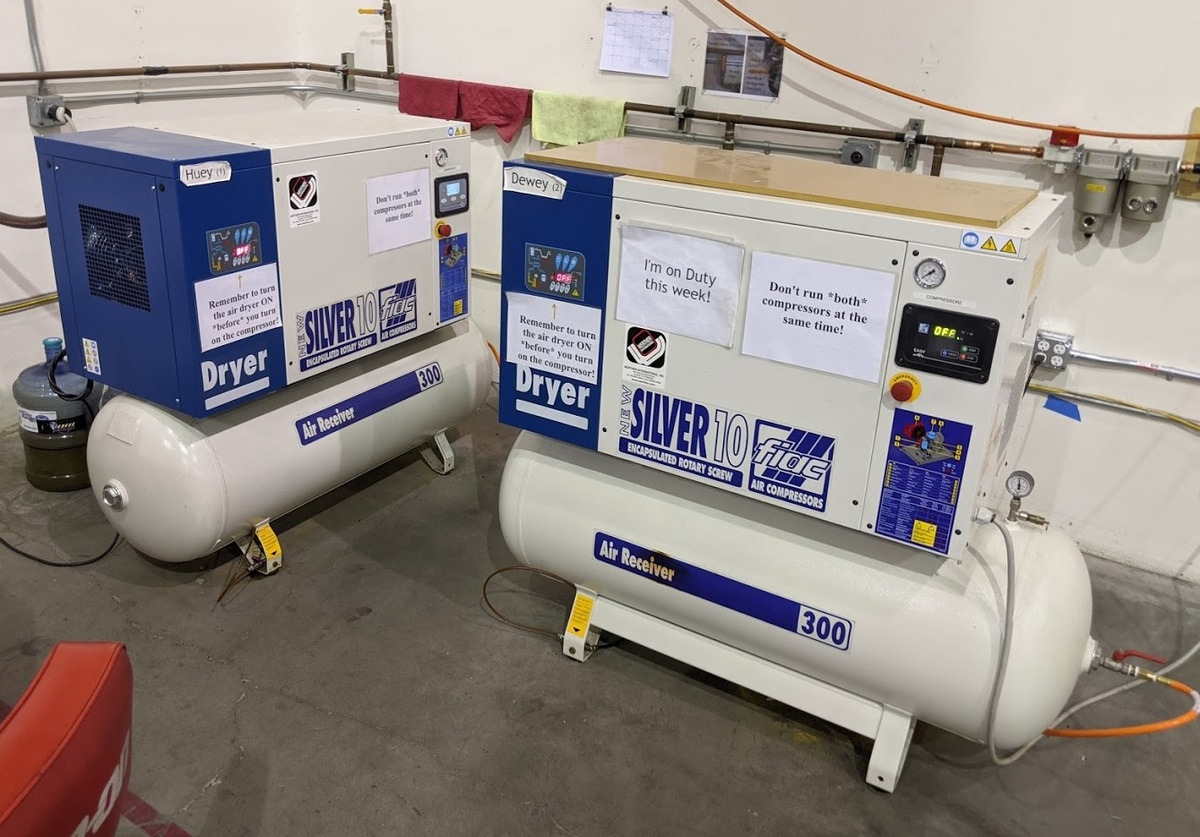
  • 10 HP rotary screw compressor and dryer from Fiac/Werther (Silver D 10/300)
  • Small chiller for Full Spectrum laser cutter, obtained through Full Spectrum

Getting all of this looked at in one trip cost a little under $10k; the two-trip alternative was over $15k. I had all the machine info to Intertek on January 3rd, the first business day of the year. There were a few delays because they wanted to see the machines fully operational (I won’t even go into that Catch-22), and with the way availability and scheduling worked out, the field inspector got out here the second week of February.

Field inspection

The inspector was here for four days. I did not interact with her that much, but I had one engineer with her the whole time to observe what she was checking and to address any issues. Unfortunately, thanks to a scam I’ll get to later, I cannot reveal what was on her checklist because she could not reveal it to us. The general order of inspections was from most critical equipment to least so that we could have a few days to address any important issues. Fortunately, everything went quite smoothly, with only minor modifications along the lines of adding warning labels being necessary. I asked her for her general impression of our equipment, and she said it was very nice; I guess it’s fairly routine for her to see really dangerous equipment.

I was most concerned with the Full Spectrum laser cutter and corresponding chiller since they are basically made and designed in China and cost substantially less than our other equipment. And, sure enough, it did have the most issues. Other than labeling, there were some issues with extra power outlets that are on the machine for convenience and that we were not using anyway; blocking them off and labeling them was all we had to do rectify the issue to the inspector’s satisfaction.

The most concrete safety-related thing I learned was about power cords. Most of our machines just run off 120V wall power, and they have power cords that look like regular computer power cords. However, while computer cords are allowed to be of a lower “SVT” rating, we have to use “SJT”-type cords, which apparently have thicker insulation. It’s possible some of our cords got swapped around during various moves, but the Epilog laser cutters were the only ones that had the appropriate cord type (this does not apply to the higher-power machines, which have special cords and plugs or are hard-wired to power). By the way, the power cords we ordered from Grainger, where I initially thought we would do an in-store purchase, arrived with Monoprice labels on them; Monoprice’s prices were less than half of Grainger’s.

The upshot was that within the first two days, we basically knew that we would get the labels on all 16 machines. All the machines passed grounding and insulation tests. We had to make only minor modifications that we could easily do ourselves. The inspector spent most of her last two days writing up her report, and she did indeed apply the coveted labels to all of our machines before she left.

Final report and back to the permits

I emailed the HVAC contractor that day to let him know the machines were all labeled. That somehow still was not enough for the county examiner, who I guess wanted to see the actual report. That took another three weeks. And then it took another week to get the permit. So, it was well into March before the contractors were technically even allowed to be starting the work. The contractors touched up some stuff to make sure it matched the permits and endured another few cycles and weeks of coordinating inspections and making trivial changes to satisfy the inspector. But finally, on March 21, we received final approval!

Lingering questions

This year’s IPC APEX EXPO, one of the electronics assembly industry’s biggest trade shows, was held at the end of February and beginning of March. Since this was after Intertek came out for the field evaluation but before I had the county permits, I attended with a different perspective than in years past. I was still trying to reconcile Clark County’s absolute insistence on the NRTL label, apparently backed up by OSHA, and the fact that none of my equipment manufacturers or their representatives seemed to know what to do. I have now spoken to dozens of people from various reputable manufacturers, and not one of them could tell me anything about getting an NRTL label. With the exception of the occasional exhaust filter or similar supporting equipment, I did not see NRTL labels on any of the machines. The closest I got was a few people vaguely recalling having heard of similar problems in some specific cities or counties in California.

On the other hand, TUV Rheinland and UL had booths at APEX. I did not see the UL booth, but I stopped by the TUV booth, which I normally would not have noticed among the much more exciting exhibits filled with big machines. The guy manning the booth said he had anecdotally heard of local governments ramping up enforcement of field listing laws. I came away with the impression that it would have cost about the same amount to have gone with TUV and that a starting point to fly someone out for a minimal visit would probably run around $2500. I pressed him on this issue of publicizing which machines had been field labeled by them in the past to give future customers some idea of whether or not a machine was likely to be problematic, and I got one slightly believable explanation of why they also do not do that: A large part of these NRTLs’ business is to do extensive product testing and for the resulting listing to cover all instances of a tested product; maintaining public lists of products that had passed much less stringent field testing would effectively dilute the meaning of the main listings and also possibly expose the test labs to liabilities from someone misconstruing the meaning of a product appearing on a less stringent list.

I left APEX still bothered by this disconnect between the manufacturers and the testing organizations. The manufacturers of the equipment we use have generally given us good support, and they had already made the sales, so they had nothing to gain by lying to me if they actually knew about these field listing requirements. The same applies to exhibitors at the show; and, if any of them did have general listings or specific knowledge of their machines passing field inspections, it would give them a competitive advantage to publicize that.

Contributing to my unease about how this permit process went down is that it played out in the general format of a corrupt kickback scheme: government official blocks a project with little justification, government official confidentially directs applicant to third party, applicant pays third party a bunch of money, and government official unblocks the project. I don’t really think anything that unethical happened in my case, and I think the only reason Clark County did not publicly direct me to Intertek right away was because they were trying not to endorse one company over another.

That still leaves me wondering why getting the permit was much harder this time than in the past and involved steps so many relevant parties were unfamiliar with. Did the laws or enforcement of them change significantly since 2009? Was there some project size threshold that I exceeded this time, putting us under a higher level of scrutiny? Did I just happen to get tripped up by an overzealous inspector who had the discretion to allow this to play out differently? Was there some preexisting conflict between the examiners and one of my contractors, or were the contractors just particularly incompetent?

In my early conversations with Mr. Manager, I asked him some of these questions. The main answer I got was that perhaps my earlier permit was not as valid as it could have been since the equipment getting connected was not specified; in this instance, they would not allow that to happen. No one at the Building Department said anything to call into question the competence of the contractors, and I think I gave them ample opportunity for that. I don’t really know how good the contractors were, but in the case of the electricians, I could at least judge some of the basic electrical theory they sometimes let slip out, and the company I went with was the best of the ones I had interacted with. The contractors were not ones I had used before, but they were referred by reputable sources like previous landlords. In general, my impression is that construction-related companies in Las Vegas have been hurting, and I hope that surviving the downturn is an indication of at least some basic competence. The actual work they did was fine, as far as I can tell.

A large part of my frustration came from not knowing what the laws were. It would have been nice if the county officials had directed me to something specific, but they did not seem to be bothered by having to actually know what the laws were: they knew I needed a label, and they gave me no way of confirming that. With all kinds of information available online, I had become accustomed to laws becoming more and more accessible, so the lack of references was especially conspicuous. And that brings me to the scam I mentioned earlier about the Intertek checklist we couldn’t see.

Secret laws

It turns out that the US has many secret laws you and I cannot just look up and read. Organizations like UL put a bunch of effort into developing various standards, and they then want to charge a lot money to use those standards. For the government, it’s convenient to just use those standards. Unfortunately, the result is that the private standards become required by law, but looking at those standards, and by extension the laws, still requires paying the organization that made them.

I don’t know how the standard creator’s monopoly plays into this, but the fees are very high and the licenses restrictive far beyond what I suspect is most people’s notion of fair use. One standard that applied to us cost over $400 for a PDF file; I did not find a good site I could link to directly for the PDF downloads, but Intertek directs to a site that only has printed versions such as UL 1450 for compressors for $1,032 and UL 1995 for heating and cooling equipment for $1,148. I have seen requirements for a copy per person that looks at it, and if I buy a copy for an employee and he leaves the company, I would have to pay again to let his replacement look at it. I do not know how enforceable these terms are, but the licenses also restrict derived work, such as the Intertek inspector’s checklist, and she cited that licensing restriction as the reason we could not even look at her checklist.

It’s startlingly un-American that in a world with more and more access to free information, something as fundamental to basic justice as showing fellow citizens the laws is illegal.

Ramifications for small businesses and manufacturers

Some might view this post as excessive whining about what amounts to dealing with the government. While I am sure that many businesses and individuals have much worse experiences, that doesn’t mean we shouldn’t try to spread awareness of specific problems. Perhaps some of the government employees I was working with at the Building Department could have given me more leeway than they did, but overall, they were very polite, professional, and even kind; I believe that for the most part, they were merely executing the orders and policies set in place by higher officials and the general public.

With the recent recession and general weakness of the US economy, there has been a lot of public hand wringing about American competitiveness in general and about the future of American manufacturing in particular. Having a strong local manufacturing base has significant implications for innovation, and while that might be most evident with large manufacturers and the latest technology, I think the general principle applies to small manufacturers like Pololu as well. Politicians often want to help manufacturers by adding more regulations and more special cases when the problem is the government getting in the way in the first place. A tax break on new equipment cannot help us if the local government does not let us install it.

In this case, the permitting process ended up just costing me a bunch of time and an extra ten grand, which isn’t going to break the company. But the reason I can even say “just” about that high of a cost is that the alternative of shutting down production for three months until we had the necessary permits could have done huge damage to the company, and I still do not know of a legal way to avoid that drastic scenario. The field labels we have on our machines apply only to their current location; if we move, we need to get an NRTL out again to inspect them. My hope is that in a future move, the county inspectors would be reasonable enough to use the existing NRTL labels to permit work to be done at a new location before the equipment gets moved there, but the inspectors should not have to bend the rules to allow that.

Similarly, a small business (or any entity) should not have to make the decision between possible destruction and breaking the law when it is doing nothing wrong. A just society should not put basic existence in conflict with conforming to the law, and we should not accept a legal framework in which everyone is a criminal. Yet the reality, as with traffic laws and speeding, is that everyone is constantly breaking the law. This in turn opens the door to actual crimes, like extortion and blackmail. While such problems affect everyone, small businesses in particular are less likely to have the resources to defend themselves if the government decides to come after them.

The current regulatory framework also hurts small businesses that make machines subject to the NRTL listing requirements. Spending $2,500 for a field listing trip is probably not going to hurt a $200,000 machine sale, but it is much more likely to impact a 3D printer that costs under $2,000, such as the offerings from MakerBot Industries. I suspect these do not have the general listing like our $40k 3D printer and all kinds of consumer products, so if we at Pololu wanted to get a MakerBot, we would be facing the choice of operating the machine illegally, as I suspect most organizations using MakerBots do, or paying more than the cost of the machine to make it legal. This unpalatable choice at least partially contributes to our tending toward the third route of just not getting a MakerBot, which, assuming it’s a useful machine, hurts both Pololu and MakerBot.

Safety

This post would be incomplete without some mention of safety, which I suspect starts out as the primary motivator of America’s burdensome regulatory environment. With every new disaster, whether real or a merely a circumstance perceived as such, someone with corresponding interests calls for more laws and regulations. When the calls come from those sincerely wanting to improve safety, I think they miss three important points:

  • Safety should not trump all other considerations.
  • Organizations desire safety independent of government requirements for it.
  • Government regulations frequently reduce safety.

“Safety first!” is easy to say, but unless you spend your entire life in your house wearing a helmet, you probably do not actually put safety first. As with most engineering problems (and life in general), running a viable organization requires trade-offs and finding an optimal balance among competing interests; therefore, it will always be easy to point to any safety-related policy or decision and demonstrate that things could be safer. Part of life is assessing risks and potential rewards, including enjoyment and happiness gained from doing something dangerous; free people should be allowed to make those choices for themselves. Ben Franklin’s quote about those who give up liberty for safety deserving neither, which I hear often in the context of national security policy discussions, applies just as well to everyday safety issues.

Because nothing is ever as safe as it could be and because businesses have to prioritize all kinds of things over minimal safety improvements, it’s easy to vilify them as greedy or uncaring. But the reality is that most businesses care about themselves without the government forcing them to. A landlord will want to make sure his tenant is not doing anything that will make it overly likely for the building to burn down. If it’s a small business, it’s quite likely that an owner or someone very important to him is constantly involved with the machinery, and they do not want to get crushed or electrocuted. Manufacturers want their products to be safe enough whether required by law or not, just like they want them to be of good enough quality and a good enough price. Examples of companies really not caring about safety are actually rare and contrived, and those who do not care enough will eventually get weeded out.

Finally, it’s important to be aware that government intervention frequently reduces actual safety. From a theoretical standpoint, it should be clear that the lack of transparency in the laws reduces safety. Would you take a new company safety initiative seriously if everyone was actively discouraged from knowing the safety policies? But even in everyday, practical ways, the government actively undermines improvement in safety.

I have two immediate examples. The first assumes that the building inspectors are actually useful (which I think they can be); in that case, the difficulty in obtaining a permit prevents many projects from getting inspected at all. My contractors could have done something really unsafe, and the building could have burned down before the county ever issued a permit. If they had some better approach, they could have at least permitted and inspected the contractors’ work while leaving the machine inspections to the NRTLs.

A more damning example has to do with our fire alarm system, which has one actual noise-making alarm that is not loud enough to cover the entire building. There is no doubt that adding some more sirens would be technically simple and would substantially improve the effectiveness of the alarm and therefore probably improve safety. But, you guessed it: we are not allowed to do that. (Having more than one alarm would put the building in some other class, which would then require all kinds of other things in the building to be overhauled, or something like that. One fire inspector suggested maybe we could put some baby monitors around the alarm.)

A last point I’ll mention is that government intervention reduces safety in the standard way any nanny state weakens its citizens: it creates a false sense of safety and makes people less vigilant and aware of their own circumstances and choices. Safety becomes something that is out of their control rather than something they should constantly be monitoring.

*****

Well, if you read this far, it’s probably because some of what I wrote about is relevant to your life. I hope there is something useful here. I would appreciate any comments you have on the topics I raised, whether it’s just bitching about similar hassles you’ve experienced or if you have specific advice on how I should handle permitting issues better in the future.

]]>

Wed, 30 Nov 2011 10:31:31 PST http://www.pololu.com/blog/25 http://www.pololu.com/blog/25/november-2011-update-new-building-new-machines http://www.pololu.com/blog/25/november-2011-update-new-building-new-machines#comments Jan November 2011 update: new building, new machines Five months ago, I wrote that we “just finished a big facility expansion that was taking up a lot of my attention this year, so I have some more time now …” Well, that turned out to be wrong. It’s also been over a year since I started this blog, and so far, I am way behind my target of an article per week. It doesn’t help when I don’t post for four months, but some exciting stuff has happened in that time.

The biggest news is that we are moving to a new building! I just looked through my pictures, and it turns out I don’t have one of just the outside of the building. It doesn’t matter much since we are only renting part of the building, but you can get a flavor of it here:

One of the difficulties for us as we grow is that there are fewer and fewer buildings available that fit our requirements. We definitely need warehouse space for the shipping and distribution aspects of our business, so we can’t just get space in an office building. But, we also need quite a bit of office space, so most of the warehouses in Vegas aren’t a good fit since even big warehouses tend to have only a few thousand square feet of offices. There are lots of cheap, empty buildings, but most landlords do not want to put a lot of money into properties right now, and we do not want to be spending a lot of money on tenant improvements, either. Another factor making custom build-outs unappealing is that with our growth rate, we do not want to commit to long-term (5+ year) contracts.

So, any space we go to is going to have some trade-offs. One of the downsides of the new space is that there are no loading docks for trucks. On the plus side, that gave me more of an excuse to get a forklift.

We have only moved once in the past five years, and the rest of the growth of our facilities came from expanding into adjacent suites. That was convenient because we did not have to move, but it also led to inefficient layouts (right now, we have to go outside to go from one part of our space to another). One aspect of the new space that we’re very excited about is a single large room where we will do most of our manufacturing.

Another big limitation of our current space is power: we didn’t have 3-phase power, and there just wasn’t that much available to begin with (another result of these warehouse-oriented buildings with offices built in later). That limited us on equipment like reflow ovens; the main one we use now is relatively small, and it is powered through a phase converter. With more power available, we can have a bigger oven:

And a bigger laser cutter:

We’ll be very busy through the end of the year, moving to the new location and setting up our new toys so that we can make more new toys for you. Happy holidays!

]]>
Tue, 26 Jul 2011 10:30:50 PST http://www.pololu.com/blog/24 http://www.pololu.com/blog/24/continuous-rotation-servos-and-multi-turn-servos http://www.pololu.com/blog/24/continuous-rotation-servos-and-multi-turn-servos#comments Jan Continuous-rotation servos and multi-turn servos As I discussed in the introduction to servos, one of the consequences of hobby servos’ intended use is that rotation range is limited to about 180 degrees. In this post, I will talk about two exceptions to this general rule: continuous-rotation servos and multi-turn servos. Each of these products loses some features in return for increased rotational range, so none of them are the ideal actuators many would like them to be. There are some specialty servos developed for robot applications that get around the limitations, but those servos are not as standardized and do not really fit into the hobby servo category, so I am not going into any more detail on those beyond mentioning that they exist.

Before getting to the details of continuous-rotation and multi-turn servos, I should point out that a large part of what makes a hobby servo a standardized product is the servo interface, but that very interface is not capable of supporting servos that can offer precise position control over an arbitrary number of turns. As a quick review, the servo interface consists of a pulse whose duration (pulse width) corresponds to the desired servo output position. To support arbitrarily many rotations of the output shaft, the pulse would have to get arbitrarily long. If we instead wanted the standard pulse range of 0.5-2.5 ms to represent a very large number of rotations, then a very small variation in the pulse width would correspond to a large movement of the output, making that approach unfeasible.

Continuous-rotation servos

Continuous-rotation servos are basically mutilated normal servos that technically do not deserve to be called servos because they lack the feedback control that is the hallmark of any servo system. Let’s begin with a quick review of the basic parts of a servo and how they are logically connected. Physically, the parts look like this:

Identification of the major components of a disassembled servo.

  1. Motor
  2. Gearbox
  3. Position sensor
  4. Motor control electronics

A block diagram shows how the components are logically connected in a closed-loop system, making a complete servo:

A continuous-rotation servo does away with the position sensor (or its connection to the output) and thereby tricks the feedback control circuit into continually driving the motor. For instance, if the feedback value given to the control circuit is fixed to zero degrees, and we tell the servo to go to 45 degrees (remember, we don’t get to actually specify degrees in the interface), it will drive the motor in one direction to try to get there; since the feedback sensor always reports zero degrees, the servo will keep rotating until we tell it to go to zero degrees. If we ask for −45 degrees, the servo will turn the other way, and if we ask for −60 degrees, it will turn faster. There is some limited range of pulse widths where we can effectively control the speed of the motor; once we tell the servo to go to a position that is far enough from where it thinks it is, the motor will always just get full power. So to continue the earlier example, telling the servo to go to −60 degrees might make the shaft spin at full speed, and asking for −70 degrees will not get any more speed.

The appeal of continuous rotation servos is that you can get a motor, gearbox, and motor controller in a relatively neat package and for a relatively low price. Many normal servos can be modified for continuous rotation, so a large range of sizes and powers is available. But, keep in mind that the continuous rotation comes at the expense of position control.

Stock continuous-rotation servos

A few manufacturers have responded to the demand for continuous-rotation servos by offering them as stock items needing no user modifications. These servos often replace the feedback potentiometer with a trimmer potentiometer that can be accessed through a hole in the side of the servo case. The trimpot allows the user to calibrate the servo so that it does not move when it receives a 1.5 ms pulse.

Continuous-rotation servo PCB showing trimpot installed instead of feedback potentiometer.

These servos manufactured for continuous rotation are convenient since you do not have to make any modifications, but I have only seen them in standard-size versions and without any of the exotic or high-performance options like special gear materials or high-power motors.

Modifying servos for continuous rotation

Most servos are not made for continuous rotation, but many can be modified for continuous rotation. The amount of effort required to modify a servo can vary greatly, so make sure you look into the feasibility of modifying a servo before getting too carried away with your plans for it. There are many step-by-step tutorials online for specific servos, so I recommend checking to see if someone has already modified the particular model you are considering modifying. Generally speaking, you need to be able to do two things:

  1. Enable the gearbox to mechanically allow for full rotations.
  2. Disconnect the feedback potentiometer from the output shaft

The first step can be arbitrarily difficult; for instance, this servo would be almost impossible to modify for continuous rotation:

The final gear on this servo does not have teeth all the way around it.

This particular picture is of an S04 servo that is maybe five years old, so it is not necessarily representative of the final gear being used in current units. Fortunately, the final gear not allowing continuous rotation is relatively rare. What is common is some kind of end stop mechanism that prevents the servo from rotating beyond the range supported by the potentiometer, which typically has weak end stops that would be destroyed if a servo went past its limits. This mechanism is most commonly some kind of nub that is molded into a plastic final gear or a dowel pin in a metal gear:

Over-rotation prevention pin on a metal-geared servo.

The protrusion on the final gear works with corresponding end stops in the servo case. Cutting or grinding the nub off of the output gear is often enough to enable full rotation, but you might need to check the case to make sure nothing interferes with the final gear.

The other basic step in modifying a servo for continuous rotation is decoupling the potentiometer from the final output shaft. This can also be arbitrarily difficult, especially if the potentiometer shaft mechanically supports the output shaft (servos with ball bearings are more likely to mechanically work well without a potentiometer in place). The servo control circuit board still needs to be given a fake position feedback, so you must keep the potentiometer in the circuit, with the shaft in the middle of its range, or replace the potentiometer with a pair of equal resistors.

Full-turn and multi-turn servos

Unlike continuous-rotation servos, multi-turn servos are genuine servos in that they allow closed-loop position control over one or more full revolutions of the output shaft. However, because of the interface limitation I mentioned earlier and because the feedback mechanism is still a potentiometer, you can get at most a few full rotations.

A multi-turn servo is effectively a normal servo with a multi-turn potentiometer, which is a potentiometer that can be turned through multiple revolutions. In practice, a multi-turn servo can use a normal (i.e. one-turn, which is actually more like 270 degrees) potentiometer that is not connected directly to the output but is instead connected by gears such that the servo output turns several rotations for one rotation of the potentiometer. Because the output can turn through several rotations, the servo cannot have the mechanical end stops that regular servos have, so some kind of clutch is required to prevent destruction of the potentiometer if the servo goes out of range. This means that if a multi-turn servo goes past its limit, its absolute position can get reset since the output shaft gets rotated without corresponding rotation of the potentiometer (which is at its limit).

The main tradeoff with multi-turn servos is that you get more rotational range for less angular resolution and accuracy. That means that if you have a system, including your servo pulse generation scheme, that gives you better than half-degree resolution on a normal servo (say you have 256 positions covering 90 degrees), you will get almost two degrees between positions on a full-turn servo (since those 256 positions are now spread over the full 360 degrees).

Like stock continuous rotation servos, multi-turn servos are relatively rare. They are apparently targeted toward model sailboats, so they are often called sail winch servos. Pololu carries the GWS S125, but GWS makes it relatively difficult to keep in stock. I found only a few other models at major hobby stores, and they tend to have much higher prices than normal servos. So, while a multi-turn servo can be perfect if the size and performance happens to match your project, you are probably out of luck if you need a micro multi-turn servo or a high-speed multi-turn servo.

]]>
Wed, 22 Jun 2011 15:14:46 PST http://www.pololu.com/blog/23 http://www.pololu.com/blog/23/how-an-idea-becomes-a-product http://www.pololu.com/blog/23/how-an-idea-becomes-a-product#comments Jan How an idea becomes a product

Wixel shield and not me.

The Wixel Shield for Arduino that we released today represents a personal milestone because of what I did not do on it: the shield is the first electronic product made by Pololu that I did not design. That’s not to say I did not have some input on it or that other engineers here did not have substantial contributions to other products, but the Wixel Shield is a first because the basic product concept, the circuit design, and physical implementation (i.e. the PCB layout) were all done by someone else. We also just finished a big facility expansion that was taking up a lot of my attention this year, so I have some more time now to think about our design process and what it takes to go from a new idea to a finished product.

At first glance, we design something, then we make a bunch of units, and sell them:

If I think about our facility, it’s clear we put a lot of effort into other aspects of getting a product out to customers, so I’ll add shipping and support to the diagram:

This is not always the order in which we do things. When we do some custom product development (which is almost always a customization of an existing product), we might make the sale first and then hope we can deliver what we promised:

This “sell-first” approach can be kind of dangerous and is a topic I might discuss in some future post. For now, I’m focusing on the typical case, where we first design something and then sell it. Still, the observation that the sale can happen somewhat independently of the actual making of the object being sold holds, which leads to this kind of picture:

Here, we see that manufacturing and marketing can happen somewhat independently, but both need to happen before we can ship a product, and both are dependent on the product first being designed. As soon as I have two paths, with manufacturing and marketing in parallel, the limitations of my diagram become obvious. The diagram is basically chronological from left to right, but is it saying manufacturing and selling are both prerequisites of shipping, or are they alternate paths? And is there anything special about arranging things chronologically? If I want to think about some kind of information dependencies, this kind of drawing might be better:

It might be difficult to get rid of the chronological mindset, but the idea now is that selling and shipping are not dependent on each other in terms of information about a design. I am not sure if this is the best way to arrange the five boxes, but it might suggest that after we design a product, some information has to go to manufacturing to make the product and other information has to go to those selling and supporting the product.

Part of the point of the first few diagrams is to try to think about and notate what we do here in some fairly simple terms. If we don’t have a good picture of what we’re supposed to be doing here, how can we tell if we are doing it well, or if we are even doing what we think we are doing? Yet, even with just those few blocks, it’s difficult to represent how various things we do here are related.

Despite my difficulties getting something particularly meaningful out of the large-scale diagram, I started thinking about just the “design product” box. I know there are a bunch of specific steps involved, so that might be easier to show in a diagram. Or maybe not:

Not only does this diagram have many more elements (with several complex processes such as “document product” represented with just one box), it has all kinds of loops (the arrows are colored to make the loops easier to see). And I didn’t even draw all of the loops since just about any box toward the bottom of the diagram can link back to the first loop if we run into some kind of a problem that requires a substantial redesign of the product. I broke up two of the more complex sub-processes, software development and production test development, into two boxes each to call out that we can begin work on them without a physical prototype but ultimately cannot move on from those steps until we have real units to test.

Not that long ago, I was doing all of these blocks, which made the exact order or how they are interconnected much less relevant because I could basically do various aspects of development in parallel. The designs also were not that complicated, so I could mostly keep track of everything in my head without extensive internal documentation. As our designs get more complex and as more people get involved, it is becoming more important to figure out the various dependencies. We do not want to do most of the work and then find out that we cannot make the product yet because a test system is not ready, but we also do not want to make the tester until we have a very good idea of what the product will be.

I suspect that a lot of what leads to a good design is captured in the intertwining loops that go through the “determine main product features” box: the design goes through many iterations where we consider everything from which parts to use to how many mounting holes the product should have. Unfortunately, the loops also make it more difficult to break up the design process into neatly separated sub-processes. For example, layout of the PCB might seem like an easy step to hand off, but there are all kinds of little decisions we have to make when we actually implement things down to the details. There can be many non-essential features that might not be worth making absolute requirements in an earlier design step but which can be added essentially for free if the PCB designer has a good understanding of what the product is supposed to be.

Some of what we need to go through is analogous to switching from writing programs in assembly language to writing them in a higher-level language. When microcontrollers were more expensive and had fewer features, writing firmware in assembly was important to meeting the level of optimization we needed to make a product feasible. For almost all of our new products now, we just start with a microcontroller that has enough resources to make it practical to program in C, and we accept that getting the most we can out of the microcontroller is not that meaningful of an optimization. I like to think that our products are optimized similarly to a good assembly program that gets the most possible use out of the available hardware. That product optimization might manifest itself as the smallest PC board we could make using a particular manufacturing technology (e.g. 2-layer PCBs) or as the product offering the most features possible as a function of our manufacturing cost. But, as with the assembly program and as indicated by the mess of interconnections on the design process diagram, this optimization comes at the cost of development time, and the approach might be very difficult to scale to more complex products. As we move to a more structured development process, our challenge is to find the equivalents of C and decreasing microcontroller costs: a process that does not really limit what we can create and the output of which deviates from optimal only by a factor we can compensate for in some other way. For instance, new, less optimal designs might use larger quantities of unique components, which would generally increase costs, but that could be offset by our component prices coming down due to our increased overall volume.

I do not have an exact count, but I have made over 120 different PCB designs and revisions, which averages out to about one new product per month for the past ten years. If we want to keep growing, that rate will have to go up, and the measure of success for our engineering department will be how many designs we can complete while maintaining or improving the quality of our products. We have no shortage of product ideas (there are dozens of product ideas in that red loop in the diagram), and our throughput is easy to measure; judging the quality or optimality of the final product is more difficult. I expect to discuss some of our design principles in future posts, and I welcome any feedback you have about the quality of our designs, what you look for in a good design, and how you achieve good designs in your projects or organizations.

]]>
Fri, 06 May 2011 10:23:27 PST http://www.pololu.com/blog/22 http://www.pololu.com/blog/22/rc-servo-speed-control http://www.pololu.com/blog/22/rc-servo-speed-control#comments Jan RC servo speed control It is often desirable to control the speed and acceleration of hobby RC servos. Understanding your options can be confusing since there are various speeds involved, many similar terms are used, and the terms are not used consistently by different companies or end users. You might also have an idea of what you want your servo to do without knowing what to call it or how to describe it or how to implement it. To get a good understanding of what is going on, it is helpful to picture the position of your servo in relation to the commands you are sending it. A simple first attempt might look like this:

I have deliberately shortened the space between control pulses so that we can see several pulses at once. The problem with this representation is that it suggests that our servo can instantly move from one position to another. We know that our servos are not infinitely fast, so we can improve the drawing by explicitly showing that it takes our servo some time to move from one position to another. I hope you noticed that the diagram also suggests that our servo can see into the future, moving to the new position before the pulse commanding it there even finished. So, here is a better approximation:

The diagram now makes explicit that the servo cannot begin moving until after we have given it a new position command and that it takes some time to move from one position to another. However, since I also want to include some discussion of acceleration, the diagram is still too simplistic in that it suggests that our servo can instantly get up to full speed. In reality, it takes time to accelerate to that speed, and the servo needs to slow down (decelerate, or accelerate in the negative direction) before it gets to the new position, so the picture you should have is more like this:

Everything so far has just been about the intrinsic properties of a servo: when you tell it to go from one position to another, it’s going to do that at the fastest speed it can, and there is nothing you can do to increase that. Therefore, any discussion about servo speed control can only be about making a servo move more slowly than it would on its own. At this point, we should add to our mental model the idea of a servo’s target position. I have added it to the diagram as a dotted red line:

This red target line represents the servo’s understanding of what we told it to do via the command pulses: as soon as the first pulse of length t2 arrives, the target is changed, and the servo begins its task of actually making the position match the target. As I hope I have belabored by now, we do not get any feedback from a servo: we do not know what its target is or what its output position is or how hard the servo is trying to achieve what we are telling it to do. All we get to do is to manipulate the target line, and trust that the servo will get us there.

So, to make a servo move slowly, we have to tell it to move slowly, and the way to do that is to move the target slowly. The crudest implementation would be to insert some intermediate position commands, like this:

The diagram represents what might happen if you use a dedicated servo controller but do not use its speed control feature (sometimes called “ramping”): if you send intermediate position commands at a speed slower than the servo can achieve them, the servo will at times be moving at full speed and at other times be stopped when it has caught up to the target. Therefore, the trick to smooth, low-speed movement is to change every single pulse you send the servo. This is why you have to implement speed control yourself if you are directly generating the speed control pulses or use a servo controller that has speed control support; having to send a dedicated servo controller 50 commands per second, even if you could synchronize them just right, would defeat the purpose of a dedicated servo controller. If your servo controller has a speed control feature, you can set the speed at which you want the servo to move, and when you send a new position command, it automatically calculates and sends all the intermediate pulses.

Let’s consider a specific example: we want to have a servo sweep a 90-degree range in five seconds. This corresponds to approximately a 1 ms (the exact amount will depend on the servo) cumulative change in the pulse width over that period. In five seconds, we will send 250 pulses, so we need each pulse to be 4 microseconds longer than the previous one. Again, keep in mind that although the servo itself is using closed-loop feedback, we are out of that loop. If an external force keeps the servo from moving, we can’t know that (without extra sensors or electronics), so we keep gradually moving the target. Once the servo is freed, it will move to the current target position as quickly as it can:

This situation is similar to the problem that arises on power-up: if we do not know where the servo is to begin with, we cannot make the first movement slow: we have to send the servo some kind of target position, and it will exert all the power it can to get to that as quickly as possible.

I should point out that the terms “position” and “target” that I have been using could mean different things depending on your perspective. If you have a main robot controller, it might have its own variable that is called either the position or target, which can then get sent to a servo controller via a “set position” command that then sets the servo controller’s idea of a target, which might be used to send the servo yet another sense of target. It should be clear from the context of what you are working with, but make sure to pay attention to it. In the diagram below, I have added the dashed green line to represent a “position” that might have been sent to a servo controller that has speed control. Keep in mind that even if the servo controller gives you a “get position” command, it can only return the red or green value, not the actual position of the servo.

The basic principles are the same for acceleration control and any other more advanced motion control and trajectory planning: we are free to calculate whatever target position curve we want to and then to send the corresponding pulses; as long as the servo is capable of executing that path, it will, and if is not capable of it, we will not know about it. This can get arbitrarily difficult, but in the case of acceleration, you don’t need more than basic algebra (you need more math to really understand the physics of acceleration than to implement the corresponding servo control on a microcontroller). Acceleration control tends to make sense only on longer movements where you want to get up to a fairly good speed but want to get there gradually, so if you do not have a trivial way of achieving it (e.g. with a servo controller that just gives you that feature), it might not be worth it unless you specifically need to speed up your long movements without a lot of jerking around at the beginning and end of the movement.

Conclusion (for now)

I hope I have presented enough information to show how to implement speed control with hobby servos and to generally show that once you understand the basic interface, you can make a servo do anything a person can make it do with a joystick and that at that point, the problem moves on from being specific to RC servos to a problem of mathematically representing the movements you want to achieve. Next time, I plan on moving back to more electromechanical considerations about servos. Looking at my notes, I see there are still so many frequently asked questions to cover!

]]>
Thu, 05 May 2011 12:50:32 PST http://www.pololu.com/blog/21 http://www.pololu.com/blog/21/advanced-hobby-servo-control-using-only-a-timer-and-interrupts http://www.pololu.com/blog/21/advanced-hobby-servo-control-using-only-a-timer-and-interrupts#comments Jan Advanced hobby servo control using only a timer and interrupts In this last article about generating pulses for hobby servo control, I will present what I think is the best solution to controlling many servos or controlling some servos while still leaving enough processing time to do other tasks. It’s not that easy to make this approach work well, so my recommendation in most cases is just to get one of our servo controllers, which use this technique.

As I have been repeating for the last several posts (starting around here), the target signals we are generating are square waves with a frequency of approximately 50 Hz, with the only crucial parameter being the positive pulse width. This means that if we want to control 20 servos, we only need to generate a total of 1000 pulses per second. Even if we spend 20 us on each rising and falling edge, we would still have 60% of our processor time available for doing other things. The only difficulty is that we must not get ourselves into a situation where we must tend to more than one pulse at the same time; otherwise, at least one of the pulses will end up with the wrong length and cause the corresponding servo to jump around.

As a reminder, generating up to 8 channels at up to about 50 Hz does not require simultaneous pulse generation, so all this makes sense only if you need the extra channels or higher pulse frequency. The basic principles apply to any number of channels; I will use four in my diagrams, which should be enough to get the points across. Although it’s easy to start all the pulses at the same time, it should be obvious that that can’t work since multiple channels might be set to the same pulse width:

It need not even be the exact same pulse width that causes the problem since any pair of pulses closer than the time we need to switch from ending one pulse to ending another pulse is problematic. It is also not enough simply to stagger the beginnings of the pulses since the offsets might exactly match the differences in pulse widths of some pair of channels and again require us to service multiple pulses at the same time:

It should be clear now that we have to somehow take into consideration all of the pulse widths before we begin any of them: we have to schedule all starting and ending pulses in a way that assures us no two edges happen within some minimum time of each other. I was pretty excited about it when I figured out my fairly simple solution to this scheduling problem. I think it’s a good exercise, so I’ll change topics a bit before revealing my solution. If you think of any other way to do the scheduling, please share it in the comments.

This scheduling stuff is kind of a high-level consideration, at least as far as this application goes. However, regardless of how we implement that high-level scheduling, the low-level details are very important, too. My assumption so far has been that we can somehow make the correct edge on the correct channel at the correct time. The minimal way to do that is to have a timer and associated interrupt, which I described briefly in my previous post. Because the timing for these servo pulses is so critical, and because we are counting on no other hardware to do our I/O pin manipulation, this timer interrupt must be of the highest priority. (In our original servo controller, the timer interrupt was the only interrupt, and everything else was handled without interrupts. On our newer Maestro servo controllers, the microcontroller has two interrupt priorities, and the timer interrupt is the only high-priority interrupt.) Taking over the highest-priority interrupt puts limitations on the rest of the application running on the microcontroller, so it is essential for the interrupt routine to be very quick.

In addition to commandeering the timer and highest-priority interrupt, we still have to figure out a way to represent what we want to do (start a pulse or end a pulse), which channel or I/O pin to do it on, and how to rearm the timer interrupt to happen again in the right amount of time. The part of the interrupt routine that reads the data structure and modifies the I/O pin and timer must be written to take the exact same amount of time regardless of what event is happening, or the various execution paths through the interrupt routine must be timed and compensated for. For instance, doing some kind of generic pre-computed bit manipulation might look like this:

port &= portANDmask;
port |= portORmask;

where portANDmask and portORmask are pre-calculated to cause the right pin to be cleared or set. However, even in this minimal example, the timing is different if the pin is being cleared or being set. I think this is enough to illustrate a bit of the flavor of what is involved in getting the interrupt routine right. The complexity is ultimately dependent on factors like the features of your MCU, what kind of performance you need, and what kind of tradeoffs you have available. As an extreme example, you could implement a 20-servo controller with a 40-way switch or calculated jump:

// do some things common to all possible pins/events
switch ( thingToDo )
{
	case 0:		// turn on channel 0
			break;
	case 1:		// turn on channel 1
			break;
	case 2:		// turn on channel 2
			break;

	...

	case 20:	// turn off channel 0
			break;
	case 21:	// turn off channel 1
			break;
	case 22:	// turn off channel 2
			break;

	...
}
// wrap up interrupt routine

You might need to do some programming in assembly language or at least check your compiler output to verify the uniformity of all of the times from the start of the interrupt routine to the execution of the desired pin change.

Now, back to the scheduling question: did you come up with an algorithm? I’ll show you the diagram first as a final hint before describing it:

The trick is to sort the pulses from shortest to longest and then generate the pulses in that order with staggered starts. Since every pulse can be no shorter than the one that precedes it, the timing between pulse endings will be at least as long as the amount by which we stagger the offsets. As long as that offset amount is longer than our worst-case interrupt routine time, we are all set. It might help to visually rearrange the pulses to be in the order they are generated:

Part of the fun of this solution is that you can put into practice those sorting algorithms that you learned in your introductory programming class! Since we have a small set of numbers to sort, we do care about the implementation details as much as about the order of growth of your algorithm. On the old servo controller, which does 16 servos, we broke them up into four groups of four, so we only had to sort four numbers; we just did a bubble sort for that. The newer Maestros sort all 24 channels; we clocked various algorithms in simulation and settled on a merge sort written in assembly.

Conclusion (for now)

I think I am done writing about how to generate servo control pulses. Ultimately, if you only want to do a few servos, it’s pretty easy; if you want to do many, it can get quite difficult, so you might be better off getting a dedicated servo controller. Next time, I plan on writing about the somewhat-related topic of speed and acceleration control of servos.

]]>
Thu, 28 Apr 2011 15:19:55 PST http://www.pololu.com/blog/20 http://www.pololu.com/blog/20/advanced-hobby-servo-control-pulse-generation-using-hardware-pwm http://www.pololu.com/blog/20/advanced-hobby-servo-control-pulse-generation-using-hardware-pwm#comments Jan Advanced hobby servo control pulse generation using hardware PWM So far, I have discussed a very simple circuit and a very simple microcontroller approach to generate the control pulses needed to control hobby servos. For some applications, those methods are sufficient, but we often want either to control many servos or to do something in addition to controlling servos, and that is when the limitations of the simple approaches and the demands of the servo interface become more apparent. In this post, I will move on to some more sophisticated techniques to generate servo control pulses.

Here is the diagram I used before of the pulse train we need to generate:

Remember, although the waveform looks digital, it is not: the important parameter is the time t that the signal is high, which is called the positive pulse width, and that parameter is effectively an analog, continuous variable. This analog aspect is what makes the interface so unforgiving to a microcontroller: a pulse that is 1.501 ms wide represents a (slightly) different position than a pulse that is 1.500 ms long, and if your pulse width jitters by even that one microsecond, you can see it or hear it in many servos. The extent of the problem can vary with your servo and the load you have on it; I know at least one prominent animatronics company switched from another company’s servo controller to ours because the constant quivering resulting from slight inconsistencies in the pulse width caused their servos to overheat and fail prematurely.

Why does this sensitivity to the exact pulse width matter only when controlling more servos or when doing more than just controlling servos? The answer is that microcontrollers can usually do only one thing at a time. Just making a consistent pulse width while doing nothing else is easy, as we saw last time: all the microcontroller has to do is set a pin high, count to 1500 or whatever, and then make the line low. (If your microcontroller cannot do that extremely consistently, you really should use a different one.) All that changes when we want to do something else rather than just counting to 1500: now, we have to keep track of how much time is going by while doing our second task and then jump back with enough time left to make the pin low at exactly the right time. Some programmers without much microcontroller experience might casually talk about extra threads without really appreciating that we need the accuracy to be better than 1 us. There are various libraries and frameworks and programming approaches that might let you approximate multiple threads, but when you need this kind of timing accuracy, you usually have to plan everything else around it.

To do advanced servo pulse generation, we definitely need some more hardware beyond the basic microcontroller core. The extreme case of this is some true multi-core processor, but that is very uncommon and also inefficient, so that kind of solution is outside of the scope of this discussion. Instead, the extra hardware we will rely on consists of timers and interrupts. These are both very basic and common features of most microcontrollers, but they might not be familiar or available to you if you are working with very beginner-oriented products such as the BASIC Stamp or Arduino. (This is not necessarily a flaw in such products: interrupts are a good way for a beginner to get into trouble and also a good way of taking care of internal or background tasks that a beginner might not want to worry about.) If you are already familiar with these, you can skip these brief descriptions:

  • Timers - Timers are peripheral modules that automatically increment counters so that we can keep track of how much time passes while we do various tasks. There are usually various aspects of the timer that can be configured, such as how quickly the timer counts (e.g. every clock cycle, or every four clock cycles), whether it counts up or down, and whether it’s running or stopped. In a very simplified example of how the timer is useful in generating a 1.5 ms pulse, we can start our timer and pulse at the same time, go do something else that we are sure will take safely under 1.5 ms, and then monitor the timer to decide when to end the pulse. Timers are also associated with pulse width modulation (PWM) generation peripherals that I will get to shortly.
  • Interrupts - Interrupts allow various events to trigger automatic jumps from normal program execution to interrupt routines, which are special subroutines or functions for dealing with those events. Interrupts can be triggered by things like changes in an input line or when something noteworthy happens with a peripheral module, such as a timer getting to some preset value. When the interrupt routine ends, program execution is supposed to resume at the point where it was interrupted. Interrupts are great and relatively simple if you only need to use one; in our servo pulse example, we can use a timer and its interrupt to end the pulse so that we do not have to keep our eye on the timer as we do our other tasks. However, it usually gets really tempting to use multiple interrupts, and then it’s easy to get into complicated problem situations where you need more than one interrupt routine to happen at the same time.

Using a hardware PWM module

As I mentioned in Servo control interface in detail, I advise against referring to servo control signals as “PWM” (pulse width modulation) signals. However, if we have a flexible-enough PWM peripheral on our microcontroller, we can use it to generate the signals we need. The servo signal has two aspects that make it difficult to generate on some PWM modules. First, the duty cycle is quite low (this means the signal is high for a low percentage of the time). Even if we want only 8-bit resolution (256 positions) in our servo control, we need those 256 positions to correspond to one to two milliseconds out of a 20 ms period, so we need a PWM system that has a resolution of at least 20 times 256, or over 5000 counts. If we allow for faster frequencies, we could get by with the ~4000-count resolution of a 12-bit system, but practically speaking, we usually end up using a 16-bit PWM. The second requirement that takes some PWM peripherals out of contention is that we need a relatively slow frequency of under 100 Hz, whereas most PWM modules are operated at much higher frequencies.

16-bit PWM modules that can operate at around 50 Hz are certainly not rare in the sense that many microcontrollers have them, but unfortunately, they are rare in the sense that there might not be very many of them on one microcontroller. Many popular 8-bit microcontrollers, including Atmel’s AVRs and Microchip’s PICs, have only one 16-bit counter. Even on peripheral-packed 32-bit microcontrollers such as those based on the ARM Cortex cores, more than six 16-bit counters with PWM is a relative luxury that might be available only on high pin-count devices. (Some MCUs offer multiple PWM outputs per single timer, with the restriction that the frequencies and pulse start times are the same, which is not a problem for servo pulses.) If you have a spare 16-bit PWM and you only need to control one servo, or if you have six unused 16-bit PWMs and need to control only six servos, great! In such cases, doing your servo control will be as easy as it can be: just change the PWM value when you want to change your servo position.

In many cases, though, we have fewer 16-bit PWM outputs than we have servos to control. In such a case, we can take advantage of the low duty cycle of the servo interface signal to use an external demultiplexer to distribute the signals from one PWM output pin to several servos. A demultiplexer has an input that can be redirected to one of several outputs based on the values of some selection inputs. I drew a 2-to-4 demultiplexer in the diagram below, but in practice, we can easily extend this for up to eight servos using a part like the 74HC238 3-to-8 demultiplexer, which is easy to get in a DIP package and to use on a breadboard. A benefit of this approach is that only four I/O lines (the PWM pin plus three selection lines) on a microcontroller are needed to control up to eight servos.

The basic idea is that we use the hardware PWM module to generate the pulses for all of our servos on a single line, one after another, and then we use the demultiplexer to send the right pulse to the right servo. We cannot do anything with any of the demultiplexer outputs that are not currently selected, but that does not matter because we just need those lines to stay low between pulses.

In practice, implementing this basic idea is not necessarily trivial, especially if we try to get a lot of performance out of it. What separates this kind of application of a PWM peripheral from some more typical ones is that we care about every single pulse and that we are changing the width of every single pulse. If you are used to using PWM modules to drive H-bridges to drive DC motors, you might not have ever worried about the pulse-by-pulse timing since the whole idea is for the pulses to get averaged out by the motor, and you don’t really need to care if one pulse comes out funny or if there is one more cycle of the old pulse width when you change duty cycles.

PWM modules, like most peripherals, tend to have some kind of buffering to help you prevent unexpected behavior. For instance, when the current pulse width is set to 2.0 ms and you change the value to 1.0 ms right when the pulse is already 1.5 ms long, you usually hope that the current pulse will get completed to the full 2.0 ms and that the next one will be 1.0 ms, with no other pulse widths ever appearing. We also need to make sure we never change the selection lines on the demultiplexer when a pulse is being generated; otherwise, 1.2 ms of our 2.0 ms pulse might end up going to one servo and the remaining 0.8 ms going to another servo. So, if you plan on implementing this kind of servo controller, be prepared to get really familiar with your MCU’s PWM module.

One last thing that I have not explicitly addressed yet is that the whole idea is for us to constrain the main processor as little as possible. Typically, the way to do that would be to use interrupts so that some other tasks are not required to babysit the PWM module. Using interrupts at all is some level of imposition on the rest of the system, but we can mitigate that by making the interrupts as non time-critical as we can so that the interrupts can be of the lowest priority and so that they can even be turned off safely for brief periods. Fortunately, if the pulse width setting is buffered correctly, we can set the next pulse width at any time between the start of a pulse and when the next pulse begins. Our smaller time window is for changing the demux selection pins between pulses, but we can always make that off time bigger if we need it (though that does mean we have to reduce our servo pulse frequency or the number of servos we can control). For instance, if we decide we only need to generate 1-2 ms pulses, we can make the PWM period 3 ms and give ourselves a worst-case time of 1 ms between pulses. If we can generate an interrupt when the pulse ends, we are safe even if it takes a whole millisecond (which is usually an eternity even if you are running at only a few MHz) for the processor to get to our interrupt.

If you want more details about a particular implementation, this is how we do servo control on the Orangutan SVP. You can look at the actual code for an AVR in the Pololu AVR Library.

Conclusion (for now)

This technique lets you control up to eight servos from one 16-bit PWM output; if you have a few of these more capable PWM outputs available, you can relatively easily control two dozen servos (enough for very ambitious hexapod or biped robots) without requiring much of your processor. Next time, I will talk about controlling high numbers of servos without a hardware PWM module and external demultiplexer.

]]>
Thu, 10 Mar 2011 09:15:17 PST http://www.pololu.com/blog/19 http://www.pololu.com/blog/19/simple-microcontroller-approach-to-controlling-a-servo http://www.pololu.com/blog/19/simple-microcontroller-approach-to-controlling-a-servo#comments Jan Simple microcontroller approach to controlling a servo

One-component servo controller circuit.

Today, I want to discuss the microcontroller equivalent of the simple servo control circuit I presented last time. As I mentioned then, the circuit is about as simple as it can be, yet it requires eight components to arrive at a sub-optimal servo control waveform. Some of its deficiencies, such as the slow rise time of the pulses, can be addressed by slightly more advanced circuits that might implement an astable multivibrator using an integrated circuit such as the famous 555 timer. In terms of part count, the 555-based servo controller might be a bit better than the two-transistor approach, but the 555 has many transistors inside it. As long as we are comfortable categorizing a component with many transistors inside it as a single part, we might as well skip the 555 and go straight to a low pin-count microcontroller, which has thousands of transistors inside it and which will allow us to make a far superior, single-component servo controller.

I will repeat my reminder that you can destroy a servo by commanding it past its mechanical limits, so any time you’re making your own servo control devices, be careful. You can limit the likelihood of destruction by operating your servos at a relatively low voltage, so they cannot develop as much torque as they are capable of. I also recommend testing any circuits with a standard servo, which is relatively cheap, more robust than smaller micro servos, yet not powerful enough to easily destroy itself. If you see or hear a servo straining against its end stop, or if it’s getting hot, you should disconnect it or turn off your power immediately.

Also as a review from previous posts, let’s go over the basic signal we’re trying to generate: a square wave with a variable positive pulse width of around 1 to 2 milliseconds and a frequency of around 50 Hz.

Our voltage, V, should be around 3 volts or higher; we need the pulse width, t, to be variable since that is what encodes the desired servo position; and as we saw in servo control interface in detail, the period, T, can affect how hard a servo tries to maintain a position and should be around 20 ms but otherwise is not that critical.

Many microcontrollers can run on 3 to 5 volts, so the V requirement can be satisfied with a normal digital I/O line: all we have to do is toggle that line with the appropriate timing. This makes for a very simple program:

loop:
	make pin high
	wait for time <t>
	make pin low
	wait for time <T-t>
	go to loop

Since we do not care much about the period, T, we can do the same simplification we did with the two-transistor circuit: make the low part of the pulse basically fixed. That way, we do not have to worry about how long we spent making the high part of the pulse:

loop:
	make pin high
	wait for time <t>
	make pin low
	wait for around 18 ms
	go to loop

My “programs” so far are more English than some specific programming language, but it should be easy to see how to do this in your favorite language. If you have the right libraries or basic commands, the first three lines can even be combined into a single command for making a pulse. For instance, the PBASIC version for the BASIC Stamp might look like this:

loop:
	PULSOUT 1, 750		'make a 750 * 2 = 1500 us pulse on pin 1
	PAUSE 18			'do nothing for 18 ms
	GOTO loop

The C equivalent might look more like this:

while ( 1 )
{
	pulse_out(SERVOPIN, 1500);	// assuming pulse_out() takes an argument in us 
	delay_us(18000);
}

Note that in the PBASIC example, PULSOUT and PAUSE are built-in commands, whereas the pulse_out() and delay_us() functions in the C example are something you would need to also write yourself (or find in a library).

One of the benefits of implementing your servo control on a microcontroller is that you can put your code on a little 6-pin microcontroller or on a big, 100-pin part. In the case of the 6-pin microcontroller, you might not have much program memory, and it might make more sense to write simple servo control firmware in assembly. In the same sense that the two-transistor circuit is more a good exercise than a great engineering solution, the assembly-language servo controller is a good project to try some time.

The two specific examples above were for fixed pulse widths of 1.5 ms. Obviously, that does not make for a particularly interesting servo controller. The great thing about a microcontroller solution is that you have a lot of flexibility, and we can use the time between pulses to decide what to do next. For instance, instead of just pausing for 18 ms, we could read a potentiometer or some buttons or do some calculation about how we want the servo to move on its own (e.g. sweeping back and forth).

If you want to make more than just a single-channel servo controller, it can still be quite easy as long as you can structure the rest of your project’s functions around the servos’ requirements. For instance, you could control a simple robot with four servos using this general control loop:

loop:
	make the pulse for servo 1
	make the pulse for servo 2
	make the pulse for servo 3
	make the pulse for servo 4
	read sensors
	recalculate servo positions
	pause if necessary
	go to loop

In this scenario, we would spend four to eight milliseconds generating the four servo pulses (depending on how long the pulses need to be for each servo), which would leave us a little over 10 ms to read our sensors and decide what we want to do with the sensor data. The key is that the exact timing of the extra operations do not matter, but we can pause at the end of our loop to get a consistent 50 Hz update rate if we think that consistency is worth it. However, the time for making the individual pulses must be dedicated completely to the servo control operation; if we are even a few microseconds off in our pulse widths, the servos will start twitching.

Conclusion (for now)

This was a very simple introduction to what is involved in controlling a servo from a microcontroller. If you just need to control a few servos, and do not need to do much else, it is indeed quite simple. Next time, I will move on to more advanced considerations for controlling many servos at once or controlling servos without having to tie the rest of your program to the servos’ 50 Hz update cycle.

]]>
Wed, 23 Feb 2011 09:24:56 PST http://www.pololu.com/blog/18 http://www.pololu.com/blog/18/simple-hardware-approach-to-controlling-a-servo http://www.pololu.com/blog/18/simple-hardware-approach-to-controlling-a-servo#comments Jan Simple hardware approach to controlling a servo For the last several posts, I have been writing about how hobby servos work and demonstrating the operation of devices made for controlling servos, such as RC receivers and serial servo controllers. That should have given you a good idea of the kinds of control signals we must create if we are to control servos with our own hardware. Today, I am moving on to the subject of controlling servos ourselves, and I will begin with a simple hardware approach.

I should start with the reminder that you can destroy a servo by commanding it past its mechanical limits, so any time you’re making your own servo control devices, be careful. You can limit the likelihood of destruction by operating your servos at a relatively low voltage, so they cannot develop as much torque as they are capable of. I also recommend testing any circuits with a standard servo, which is relatively cheap, more robust than smaller micro servos, yet not powerful enough to easily destroy itself. If you see or hear a servo straining against its end stop, or if it’s getting hot, you should disconnect it or turn off your power immediately.

Before we get to the circuit, let’s go over the basic signal we’re trying to generate: a square wave with a variable positive pulse width of around 1 to 2 milliseconds and a frequency of around 50 Hz.

Our voltage, V, should be around 3 volts or higher; we need the pulse width, t, to be variable since that is what encodes the desired servo position; and as we saw last time, the period, T, can affect how hard a servo tries to maintain a position but otherwise is not that critical.

The simplest circuit that I know of that can generate this kind of waveform is the two-transistor astable multivibrator:

Two-transistor astable multivibrator schematic.

The multivibrator part refers to a fairly broad range of circuits that alternate between two states; the “astable” part means that neither of the two states is stable, so the circuit keeps oscillating on its own. This circuit has two complementary outputs that are approximately square; because of the symmetry of the circuit, you should see that if the components are all identical, the outputs would each have 50% duty cycles, meaning the outputs would be high half the time and low half the time. (This kind of symmetry-based analysis is generally useful in electronics: if you have equivalent setups, be they the same voltages across resistors of the same value or more complicated circuits like this one, you can quickly estimate solutions or rule out behaviors that would require some asymmetry.) If we begin with this general circuit, all that’s left is to find the right component values to get the frequency and duty cycle we want.

There are lots of web pages out there showing the relevant calculations for this circuit, so I’ll just skip ahead to my answer:

Simple hobby servo control circuit.

I’ll admit that I went with the guess-and-test/binary search method rather than calculating everything out. I am frequently critical of the “just try connecting things” approach, so I should point out that I did this without a servo connected and with an oscilloscope monitoring the outputs. Also, plugging in different component values that I knew would just cause different pulse lengths and rise times is not equivalent to the recklessness of those who try plugging in power backwards rather than checking how it should be connected.

Here is the basic output from the circuit running at 5 V, with the main output in yellow and the complementary signal at the collector of Q1 in blue:

Oscilloscope capture of simple servo control circuit output.

The resistors R1 and R4 affect the rise time of the signals; we can see that the blue trace has more pronounced curvature as it rises. The signal not being square does not matter for an internal signal like that at the collector of Q1, but since the Q2 collector is our actual control signal, I made the corresponding R4 smaller to enable a faster rise time. The not-quite-squareness of the signal is more apparent as we zoom in in time to see the signal at different R2 settings:

Shortest simple servo control circuit output pulse with variable resistor R2 at 10k.
Simple servo control circuit output with variable resistor R2 in the middle of its range.
Longest simple servo control circuit output pulse with variable resistor R2 at 35k.

Note that we cannot make R4 too small since transistor Q2 would lose its ability to drive the output low. Also, since the transistor is on (output low) most of the time, using a smaller resistor would cause more power to be wasted in the resistor. R2 combined with capacitor C2 controls the time the pulse is high, so R2 is the resistor we have to vary. In practice, you can get a 10k-35k variable resistor by putting a 10k resistor in series with a 25k potentiometer or using a 50k potentiometer and not using it outside the safe range (the circuit itself will make longer and shorter pulses, but your servo might not like that).

The off-time of the pulse is basically constant and set by capacitor C1 and resistor R3; this means that the pulse frequency varies a bit as a function of the pulse width, but that is an acceptable trade-off for the simplicity of the circuit:

With the pulse width over 2 ms, the pulse rate is just over 50 Hz.
With the pulse width under 1 ms, the pulse rate is noticeably higher.

You might be wondering if it even makes sense to make a hardware servo controller like this. There certainly are a lot of servo control circuits like this available online, and most of them are more complicated in that they use something like a 555 timer chip, which used to be very popular before microcontrollers got really small and cheap. I think the circuit here is minimal but does the basic job of providing rudimentary control of a servo based on a potentiometer input, so if you happened to have the right components sitting around, wiring this up could be quicker than using a microcontroller. If I were serious about wanting a servo controller, I would make one based on a microcontroller since it would give me far more options down the road, so building a servo controller using nothing more integrated than transistors is just a fun exercise.

One thing that made it especially nice for me was that I decided to build my test circuit on a 500-in-1 electronics lab kit, which is the more-advanced version of the 200-in-1 that originally got me started with electronics. I don’t have a 200-in-1 right now, but I suspect the circuit is simple enough to build on just that set, which has no breadboard and instead has all components mounted to spring terminals that can be wired together. I strongly recommend those sets to anyone getting started in electronics, or even those who have played with microcontrollers for a while but do not have much electronics training. As long as I’m plugging stuff, I should also mention that I was quite happy with the Rigol DS1052E, a color, two-channel scope that can save to USB flash drives and which I got for under $400 including shipping (the screen shots in this post are not from that scope).

If you do want to build this circuit for actual use as a servo controller, I should give you a few more warnings. First, the pulse width varies a little bit with supply voltage, which means that if you use this with a battery and set your servo to a position, that position will drift by a few degrees as the battery discharges. Second, although this kind of circuit is frequently shown with higher voltages (e.g. 9 V), the transistor bases get subjected to almost that full voltage, but negative, which is usually more than the base-emitter junction is rated for. This oscilloscope capture has the Q2 base voltage shown in magenta, which might help your understanding of the circuit:

Oscilloscope capture of simple servo control circuit with Q2 base voltage shown in magenta.

The base voltage drops to about −4 V, turning off the transistor, which causes the output (yellow) to go high. The capacitor connected to the base gradually charges up until the base voltage gets high enough for the transistor to turn on, which brings the output back down.

Conclusion (for now)

At this point, you should have some appreciation of one way of generating servo control pulses. Next time, I’ll move on to microcontroller-based approaches to generating those signals.

]]>
Wed, 09 Feb 2011 12:34:08 PST http://www.pololu.com/blog/17 http://www.pololu.com/blog/17/servo-control-interface-in-detail http://www.pololu.com/blog/17/servo-control-interface-in-detail#comments Jan Servo control interface in detail Last time, I gave a basic introduction to the simple pulse interface for sending commands to servos. In this post, I want to explore some of the details and ramifications of the servo interface in a bit more depth. I’ll be using the Mini Maestro 12-channel servo controller, which offers a lot of servo control flexibility, and a current probe with my oscilloscope to illustrate servos’ responses. Here’s the basic setup:

In this close-up picture, you can see that I have the current probe on a servo extension cable so that I can easily change servos without touching anything else:

The red and black clips in the lower-right corner go to a variable power supply, and the netbook has the Maestro Control Center software running on it to allow quick changes to the servo control pulse width and frequency.

Before we get to some screen shots, let’s go over the basic signal we’re sending to the servo. The signal is a square wave, meaning there are two voltage levels between which we switch instantly (in real life, the transition has to take some amount of time, but that transition time is so short that we can approximate it as zero):

The signal alternates between zero volts and the pulse voltage, so there are only three parameters necessary to characterize the waveform:

  • Pulse voltage, V
  • Pulse width, t
  • Pulse period, T

Let’s consider each of these parameters.

Pulse voltage

As we saw in the RC receiver output signals from last time, the pulse voltage can vary quite a bit. Modern receivers have 3.0 V signals, but many servo controllers use 5.0 V or more. For the most part, this signal amplitude does not matter too much, as a long as it is high enough for the servo to register the pulses, and the valid range is perfect for interfacing directly to a microcontroller that is running at 3.3 V or 5.0 V. We put 220-ohm resistors in line with the outputs of our servo controllers, which run on approximately 5.0 V; the resistors protect the pins in general but also prevent too much current from flowing in the event that the servo is running at a lower voltage than the signal it is getting.

Pulse width

The pulse width is generally the most important part of the interface, and that is what we intentionally vary to change the command to the servo. The general idea is simple: a pulse width of 1.5 ms is what we consider “neutral”; increasing the pulse width will make the servo go one way, and decreasing the pulse width will make the servo go the other way. However, there are a few points you should keep in mind:

  • The neutral point is not necessarily the middle of the servo’s absolute maximum range. For instance, a servo that is capable of 180 degrees of movement might have the output at the 100-degree point for a 1.5 ms input pulse. In that case, the available range would be 80 degrees to one side of neutral and 100 degrees to the other. The pulse width that corresponds to the middle of the available range will vary from servo to servo, even for servos that are of the same model, so if you care about getting the most range you can and having neutral mean the middle of that range, you will have to calibrate your system for each servo.
  • There is no standard correspondence between the pulse width and the servo position. Generally speaking, moving from 1.0 ms to 2.0 ms will yield about 90 degrees of servo movement, but that pulse width range could correspond to 100 degrees on one servo and 80 degrees on another servo. This means that any servo controller or servo control library you might use that makes any claims about absolute degrees is hiding something from you (or designed by someone who doesn’t really understand the interface). If you change servos in your design, you might have to make corresponding changes in the range of pulses you send to it, so if you are doing your own servo pulse generation, it’s a good practice to have the neutral point and range of your servo parametrized in your code. (I’ll cover more on that in a future post.)
  • Similarly, there is no standard minimum and maximum pulse width. If you keep making the pulses wider or narrower, servos will keep moving farther and farther from neutral until they hit their mechanical limits and possibly destroy themselves. This usually isn’t an issue with RC applications since only about half of the mechanical range is ever used, but if you want to use the full range, you have to calibrate for it and be careful to avoid crashing the servo into its limit.
  • The direction that a servo turns for increasing pulse widths is not standardized, either (also, it’s usually not specified). In my diagram to the right, I show the output moving clockwise as the pulse width increases, but that could easily be the other way around. We can expect the correspondence to stay consistent between different units of the same servo model, but the direction of servo travel is yet another thing you should be able to change in your design without a lot of effort so that you have the option of changing servo models.
  • The servo control interface is an analog interface. The signals look digital because we have square waveforms and we use digital microcontroller outputs to create them, but because what matters is the infinitely variable time that the pulse is high, the signal is analog, and any slight jitter in the pulse width will cause corresponding twitching in the servo output.
  • Although we can use some pulse width modulation (PWM) hardware modules in microcontrollers to generate servo control signals, and we are changing (modulating) the pulse width, it’s not good to call the signals PWM signals because that implies the relevance of the duty cycle, which is the percentage of on (high) time of the signal. As we will see next, the frequency of the pulse train does not affect the servo position if the pulse width stays the same, so changing the duty cycle does not necessarily affect the servo position. Similarly, we could keep the duty cycle constant by stretching out both t and T by the same proportional amount, and the servo position would change since the pulse width had changed.

Pulse period

The typical pulse period is around 20 ms, which corresponds to a frequency of 50 Hz. One immediate ramification of the pulse rate is that it gives you an upper bound on how quickly you can give the servo new commands. Most servos can handle substantially faster pulse rates, and some special servos are designed to support pulse frequencies of several hundred hertz. However, a more subtle dependence on the pulse frequency shows a major difference between analog and digital servos, and that will be the focus of most of the rest of this post.

Here is the input signal and current consumed by a Futaba S148, a quintessential standard analog servo, connected to the setup I showed earlier:

(The yellow trace on top is the control signal; the lower, green signal is the current used by the servo.) I was pushing slightly against the output shaft, and we can see that each command pulse is immediately followed by a pulse of current as the servo tries to push back against me. As I pushed harder, the servo pushes back for a longer time after each command pulse:

I had the power supply set to 3.5 V so that the servo could not push back as strongly as it could and possibly damage itself. If we reduce the pulse rate from 50 Hz to 20 Hz, we see that the current bursts also drop to 20 Hz:

Oscilloscope trace of S148 servo current with 20 Hz signal, 3.5 V supply, low mechanical load.
Oscilloscope trace of S148 servo current with 20 Hz signal, 3.5 V supply, high mechanical load.

The servo still generally works at the lower pulse frequency, but the duty cycle (percentage of the time that it is pushing back) goes down so that its torque also goes down. As the pulse period gets even longer, the time between attempts to correct the servo position gets correspondingly longer, and at slow pulse rate like 10 Hz, the output torque has enough ripple that it is easy to feel. Shortening the pulse period has the opposite effect; at 100 Hz, the servo is pushing back almost 50% of the time even with a slight output resistance, and with a high mechanical load, the servo is pushing back almost 100% of the time:

Oscilloscope trace of S148 servo current with 100 Hz signal, 3.5 V supply, low mechanical load.
Oscilloscope trace of S148 servo current with 100 Hz signal, 3.5 V supply, high mechanical load.

A nice feature of this general operation of analog servos is that if you stop sending pulses, the servos will stop trying to hold a position and effectively turn off: they will no longer resist changes to the output position (whether they can mechanically handle backdriving is a separate issue) and reduce their current to the minimum idle value.

Digital servos have an internal microcontroller that allows the servo designers much more flexibility in how servos react. Next up, I have corresponding screen shots from a relatively high-performance digital servo, the GD-9257:

We see that the current pulses are much quicker than the control pulses; also, even with a slight output load, the peak current is past 1.5 A at only 3.5 V. At full voltage, the current peaks would be around 2.5 A, so we see that multiple servos can quickly become a very demanding load for a power supply. At a higher mechanical load, it is especially clear that the servo’s performance does not depend on the pulse frequency:

Oscilloscope trace of GD-9257 digital servo current with 50 Hz signal, 3.5 V supply, high mechanical load.
Oscilloscope trace of GD-9257 digital servo current with 20 Hz signal, 3.5 V supply, high mechanical load.

I tried various other servos, but they generally behaved the same way. One slightly more interesting unit was the DS8325HV high-voltage servo, which did not even operate at 3.5 V. At 5.0 V, the waveforms are similar to the earlier digital ones, but the current spikes are now up to 4 amps:

Oscilloscope trace of DS-8325HV digital servo current with 100 Hz signal, 5.0 V supply, high mechanical load.
Oscilloscope trace of DS-8325HV digital servo current with 20 Hz signal, 5.0 V supply, high mechanical load.

One of the most interesting distinctions among digital servos does not show up in screenshots: some digital servos continue holding the most recent position even if the control signal goes away, and other digital servos turn off. As usual with RC products, this behavior is not documented, and it can have important ramifications for robotics and other non-RC projects. For low-power applications, it’s great to be able to turn off a servo by not sending it control pulses. On the other hand, it can be nice to have a servo maintain its position if you have many servos to control and do not need to update their position often. For instance, if you have a 30-servo kinetic sculpture that does not need to move quickly, you could send each servo a separate command every ten seconds and comfortably generate each servo pulse separately; with analog servos or servos that turn off without a signal, you might be faced with the much more complicated task of generating simultaneous servo pulses.

I have one final fun screen shot to show you. This is back to the S148 servo, but this time, the oscilloscope capture is over a longer period, as the servo is moving:

The first control pulse on the left is for a new servo position, and we see the current jump up as the servo starts moving. There’s no mechanical load beyond just the servo, so the current goes down as the output speeds up. As the servo reaches its destination, it overshoots slightly and changes direction, which causes the current to spike up even higher than the initial starting current.

Conclusion (for now)

At this point, you should have a good idea about the range of reactions servos could have to the control signals we send them. Next time, I’ll move on to considerations of how to generate those signals.

]]>
Thu, 03 Feb 2011 09:55:45 PST http://www.pololu.com/blog/16 http://www.pololu.com/blog/16/electrical-characteristics-of-servos-and-introduction-to-the-servo-control-interface http://www.pololu.com/blog/16/electrical-characteristics-of-servos-and-introduction-to-the-servo-control-interface#comments Jan Electrical characteristics of servos and introduction to the servo control interface

So far, I have been talking about servos largely from the perspective of their typical use. While I hope I have provided a decent foundation about their intended use and some idea of what is inside a servo, these are things you could learn from hobby stores and taking apart a few servos. Today, I want to move on to a discussion of the electrical characteristics of servos, with the control interface as the primary topic. From the servo manufacturers’ perspective, the control signal can be an internal detail, so discussing it means we are moving on to a realm that is less officially documented. I will try to keep things general and back up my claims a bit where practical, but some details might not apply to all servos.

Electrical connection

First, a review of the electrical connections that I mentioned in the inside servos post. If you just read that, you can jump ahead to the “power” section.

Servos have three-wire cables that supply power and commands to servos. The cables are typically six to twelve inches long, with 22 gauge and thinner wires (smaller servos tend to have shorter and thinner wires). Since the connectors have become more standardized, the order of the wires has also become standardized, with the power wire in the middle flanked by ground and signal wires. However, the color schemes still vary. Common ones are:

  • Black for ground, red for power, white for signal
  • Brown for ground, red for power, and orange for signal
  • Black for ground, red for power, blue for signal

My preference is for the first scheme since that offers the most contrast; the orange and brown of the second scheme can look kind of similar with bad lighting, as can the blue and black of the third approach. You are almost guaranteed to instantly destroy a servo if you connect power backwards, so make sure you double-check your connections.

The three-conductor cable is terminated with a 3-pin connector, which is almost universally a female connector with 0.1" spacing. Unfortunately, much of the RC world calls this female connector a male connector. As with the cable colors, the connector colors can vary. The “Futaba” plug, on the left in the picture below, has an extra polarizing tab (on the left side in the picture) that can be cut off to match the others, which are called “JR” (center) and “Airtronics Z” (right). Some of the brand names might vary by country; the most common names I see from generic servo makers in China are “Futaba” and “JR”.

Common RC servo connectors. From left to right: Futaba, JR, Airtronics Z.

Viewed from the end, the connectors have two beveled corners to help prevent plugging servos in backwards. That prevention mechanism relies on the RC receiver having a corresponding cutout, which is not present on most servo controllers and other electronics a robot builder might be using instead of the usual radio control components. Again: pay attention when plugging in your servos!

Power

Rechargeable NiMH battery pack: 6.0 V, 2200 mAh, 3+2 AA cells.

As I mentioned in the introduction to servos, servos are typically used in battery-powered applications. The batteries were historically four- or five-cell NiCd packs or four-cell alkaline packs, which yield nominal voltages of 4.8-6.0 V. Newer NiMH packs have the same voltages, and so servos tend to be designed for operation at those voltages but without specification of the exact operating range. A well-charged 5-cell pack can reach about 7.0 V, and a 4-cell pack can drop to about 4.0 V without being considered ridiculously discharged, so that is the range over which we can reasonably expect most servos to operate.

Going to higher voltages can destroy servos, so testing the upper boundary can be risky. On the other hand, lower voltages correspond to drained batteries that we hope would not lead to damaged servos, so you can safely test the lower end of the operating range with a variable power supply. If you do tests for the low end, keep in mind that individual units can vary and that the limit might be a function of variables such as the temperature.

The smaller, 1/3- and 2/3-AAA NiMH battery packs are great for miniature robots.

Some servos, especially micro servos, are rated only for 4.8 V operation, which implies 4-cell operation with a maximum voltage of 6.0 V. As the RC industry embraced lithium-based rechargeable batteries, some servos intended for operation from one cell (3.7 V nominal) and from two cells in series (7.4 V nominal) emerged. The single-cell units are again on the micro side, and can have upper limits of around 4.5 V; the two-cell units might be marketed as high-voltage servos since the upper voltage limit is 9 V or higher. A three-cell nickel-based pack can generally replace a single-cell lithium battery, and a six-cell nickel pack can replace a two-cell lithium pack.

The current required by servos also tends to be unspecified. When we design with servos, as with most components, there are two main currents we care about: the quiescent or idle current, when the servo is not doing anything, and the maximum current, which in the case of a servo is the stall current. The quiescent current will give us an upper bound on how long a battery-powered application can run; the stall current tells us the minimum current our power supply has to be capable of delivering. The average current a servo consumes in actual operation will be somewhere between the two extremes and will depend on how active the servo is in the application.

The current a servo draws will be approximately linear with the supply voltage, so the currents drawn at 7 V will be almost double those at 4 V. It’s relatively easy to measure the quiescent current since it is low, constant, and flows in a low-strain scenario. Stall currents are more difficult to measure because actually stalling a servo is not that desirable, so we do not want to do it for a prolonged period. If you need to know the stall current, it’s safest to measure at the low end of the operating range and then extrapolate for higher supply voltages.

Since servo currents usually are not specified and we might not want to bother measuring each servo we use, it’s good to keep a few estimates in mind. A standard servo will have a stall current around one amp, a micro servo will need a few hundred milliamps, and a giant servo can draw ten amps or more. Since servos run at basically the same voltages, the only ways servos can offer more torque is to have higher gear ratios or to use more current. If two servos have similar speeds at the same voltage but one has five times the stall torque, it will likely draw five times the stall current.

The quiescent currents are tricker to estimate because they are not dominated by the motor the way stall currents are. There can be substantial variation in these idle currents since they depend on the electronics in the servo, but typically, the current should be in the few dozen to one or two hundred milliamp range. The quiescent current can also be complicated by the existence of two possible values: one for the case where the servo is trying to maintain a position but is already there and therefore doesn’t need to power the motor, and another for the case where the servo is “off” and not trying to maintain a position at all. (We’ll get to what it means for the servo to be “off” later.)

Servo control interface

Servos are controlled by pulses on the signal line that are referenced to the ground line, which is the return path both for servo power and the control signal. The pulse frequency is typically 50 Hz, but the exact frequency does not matter. The pulse width corresponds to the position of the servo, with 1.5 ms corresponding to the servo’s “neutral” point. This neutral point is not necessarily the midpoint of the servo’s maximum available range. Making the pulse shorter makes the servo go one way; making the pulse longer makes the servo go the other way. The normal pulse width range is 1.0 ms to 2.0 ms, which corresponds to an approximate mechanical range of 90 degrees (for most servos).

Since the servo interface is not that explicitly documented, let’s look at the signals from a typical RC receiver on an oscilloscope. We’ll begin by looking at this low-end, 2-channel AM receiver:

2-channel RC receiver.

The following screen shot shows the signals for the two channels over a 100 ms period. I powered the receiver with a 5-cell battery that should have been somewhere around 6 V, but we see the output pulses are regulated to about four volts:

100 ms oscilloscope screen capture of two channels from a 75 MHz RC receiver.

At this horizontal time scale, we can see that the pulse frequency is actually very slightly higher than 50 Hz. We also see that a 1.5 ms pulse represents less than 10% duty cycle, so we have to zoom in in time to better see the actual pulses:

In the left picture, both channels are at around 1.5 ms since I had the control inputs on the RC transmitter at their neutral positions. In the right capture, I’ve moved the control inputs to their extremes, causing the channel one pulse width to get to almost 2 ms and the channel two pulse width to shrink to about 1 ms.

Next up, let’s look at the outputs from this higher-end, six channel receiver:

6-channel RC receiver.

We’ll start again with the same 100 ms horizontal scale, which shows that the pulse frequency from this receiver is a bit higher than from the previous receiver:

100 ms oscilloscope screen capture of four channels from a 2.4 GHz RC receiver.

It’s difficult to notice since I had to change the vertical scale to fit four channels, but the pulse amplitude is now down to just 3 V. If we zoom in in time, we can also clearly see that the pulses are getting sent out one after another:

10 ms oscilloscope screen capture of four channels from a 2.4 GHz RC receiver.

The relative timing of the pulses on various channels does not matter to individual servos since each servo only gets one signal, but it does give us something to think about if we want to generate the pulses to control multiple servos: if we want to send more then ten pulses that can be up to 2 ms long in 20 ms or less, we will have to keep track of multiple simultaneous pulses. I looked at another RC receiver (an 8-channel Airtronics 92824) hoping it would have overlapping pulses, but the outputs looked the same as those from the Futaba receiver (including the 3.0 V pulse voltage).

Conclusion (for now)

At this point, you should have some idea about the power and signal you need to apply to a servo to get it to move. Next time, we’ll look at servos and their command interface in more detail to see what happens as we try to get more performance out of them.

]]>
Fri, 28 Jan 2011 10:46:53 PST http://www.pololu.com/blog/15 http://www.pololu.com/blog/15/servo-servo-motor-servomotor-definitely-not-server http://www.pololu.com/blog/15/servo-servo-motor-servomotor-definitely-not-server#comments Jan Servo, servo motor, servomotor (definitely not server) Now that the cat’s out of the bag about RC hobby servos having motors inside (it was a very transparent bag), it’s appropriate to emphasize that servos are not “servo motors” and that “servo” is not short for “servomotor”. Servo is short for “servomechanism”, whereas servo motors are motors intended to be used in servos. It’s important to understand the distinction because we should care about names and communicating well; making the distinction between the terms will also help emphasize why hobby servos are so special.

First off, “servo” by itself is a general term for a system that uses feedback to achieve or maintain some parameter. In this general sense, a servo need not include a motor or even any moving parts at all: the canonical example of a non-motorized servo is a temperature control system, where power is automatically applied to maintain a desired temperature or to generate some kind of temperature profile over time. Even in a mechanical servo, the movement could come from an actuator that is not a motor, such as a pneumatic or hydraulic piston. The key feature is the automatic control based on evaluation of the result, so all kinds of mechanisms can be made into servos by adding that feedback-based control. The term “closed loop” is used for these feedback-based systems, as opposed to “open loop” for systems that do not monitor and respond to the output. The control does not have to be electronic, but it usually is, especially if we’re talking about a robotics context.

Although servos do not necessarily include electric motors, motors are such good and common actuators that they are used in many servos. We can use just about any motor in a servo, thereby making it a servo motor, but the term servomotor usually implies a motor that is designed specifically for use in servo systems. Motors optimized for servo applications can have integrated sensors to be used with the closed-loop controller, or they might be designed for high acceleration. A typical fan motor is not a servo motor since we just give it some power and let it blow at whatever speed that power happens to correspond to; a motor moving the print heads back and forth in an ink-jet printer is a servo motor since it needs to repeatedly and quickly switch directions while maintaining position control to make sure the ink gets deposited in the desired locations.

An RC hobby servo is much more than just the motor; here is the picture from the previous post that shows the basic components:

Identification of the major components of a disassembled servo.

  1. Motor
  2. Gearbox
  3. Position sensor
  4. Motor control electronics

If we draw a block diagram of how these components are logically connected, we can see the loop from control electronics to motor to gearbox to sensor and back to control electronics that makes this a closed-loop system and therefore a complete servo:

A servo motor might have integrated sensors or modular gearboxes that are effectively integrated, but the significance of the RC servo is that it includes the control system: it’s a whole servo, not just part of one.

Getting back to the basic terminology, we usually just call these objects servos, and we might initially say “RC servo” or “hobby servo” to make sure everyone understands that we’re in the general domain of servos developed for the radio control hobby industry. Within this context, these devices are always called servos, not servo motors. You should not just take my word for it: at a major hobby store like Tower Hobbies, a search for servo motor yields three results, none of them the hundreds or thousands of servos shown when the search is just for “servo”. At Hobby Lobby, a search for “servo” yields over 500 items; a search for “servo motor” returns fewer than 200, and even those show up only because the motor in the servo is discussed in the product description. A similar search at Hobby People, a site that has physical stores in Las Vegas and southern California, shows 24 results, almost all replacement motors for servos:

Hobby People search results for “servo motor”.

Similarly, name-brand servo manufacturers like Futaba, Hitec, JR, and Airtronics all refer to their products exclusively as “servos”. RC servos tend to be called “servo motors” only by relatively small organizations or in projects or tutorials made by people that perhaps do not actually know servos that well (or who want the term “motor” to also appear on their web pages for search engine optimization purposes).

Switching into armchair psychiatry mode, I suspect that some of the reason people insist on adding “motor” is that “servo” is a foreign word that by itself does not convey to them the notion of a general actuator to the same extent as the more familiar “motor”. Unfortunately, as I hope I’ve demonstrated by now, saying “servo motor” only serves to confuse since the people who say it usually mean “servo” and not the motor by itself. For those who object that servo by itself might be more general than desired, we can say RC servo or hobby servo. Plus, if you talk about the servo in your robot arm’s elbow, no one will get confused and think you’re talking about some kind of a heating system. Thus, when we use the term servo, it’s akin to calling our cars “vehicles”: it might be a bit under-specific, but it beats being misleadingly over-specific and calling your car a motorcycle.

Lego servo motor.

One final note is that it sometimes can be difficult to tell if something is a servo or a servo motor. Lego sells a servo motor for its robotics construction set that on the surface might look like a servo: you plug multiple units into a main control box, which can tell the motors where to go. The distinction is that Lego’s motor is really just a motor with built-in sensors designed for use in closed-loop systems. However, unlike hobby servos, there is no controller inside the Lego servo motor: the closed-loop control is implemented elsewhere, in the main controller brick, which looks at the feedback from the servo motor and decides how much power to give it.

Next up: Electrical characteristics of servos and introduction to the servo control interface.

]]>
Tue, 25 Jan 2011 10:21:50 PST http://www.pololu.com/blog/14 http://www.pololu.com/blog/14/why-we-dont-have-comments-on-our-product-pages http://www.pololu.com/blog/14/why-we-dont-have-comments-on-our-product-pages#comments Jan Why we don't have comments on our product pages A customer recently wrote:
“I think you really need to add comments from users under each product (like sparkfun does). Makes it easy to review good/bad about a project and ask a question not in docs.”

I rejected the idea when some of our developers pushed for comments on our web site a few years ago, and upon reconsideration, I am still firm in my opposition. However, I am interested in what others think, so rather than just giving the customer a quick reply, I spent a bit more time to present my view here. Several of my thoughts on this particular topic are based on broader philosophies of how people and organizations should operate, but I’ll try to focus on comment systems without getting too sidetracked.

First off, I use and like the customer review or feedback systems on sites like Amazon and Newegg, and I think it’s clear that the feature benefits customers and the sites. However, there are also many sites like CNN, where even minor reports can be appended with thousands of reader posts expounding on everything from the story not being news to some kid in the accompanying picture looking cute to some other reader being an idiot; the only thing missing in the comments is anything useful to anyone but psychologists and future anthropologists. Aside from some possible reductions in page load times, at least there is no real harm in the useless comments, and although part of me thinks that many of these sites are putting in user comment systems just because everyone else has one, I hope they know their business well enough to conclude that the cost of including a bunch of worthless content is outweighed by the benefit of enticing readers to participate in the site and thereby capturing a bit more of their attention. It might not be making the world better, but there are worse places than news sites for people to waste their time.

The spectrum of comment system value does not extend merely from obviously positive to approximately harmless; for a web site like ours, bad content is certainly harmful, and the likelihood of the user-generated content being bad, as a whole, is almost guaranteed. The second claim, that comment-based content on a site like ours will necessarily be bad content, is the bulk of my argument, and I’ll get to that after elaborating on the first point, that bad content is harmful to a site like ours. I see four reasons for bad user content to be more damaging to Pololu product pages, and by extension to our customers, than to product pages on Amazon:

First, unlike sites like Amazon or Newegg, we do not carry almost everything. When we make something like a motor controller, we might make a few versions to cover different current and voltage options, but we are not in the business of carrying fourteen different models of AVR programmer: if we think we have a good offering for a problem or application, we would rather spend our effort developing or looking for solutions to other problems rather than slightly different solutions for the same problem. If you are looking for a graphics card on Newegg and see a bad review for one, you are still probably going to get some other graphics card at that site. With our selection, a bad comment by a disgruntled customer could not just sway a potential customer toward another product we carry, but rather drive them from our site altogether. This isn’t meant to be some kind of sob story, but just my assessment of the situation, and it should not be surprising that I am against putting work into something that is against our own interest. (For those thinking that a site welcoming negative comments is a badge of openness or integrity, I’ll get to that later.)

Second, our products generally require much more expertise to use and evaluate than the typical Amazon product, making a review by an incompetent user harder to spot. If we see a review saying something like, “I would’ve given this hammer a higher rating but it keeps missing the nails, especially when I use it with my left hand”, we know right away to discount it. A more specialized site like Newegg might have the problem to some extent, too, but installing a graphics card is generally much easier than controlling a motor driver from a microcontroller. An electronics or robotics beginner might be competent enough to work through the documentation we provide but not necessarily be able to tell apart good advice or comments from bad. The bad comments could cause unnecessary frustration that might not only hurt our relationship with the customer but also the customer’s budding enthusiasm for engineering.

Third, for products like ours, it is difficult to separate the personal, subjective experience from objective facts, by which our products should be judged. If someone comments that a book is poorly written, that a pen is awkward to hold, that some shoes did not fit well, that a TV’s stand is ugly, or that some speakers sound bad, we are very aware that these are opinions, and it’s easier to take them with a grain of salt or go with two good impressions over one bad one, and those subjective opinions are still generally useful. However, it’s much more difficult to resolve conflicting statements in objective-sounding comments: you might see mixed reviews on the look of a sweater and still get it for your wife if you personally like how it looks; if you see some people saying a servo controller doesn’t work and others saying it works fine, it’s not as easy to dismiss the negative comments as just opinions or results in some particular applications that might not represent a typical application. This is not to say there is no room for subjective evaluation of our products or that comments cannot be helpful for products like ours; rather, the point is that there is a lot more room for comments to be disproportionately damaging.

These first three reasons are not just pie-in-the-sky, theoretical musings about why comment systems might be bad, and they do not apply only to small sites like ours. Just this past weekend, after I started writing this post, I went to the Lowe’s site to look into a blow torch for burning weeds in my front yard. They had one model, and it had a single customer review that claimed that contrary to what a Lowe’s staffer told him, the torch did not work with standard propane tanks. Of course, I wouldn’t be bringing this example up if the comment was correct: I eventually bought the thing at a physical store, and it worked just fine with the tanks they had there. However, if I were just shopping online, I would not have ordered it. In the store, I wasted a bunch of time trying to figure out why the thing would not fit the tanks since it sure looked like it would. There was no reason to expect the review to just be flat-out wrong, and no real way to tell that it was wrong. Since I was writing this post, I felt a greater need to address this particular problem, so I wrote a review of my own. I think it’s the first time I’ve written an online review for a product like that.

Reviews on Lowe’s torch product page.

So now, there are two reviews sitting there, claiming opposite things, and I have a feeling that if I had originally come across those two reviews there, I still would not have ordered the torch online. As soon as that first review was posted, anyone who looked at it either avoided ordering the torch or wasted time trying to understand it, and even with my comment there, the result is not as good as if the first comment were never there.

My fourth and final reason for thinking bad comments would be damaging to Pololu’s web site is more personal: I am trying to create good content and a useful resource for other engineers and future engineers, and hosting a bunch of crap on our site would be contrary to that mission. I have had arguments with customers who cited user comments from other sites when I was trying to explain why some of what they were doing was poor practice. There’s no shortage of places on the web for people who don’t know what they’re talking about to spout their ill-informed nonsense, and unlike CNN, I don’t think it’s okay to have a bunch of worthless content on my site just because it’s easy to tell that it’s worthless.

So, why am I so sure the comments would be bad? One simple way to see it is that if the comments contained anything good, we should put them in the main content on our site, making the comments redundant at best. From this argument, we can see that the value of a comment system is dependent on how much effort we put into maintaining a web site. If we put up minimal information and never modified it, comments could be better than nothing. But, that is not our situation, so let’s consider some individual claims of comment system proponents, starting with our customer’s message: “Makes it easy to review good/bad about a project and ask a question not in docs.” I think this sentiment is fairly representative in that it shows three basic desires: easy evaluation of a product, access to more information than is available in the (non-comment) documentation, and interaction with others, possibly including the site operators.

There’s almost no limit to the alternatives consumers have ready access to these days, so it’s understandable that they look to the advice and judgment of others to help evaluate their many options. In many cases, going with what works for others can be a good strategy, and that’s the main reason user reviews work at all. However, the “go with the crowd” approach depends on relatively consistent application scenarios and reviewers who have a good understanding of the material or are representative of the next user. In other words, for a review to be useful to me, my intended use for a product has to be similar to that of the reviewer, and my general background (as it relates to the product) needs to be similar to the reviewer’s. That turns out to be the case for most consumer applications, where the intended use of the product and the target customer is well defined.

For instance, for most customers, the expectation of a set of speakers is roughly the same (assuming they’re not some fancy audiophile-specific version), and a bus driver or professional golfer could be fairly representative of a typical user: after actually using the speakers, they could know about as much as there is to know about them for basic use. Reviews of speakers are mostly going to center on whether they subjectively sound good and maybe some other aspects like ease of use. The utility of the reviews would quickly go down if every reviewer had a different application, with one talking about how easy the speaker magnets were to detach and another commenting about how well the cases work to scare off pigeons. And this is still assuming the posts offer accurate information; once the comments get flooded with questions and inconclusive answers, there’s no hope of finding good information. Yet this is the reality for customers using our components, which can be used in countless combinations for any number of applications, and the customer’s experience with the product depends on the details of the combination. Our motor controllers might be used to turn a turret, drive a robot, propel an underwater ROV, spin a fan, or power LEDs, all from a multitude of different power supplies and interfaced to all kinds of different microcontrollers or other control signal sources.

Another fundamental problem with reviews from different customers is that everyone has a different scale, and I’m not just talking about opinions like “good” and “bad”. Even if a person is being completely honest and consistent, his sense of “small” can be different from someone else’s. Many adjectives like “small” are relative to the problem domain, and it’s difficult even for us to maintain some consistent descriptions as our product selection grows.

Of course, getting to the consistent and relevant user-generated content is important for mainstream retail sites, too, and various sites have different approaches for trying to rate the ratings and evaluating the credibility of reviewers. However, many of these approaches boil down to hoping that a high volume of reviews can be refined into the “right answer”, which is usually some kind of overall numerical rating. For our market size, we probably do not have a sufficient number of customers to even get a statistically valid number of ratings, and the concept of a “right answer” is in itself misleading. Viewer reviews might give you an idea of whether a movie is worth seeing, but strangers’ views should not be very relevant if your choice is whether you should read a good book or watch a good movie.

An important final point regarding user comments simplifying product evaluation is that even if user content is relevant and accurate, it becomes bad if it is poorly organized. There are successful user-generated content sites, like Wikipedia and Stack Overflow, that do not just reduce everything to a single number. However, we see that those sites have far more elaborate content management and organization tools than just a chronological list of comments.

The second benefit people want in comments is more fundamental information (as opposed to opinions or judgments) about a product. Ultimately, the hope people have for comments is that they will quickly illuminate some crucial aspect of a product; unfortunately, for complicated products like most of the ones we carry, there are many important aspects, and the likelihood that some detail you care about will be in a handful of comments or that you will find it in hundreds of comments gets vanishingly small. If there is fundamentally a lot of material to consider, an organized book with a table of contents and index is going to beat a pile of post-it notes.

As I said before, if the web site operator does not put effort into maintaining the content on a product page, the pile of post-it notes is better than nothing. For a large reseller like Amazon, it’s not just about effort: there is only so much we can expect its employees to know about a product, and if a product has thousands or millions of users, it is reasonable to expect those users to develop more expertise than the people maintaining the page. In that situation, the web site editors do not have the expertise to edit the metaphorical book, and we are left to make sense of the notes ourselves.

That is not our case, at least for the majority of our products. Our product pages and documentation are made by the people who design the products, and we do have the expertise to modify and maintain the pages as necessary. Rejecting a comment system therefore represents our commitment to providing good content, rather than hoping someone else will happen to do it for us. Please note that this is not some claim of infallibility or omniscience on our part; I’m just saying that if there is a mistake or missing information, it’s better to fix it directly than to make people rely on the comments.

The third common appeal for comments centers on terms like communication, feedback, and community. Once again, my problem is not with those goals; rather, my point is that comments on a product page are a poor means of achieving the goal. I think it’s quite easy to reach us: our phone number is on every page, along with a link for giving us feedback. If you call about a product, chances are that you can talk to one of the people that designed it. If you email, you should get a reply within a day. Our engineers also constantly monitor our forum, where customers can help each other and where we do not have any restrictions on linking to products from other vendors. Participating in discussions is also a good way to learn (both for us and for customers), but looking at a bunch of conversations is not an efficient way to learn if you don’t know ahead of time if the conversation you are looking at is a good one. Keeping around a log of outdated or otherwise irrelevant comments makes the likelihood of finding a good conversation lower.

My objections to comments might seem more valid if we consider some actual examples. Besides citing SparkFun, the customer was specifically interested in one of our stepper motor driver carriers, so I took a look at the page for a comparable SparkFun product. (The product actually got replaced since I started this post, but I’ll stick to the older version since the newer product’s comments, though also generally useless, might not be representative of what accumulates.)

SparkFun’s EasyDriver has over 100 comments, which probably represent more than 80% of the content on the page. If I am a user of the product, is it my responsibility to read all of the comments? The first several discussion threads look like they are discussing mistakes in the design that are probably no longer relevant or are separately called out in the product description. Then there are several comments praising the designer (“yeeeeeeeeeeesssss!! I love you!!” is the entirety of one post). Some comments are from customers that do not have the board yet. There are some comments about the parts being out of stock back in October. There are a bunch of unanswered questions. Need I go on? (By the way, the point here is not to pick on SparkFun, but rather to illustrate what I think is the inevitable outcome of user comments on sites like ours.)

Comments on SparkFun’s EasyDriver page.

A final aspect of comment systems that I want to discuss has to do with integrity or transparency. I have heard claims that comment systems increase trust in a site and that allowing public criticism of products shows humility or willingness by the web site operator to admit mistakes. While I am a fan of those two qualities, I am skeptical about the integrity of the execution of such systems. Unless a web site operator allows for absolutely anything in comments (which would lead to even more junk on it), some lines need to be drawn. Outright spam might be out. What about links to competitors’ products? What about comments that are of the form, “This product sucks because X” when X is objectively false? Ultimately, the web site administrator has to end up micromanaging the comments, and thus potentially changing the picture they portray, or accept that the comments will become a disorganized trash heap of inaccurate, misleading, and otherwise unsavory content. My impression is that the latter outcome is the more common one, with the mechanism that was supposed to lead to increased communication and accountability instead leading to indifference and even abandonment of the basic goal of providing the customer with good content.

My views on product comments might change as we continue offering more items we did not design and as I hear back from other customers. And of course, part of the point of this blog is to welcome comments: what do you think?

]]>
Fri, 21 Jan 2011 14:09:02 PST http://www.pololu.com/blog/13 http://www.pololu.com/blog/13/gettin-all-up-in-your-servos http://www.pololu.com/blog/13/gettin-all-up-in-your-servos#comments Jan Gettin' all up in your servos

Having introduced servos and their role in a typical hobby radio control application, I will now focus on the servo itself: its parts, what is inside, and a bit of how it works. We will look at a few different servos along the way to better understand what servos have in common and how they differ.

Servos from the outside

From the outside, the servo has a few basic parts:

  1. Case
  2. Mounting tabs
  3. Output shaft
  4. Servo horn
  5. Cable
  6. Connector

These parts are labeled below on micro-, standard-, and giant-sized servos:

You can look at the connectors, which are the same size on all three, to get a sense for the servos’ relative sizes. Let us consider each of the parts in a bit more detail.

1. Case

The case holds together most of the servo and protects its internal components. The case is usually made of three plastic sections screwed together, but some really small servos might only be held together by heat shrink or stickers. In some fancy servos, the middle section of the case is made of metal for better heat dissipation to keep high-performance motors and electronics from overheating. Some servos are better sealed than others for moisture protection with extra gaskets or O-rings between the case segments and on the screws. In the picture to the right, the top of the case is removed, showing the blue O-ring between the top segment and middle segment.

2. Mounting tabs

The mounting tabs are molded into the case, but I am listing them separately because of their distinct function. In a typical installation into a sheet of material, a rectangular hole that is big enough for the case but smaller than the tabs is cut out; the tabs can then be screwed down to the sheet. Many servos are supplied with a small bag of hardware including screws and grommets for mounting the servo with some shock or vibration protection. Since the mounting tabs do not involve the workings of the servo, they can be cut off for space-constrained installations. Servos, especially small ones, are often mounted with double-sided tape or cable ties.

3. Output shaft

The output shaft is usually not visible until we take off the servo horn; here are the same servos as before with the horns removed:

The output shafts have splines, little grooves along the shaft, and screw holes for securely mounting servo horns without any slipping. Servo output shafts are generally not standardized: different servo sizes require different outputs, and even within standard-size servos, different manufacturers use different splines that are incompatible with each other. If you ever need to count the splines, a digital camera can function as a good magnifying glass or microscope: it’s much easier to take a picture, zoom in on your screen, and count the splines than to try to count them directly on the servo.

4. Servo horns

Servo horns are attachments that fit over the output shaft that allow you to mechanically link the servo output to the rest of your mechanism. Servos are usually supplied with an assortment of servo horns:

Typical assortment of horns and mounting hardware supplied with servos.

Unfortunately, the exact horns included are usually not specified and can vary. And, since servo output shafts and their splines vary, horns are often incompatible between brands and models of servo. Various specialty horns, for instance extra large ones and metal ones, are available from some servo manufacturers or as aftermarket accessories. Another type of specialty horn is the “servo saver”, which has an integrated spring to limit shocks transmitted from the external mechanism to the servo.

5. Cable

Servos have three-wire cables that supply power and commands to servos. The cables are typically six to twelve inches long, with 22 gauge and thinner wires (smaller servos tend to have shorter and thinner wires). Since the connectors have become more standardized, the order of the wires has also become standardized, with the power wire in the middle flanked by ground and signal wires. However, the color schemes still vary. Common ones are:

  • Black for ground, red for power, white for signal
  • Brown for ground, red for power, and orange for signal
  • Black for ground, red for power, blue for signal

My preference is for the first scheme since that offers the most contrast; the orange and brown of the second scheme can look kind of similar with bad lighting, as can the blue and black of the third approach. You are almost guaranteed to instantly destroy a servo if you connect power backwards, so make sure you double-check your connections.

6. Connector

The three-conductor cable is terminated with a 3-pin connector, which is almost universally a female connector with 0.1" spacing. Unfortunately, much of the RC world calls this female connector a male connector. As with the cable colors, the connector colors can vary. The “Futaba” plug, on the left in the picture below, has an extra polarizing tab (on the left side in the picture) that can be cut off to match the others, which are called “JR” (center) and “Airtronics Z” (right). Some of the brand names might vary by country; the most common names I see from generic servo makers in China are “Futaba” and “JR”.

Common RC servo connectors. From left to right: Futaba, JR, Airtronics Z.

Viewed from the end, the connectors have two beveled corners to help prevent plugging servos in backwards. That prevention mechanism relies on the RC receiver having a corresponding cutout, which is not present on most servo controllers and other electronics a robot builder might be using instead of the usual radio control components. Again: pay attention when plugging in your servos!

Servos from the inside

If we take apart a servo, we can see its key sub-systems:

  1. Motor
  2. Gearbox
  3. Position sensor
  4. Motor control electronics

This picture shows those parts on a standard-size servo. Many servos have the motor and sensor soldered to a single circuit board, which can make disassembly a bit more difficult.

Identification of the major components of a disassembled servo.

1. Motor

Since servos are electric actuators, it should be no surprise that there is a motor inside. The motor sets the ultimate power the servo can output, assuming the electronics or gearbox doesn’t limit it. Given that servos are often designed for weight-sensitive applications and that the motor is usually the heaviest part of the servo, we can expect servo manufacturers to pick the optimum motor to match the rest of the servo, and in general, there’s not much point to concerning ourselves with the motor separately from the rest of the servo. (From an abstractions perspective, the only electrical access we have to the motor is through its control electronics, and the only mechanical access is through its gearbox; there is therefore little to be gained from considering the motor in isolation.) The one place where motor details show up in servo marketing is if the servo has a coreless motor, which has a lighter rotor and can accelerate faster.

2. Gearbox

Small motors tend to be useless without a gearbox to convert their high speed and low torque into a more practical combination of speed and torque. The gear ratio is rarely specified since end users are concerned with the combined performance of the motor and gearbox, but given that the motors easily run upwards of ten thousand RPM and the output shaft turns at the equivalent of around 60 RPM (60 degrees, or 1/6 of a rotation, in 0.15 seconds, or about 1/6 of a second), we know the gear ratio is over 100:1. When manufacturers offer multiple speed versions of effectively the same servo and at the same price, the only difference between the servos is usually the gear ratio.

The output shaft and the final gear are usually one part, and in better-quality servos, that final gear is supported by ball bearings. On some servos, particularly giant ones, there might be ball bearings on more than just the final shaft.

The gears can be made of various plastics or metals. Cheaper servos tend to have plastic gears, though some high-end servos also use plastic gears (possibly with fancy names like Karbonite). Metal gears are supposed to be stronger than plastic gears, but they can be heavier, which can add to the overall weight of the servo and also limit the acceleration of the servo. The weight problem can be mitigated by using exotic materials like titanium, but servos with titanium gears tend to be quite expensive. Some servos try to get the right balance of weight, speed, torque, and durability by using gearboxes that use a mix of metal and plastic gears.

3. Position sensor

The key feature of a servo is that it takes care of getting the output shaft to the commanded position, and to achieve that, it must have a way of detecting the output shaft position. The sensor for this is almost always a potentiometer, though I have recently seen some ads for servos that use a magnetic position sensor. In the previous picture with the servo parts identified, the potentiometer is pulled out from inside the case; the potentiometer is usually positioned under the final gear so that the potentiometer shaft can be connected directly to the output shaft.

4. Motor control electronics

This digital servo has the motor soldered directly to main circuit board.

Each servo has a little circuit board inside with electronics to accept the command signal from the RC receiver, read the feedback from the position sensor, calculate how much power to give the motor, and drive the motor. (Remember, the servo itself does not have any radio or wireless component; that is all normally handled by the RC receiver.) The electronics subsystem is what allows us to use every servo in basically the same way: we just tell it where to go, and the electronics portion of the servo has to do all of the difficult calculations and power delivery. In the earlier picture, the electronic parts are on a circuit board that has separate wire connections to the motor and potentiometer. The picture to the right shows a servo with a larger circuit board that has the motor soldered directly to the board, without extra wires (the motor is on the right end; the back of the motor and its shaft are visible between the two large solder blobs connecting the motor leads to the circuit board).

As with other components inside the servo, we do not necessarily need to know much about the inner workings of the servo electronics, but there are two broad classes of servo electronics you should know about: analog and digital. The servos that have them are correspondingly called analog and digital servos. The analog servos have a circuit with just analog components (duh!), whereas digital servos have an on-board microcontroller. Digital servos are more expensive, and they are supposed to offer higher performance in terms of speed and accuracy (holding the target position better). Some digital servos also allow some of their internal parameters to be modified to better match the application of the servo. However, the ultimate performance of a digital servo depends on how it is programmed, and it’s certainly possible to make a digital servo perform worse than an analog one. An important point to keep in mind is that both digital and analog servos should be interchangeable in normal applications, so a receiver or servo controller doesn’t know or care if it is controlling an analog or a digital servo. (If you do have a problem with a digital servo and an analog one works in its place, you probably have a power limitation. Digital servos tend to generally have higher performance, and that requires more power.)

Conclusion (for now)

At this point, I hope you have an idea of where servos fit into a typical RC application and some understanding of the basics of the servo itself. Next time, I’ll address the somewhat common mistake of calling servos “servo motors”.

]]>
Fri, 14 Jan 2011 00:17:51 PST http://www.pololu.com/blog/12 http://www.pololu.com/blog/12/introduction-to-servos http://www.pololu.com/blog/12/introduction-to-servos#comments Jan Introduction to servos

Hobby servos are small, modular actuators developed by the radio control (RC) hobby industry for remote manipulation of everything from miniature boat rudders and car steering linkages to model airplane flaps and toy parachutist release mechanisms. The RC market is large and competitive, which has led to a proliferation of servos that have been optimized for characteristics including size, speed, torque, and price. This modularity, variety, ubiquity and cost-effectiveness of servos make them attractive generic actuators for small robots and other electromechanical systems. With hobby and educational robotics gaining popularity, some manufacturers have introduced servos aimed specifically at this newer market. In this first article in a multi-part series about hobby servos and their use in robots, we begin with a high-level overview of hobby servos, including typical applications, common specifications, and some of the ramifications of the intended applications for those using servos in robotics; how servos work, how to use them with your own electronics, and more advanced topics will be addressed in future installations of this series.

Typical servo application

Two servos connected to rudder and elevator of a small RC plane.

Servos are typically used as part of a modular, radio-based, remote control system that provides one-way communication from an operator to the remote system, which might be a model helicopter or car. The basic goal is for the operator’s manipulation of input controls on a radio transmitter to cause corresponding movements in the servos. Feedback about the success of the radio communication is generally limited to the operator’s direct observation of the model, so these hobby radio control systems are typically used in open spaces and at distances limited by human sight. Miniature cameras with wireless transmitters are available, but these are independent of the basic radio control system and are typically used more for the novelty of the remote point of view than for communication about the remote system’s status. There are four basics elements to a standard radio control system:

  1. Transmitter
  2. Receiver
  3. Receiver battery
  4. Servos

The transmitter is on one end of a wireless link, and the receiver, its battery, and the servos are connected to each other in the device being controlled to make up the remote end of the wireless connection. (In cheap radio control toys, the three components on the remote end might not be modular and distinct, so there might not be a part to point to and call “the servo” or “the receiver”.) Although the non-servo components might be of limited interest to those not looking for a remote control solution, knowing a bit about the parts normally used with servos can provide some perspective about what to expect from servos, so we will cover the first three components in a bit more detail before moving on to servos.

1. Transmitter

Two-channel pistol grip RC transmitter.

The transmitter (sometimes simply called the radio) is the operator’s user interface, typically with one or two joysticks and additional switches and knobs; car-specific “pistol grip” transmitters have a trigger for throttle and a small wheel for steering. Each degree of freedom on the model that the operator controls is operated by a different joystick axis, switch, or knob; the position of each of these control inputs is encoded on a separate channel. A minimal transmitter will use two channels, typically for throttle and steering on a car or boat. Model aircraft often require four channels or more, with one joystick controlling throttle and rudder and another joystick controlling the elevator and ailerons; a switch on a fifth channel might control retractable landing gear, and a sixth channel might be controlled through a knob for variable deployment of flaps.

Each channel typically corresponds to a different servo to be controlled on the model. For instance, channel one and channel two might be on one joystick: moving it left or right would produce corresponding movements in the channel one servo (we’ll get to what that means in a bit), and moving the joystick up and down would produce corresponding movements in the channel two servo.

The system being controlled might involve an arbitrarily complicated connection from the servo to the ultimate behavior being controlled, so it is important to have some means for calibration. For instance, we might know that a plane’s rudder controls going left or right (yaw), but many factors affect how straight the plane flies, and accounting for all of them somehow without actually flying the plane is impractical. To address this need, the primary channels on transmitters usually have corresponding trim knobs or buttons to allow for slight changes to the correspondence between the control input’s neutral position and the servo position. Thus, if a modeler on a maiden flight sees that the plane has a tendency to turn left, he can adjust the trim to the right rather than having to push the joystick to the right any time he wants to fly straight.

6-channel RC transmitter.

A related concept is servo reversing, which allows the pilot to change the direction a servo moves for the same transmitter control input. In the normal state, the mechanical setup might happen to make the plane go left when the control stick is moved right; “reversing” the channel, typically through a small switch on the transmitter, will correct the problem.

Since the transmitter serves as the operator’s user interface, it can have any number of extra features to allow for more advanced control, such as how far a servo travels for a given deflection of the control input or allowing one control input to control multiple channels. The point to keep in mind is that all of these features just change how the transmitter interprets the user’s inputs, and changes nothing as far as the receiver or servos are concerned. One way to help understand this is to consider the case when you might need servo reversing as described in the previous example: your plane goes right when your control input goes left. If you didn’t have servo reversing, you could imagine removing the control stick from the transmitter, turning it 180 degrees, and putting it back in: left and right will now work properly, and nothing else in the transmitter or plane had to change.

There is a lot more to RC transmitters, such as frequencies and modulations schemes, but those are not particularly relevant to using servos by themselves or to understanding the context of their intended application.

2. Receiver

2-channel RC receiver.

The receiver is the central component in the remote end of the RC system: it receives the radio signals from the transmitter, decodes them, and distributes corresponding commands to servos. Power for the servos is also routed through the receiver. Receivers must be matched to their transmitters to allow for multiple systems to work simultaneously without interference; the details of the radio communication from the transmitter to the receiver are beyond the scope of this discussion. The important thing to note is that when we use servos as general-purpose actuators outside of the standard RC framework, we must substitute something for the receiver to tell our servos what to do.

6-channel RC receiver.

Like transmitters, receivers are made for a particular number of channels, and receivers are equipped with a corresponding number of ports for connecting servos. The number of channels on a transmitter and receiver do not necessarily need to match, but the number of channels that can actually be controlled will be the lower of the two channel counts. A six-channel transmitter will periodically send out commands with positions for all six channels; the receiver picks up those commands and sends the channel one position command to the channel one servo port, the channel two position command to the channel two servo port, and so on.

The receiver also has a connector for applying power, which is used by the receiver and also supplied to the servos. For small receivers where size is an important consideration, the power connection is often combined with the connection for one of the servos.

3. Receiver battery

The receiver and servos are powered by the receiver battery. Most of the power from the battery goes to the servos, so the battery must be sized to match the load the servos draw and to supply that current for a reasonable time. Low-end RC systems are sometimes supplied with a battery holder for four AAA or AA cells; using alkaline cells leads to a nominal voltage of 6 V, and using NiMH or NiCd rechargeable cells provides a nominal voltage of 4.8 V. The other common option is a battery pack of four or five NiMH or NiCd cells, which provides a nominal voltage of 4.8 V or 6.0 V, respectively. A higher voltage allows servos to provide more torque and speed, but some servos (typically very small ones) cannot withstand the higher voltage.

Battery holder for four AAA cells for RC receiver.
5-cell NiMH RC receiver battery pack.

Higher-capacity batteries tend to be larger and heavier than lower-capacity batteries, so the there is a tradeoff of remote system performance (especially in model aircraft) and battery life. However, the servos are usually used intermittently and do not need to strain much, so it is generally easy to achieve a battery life of several hours, which is usually much longer than the operator would want to operate the model and longer than most fuel supplies last. In the case of electric-powered models, a much larger battery is used for the main motor, whether it drives a propeller or drive wheels, and there are systems (often called “battery eliminator circuit”, or BEC) for using this primary battery for the receiver and servos.

12" (30 cm) servo switch harness.

Somewhat related to the receiver battery is the receiver switch harness, which is used between the battery and receiver to allow the remote system to be turned off. For some weight- or space-constrained applications, the switch might be omitted, and plugging in and unplugging the battery would be the only means of turning the system on and off.

Because radio control systems are designed to have the remote end unconstrained by power connections, there is no standard alternative to using a battery, whether it is a battery just for the radio system or a battery powering the whole model. Batteries are good power supplies for large and varying loads like the ones servos present, and finding economical alternatives to battery power can be difficult.

4. Servos

Standard-size servo.

Servos are the actuators in the standard RC system: they take the command from the receiver, use the electrical power from the battery, and physically move. The vast majority of servos have rotary outputs that move through a bit less than 180 degrees, though there are some specialty servos with linear outputs (the output moves straight back and forth, rather than rotating) and outputs that can turn a full rotation or more. What makes a servo a servo is that it takes care of getting the output to the commanded position by monitoring the output and applying power accordingly: if you push against a servo, it will push back to try to maintain its position. We will explore the details of what is inside a servo later.

Servos tend to be black plastic boxes with similar proportions, with the output shaft protruding on only one end, a 6-inch to 12-inch cable for connecting to the receiver protruding out the other, and mounting tabs along the sides. Some high-performance servos have metal cases for improved heat dissipation, and some servos have transparent cases. A “standard” servo has dimensions similar to those indicated in the following diagram:

This particular diagram is for a high-torque servo with metal gears, so its weight and output torque are higher than that of most standard servos, which might weigh around 1.5 ounces and provide around 40 ounce-inches of torque at a speed of about 0.2 seconds per sixty degrees. Standard servos are commonly used in 1/10 scale cars and model aircraft that weigh a few to a dozen pounds. Larger, “giant scale” or “1/4 scale” servos are available for larger cars and aircraft that might weigh several dozen pounds. Micro servos were initially around half the size and weight of standard servos, but improvements in electronics and manufacturing have led to even smaller, “sub-micro” servos that might weight less than a tenth of a standard servo. These servos are typically used in very light aircraft intended for indoor flight.

The following picture shows all components of the remote side of an RC system connected together. Giant, standard, and sub-micro servos are included to show their relative sizes, though it would not be common for these three sizes to be used together in a real installation.

RC remote setup showing giant, standard, and sub-micro servos, receiver, receiver battery, switch, and AA cell for size reference.

Servo connectors have become much more standardized lately, so most servos are interchangeable (unlike transmitters and receivers, which use various frquencies and modulation schemes that are not interoperable). The vast majority of servos use 3-pin connectors with 0.1"-spaced pins and with identical pin assignments; the most common difference is in the polarizing method of the plug (designed to prevent plugging in the servo backward) and the wire color scheme.

Common servo specifications

The primary performance specifications for servos are torque, speed, weight, and size:

  • Torque – In many applications, torque is one of the most important considerations. Generally, larger servos offer more torque, but expensive servos that use exotic materials can offer more torque without giving up any other features. Within a given size and price, some trade-off between torque and speed is usually available. Some manufacturers might just use completely different item numbers for different performance points; others might use a base model number with suffixes like “T” or “XF” to indicate the “high-torque” and “extra-fast” versions of otherwise identical servos. Standard servos typically provide forty to a few hundred ounce-inches; giant servos can get past 500 ounce-inches, and the smallest servos provide less than ten ounce-inches.
  • Speed – Servo speed is usually specified in what might seem to be an odd manner: the time required to move sixty degrees. More generally common units for speed are rotations per second or rotations per minute (RPM), but those are not so useful for a device that does not make full rotations and spends a lot of its time accelerating. (If using a time for “speed” makes you uncomfortable, think of 100-meter sprinters: we report their performance in seconds, not miles per hour.) A typical servo speed is around 0.15 seconds per 60 degrees; less than 0.1 seconds is quite fast, and more than 0.25 seconds is noticeably slow.
  • Weight – Weight is strongly correlated to output power (which is the product of speed and torque); going to higher speeds or higher torques (without corresponding drops in the other) will generally mean more weight. Standard servos weigh 1.5–2 ounces, giant servos can weigh five ounces or more, and micro servos weigh half an ounce or less. Small servos tend to use shorter and thinner wires to save weight.
  • Size – Most servos have the same general shape, and the size generally scales with the output power and weight. However, there are some servos with noticeably different aspect ratios. These tend to be designed for specialty applications such as retractable landing gear or fitting in thin wings.

There are other specifications that cover aspects like materials used in the gears and the technology of the internal motor or electronics, but I’ll leave those for another post. There are also many other parameters that robot builders might want to know but which are not specified; at least some of these missing specifications are because of the servo’s intended use.

Ramifications of the servo’s intended use

While servos are great for their intended use, they have shortcomings as general-purpose actuators. It can be frustrating that there are thousands of different servos that all have the same limitations, so before wasting time looking for a servo that doesn’t exist or denouncing a hobby store for not carrying it, it’s good to consider why some things that matter to a robot builder might not matter to the RC hobbyist.

  • Lack of feedback – Probably the most disappointing shortcoming of regular servos is that they provide no feedback. Since the main feature of a servo is its ability to get the output to the commanded position, it must know the output position, which could be very good information for other parts of a robot. Roboticists might want their servos to report all kind of other things, like how hard the servo is exerting itself to maintain a position or if there has been some kind of fault in the servo. Unfortunately, the basic paradigm of one-way communication from the radio control transmitter to the receiver means that even if a servo could somehow tell the receiver something, the receiver would still not be able to communicate that back to the remote operator, so there is no incentive for normal servo manufacturers to address this limitation.
  • Twitch on power-up – A subtle problem related to the lack of feedback is that there must be some first command that a servo receives after being turned on. Since there are no commands for limiting speed or power, if the output shaft is not already in that commanded position, the servo will instantly try with all its might to head for the position. This doesn’t really matter if it means a twitch in an airplane flap when it is turned on, but it can be quite dangerous for a robot arm or leg made of servos since trying to jerk a more massive mechanism could put a lot more stress on the servos. To limit the effects of this problem, it can be helpful to have a power-down position that the mechanism is put in before cutting power; on power-up, the first command can be to go to that position, and ideally, the mechanism will still be in that position and thereby minimize any self-destructive twitch. (Subsequent commands can move the servo slowly by sending position commands that are very close to each other, but there is no way of guaranteeing that the first command is for a position close to where the servo already is.)
  • Limited rotation range – The standard rotation range being too limited is probably the second most common lament I have heard. With the exception of a few specialty applications like model sailboats, most radio control model applications just don’t need more than about ±60 degrees of range. Most servos have about 150 to 200 degrees of range, so from the perspective of the manufacturers, that is more than enough for the necessary 120 degrees, and the exact limit on the range is usually not even specified. That can be quite annoying for a person who really wants a guaranteed 180 degrees.
  • Low operating voltage – A relatively low operating voltage is a great feature for a system intended to use a few servos wirelessly for an hour at a time or less. It’s less convenient for a hexapod walking robot or a continuously operating but stationary animatronic puppet since the low voltage means more current is needed for the same amount of power. If you want to use twenty servos at once, you need a 20-amp power supply, which is not necessarily cheap, and you need fairly thick wires to handle the current efficiently.
  • Short servo cable length – A requirement that servos be within a few feet of each other is not much of a limitation for a model whose largest dimension is not much more than that. It’s tempting to use servos in larger-scale projects, but the low operating voltage and the command protocol used is not appropriate for just using longer wires. If you have a project in which you want servos spaced every ten feet or more, you will likely need to have some extra electronics at each servo so that the distance from the servo to the device it is plugged into is not more than a few feet.
  • Current not specified – Since the currents used by servos are typically low enough, they are generally not specified. The problem is that a “low enough” stall current can add up if you have twenty servos straining at once, and a “low enough” idle current might not be low enough if you want to make a device that is powered all day but only needs to move at dawn and dusk. Part of the problem of the currents not being specified is that even if somebody helpful at Pololu measures one servo for you, you can’t know how representative that is of the particular servo you will receive. (This is not an indictment of servo quality: for instance, all units of one servo model might be under a manufacturer’s internal specification of 25 mA idle current; if we test one and it happens to be 5 mA and your servo is 15 mA, they are both good and close enough to zero for the intended use even though your unit is three times worse.) If you really care about your servo currents, you have to measure them yourself.

Servo connected to a mechanical speed control.

  • Output shaft on only one side of servo – Normal servos made for the RC market have a short output shaft protruding on only one side of the case. The shaft is connected to an arm that usually pushes or pulls on some linkages, and having the shaft protrude from the other side would make the servo larger and more difficult to manufacture without much benefit for most of the intended customers. The one-sided output is not ideal for many robotics applications, and some specialty manufacturers offer brackets to enable creation of complex joints.
  • Not designed for backdriving – Airplane modelers aren’t really clamoring for a feature whereby they can pose their airplanes’ control surfaces and have them “learn” the positions. (This is also related to the above mentioned limitation of no feedback.) Robot designers, on the other hand, might want to externally manipulate their creations. Unfortunately, most servos are not made for that, and some servos, especially the sub-micro ones with itty bitty gears, can reliably break if you try to back drive them (even when power is not applied).
  • Audible noise – This might matter more to magic trick and kinetic sculpture creators than to most hobby robot builders, whose robot was never realistically going to be able to sneak up on the cat, anyway. Unfortunately for those looking for quiet servos, radio control folks using servos in models with loud engines and operating hundreds of feet away don’t really care about how loud a servo is.
  • Limited response or update rate – Servos are designed for real-time remote operation by humans, for which the standard update rate of fifty times per second is more than adequate. However, that might seem kind of slow for an autonomous robot which might be capable of updating its calculation of the desired servo position several hundred times per second. There are some servos, usually intended for use in conjunction with a gyro or other sensor on model aircraft, that can handle faster command rates.
  • Limited options for larger servos – Servo manufacturers keep introducing newer servos, but the advancements tend to be in making micro servos smaller or in improving performance in standard servos. The same is not true for giant servos. Existing giant servos are already big enough for models with twelve foot wingspans and costing thousands of dollars, so there probably is not much of a market for even bigger servos. Also, the low-voltage limitation becomes a bigger problem the bigger a servo is and the more power it needs, so really big servos need some alternative and less standardized way of being powered.

Specialty robotics servos

Servo developed specifically for robotics applications.

Traditional servo manufacturers and manufacturers focusing on robotics have addressed most of the limitations listed above by developing specialized servos that have custom interfaces that allow for feedback and more advanced commands. Unfortunately, the extensions to the basic RC servo tend to be proprietary, so there is less to say about them in a general sense. Therefore, although those servos are made for robots and this series of articles is about using servos for robots, I will focus on traditional, standardized hobby servos. Most of the general information I provide should be relevant to robot servos, too, but keep in mind that if I mention some limitation of servos, there’s probably some specialized robot servo out there that tries to address the limitation.

Conclusion (for now)

I hope this has provided some context for where servos come from and how they are normally used. Next up: just servos: what’s inside, and how they work.

]]>
Fri, 07 Jan 2011 10:58:10 PST http://www.pololu.com/blog/11 http://www.pololu.com/blog/11/introduction-to-an-introduction-to-servos http://www.pololu.com/blog/11/introduction-to-an-introduction-to-servos#comments Jan Introduction to an introduction to servos My last post about force and torque got kind of long, prompting some suggestions that I break it up into two separate posts. I didn’t do it because my sentiments about units and the common confusion of weight and mass applied to both topics. I want to move on to a thorough discussion of hobby servos, which is broad enough of a topic that it definitely merits a breakdown into multiple posts. That got me thinking about the order in which to present the material. So, this post is mostly about organizing and presenting information and not really about servos. The options for describing a complex system mirror the approaches available for design of complex systems, so my comments here should be somewhat relevant both to educators and to engineers. Plus, if you are an engineer trying to get help troubleshooting your system, you need to become an educator about your system, and you need to hit the right balance of big picture and details for your audience.

I also want to get a little more of the editorial content out of the actual servo posts so that they might function better as stand-alone tutorials. So, if you want to read only about servos and how they work, you should move on to the next post.

I have been emphasizing the abstractions involved in engineering, and so far, I have mostly addressed low-level concepts that I think of as fundamentals and tried to get readers to think about some of the details behind the abstractions with which they might be comfortable. The main reason for that tendency is that part of my goal is to encourage those who already have some familiarity with the material to get into more of a troubleshooting mindset (“what bad assumption is causing this problem?”) and to give them more appreciation for sound engineering (“let’s make sure we understand all of our assumptions and principles so we do not have any unexpected problems”).

The “fundamentals first” philosophy is a bottom-up approach, in which you start with details and build from there toward a complex design. Formal educations generally follow this approach: we learn letters and numbers first, then combine those into simple words and math expressions like “2 + 2”, and then we learn to combine the words into sentences and expressions into equations. Unfortunately, this kind of education takes many years, and many do not have the discipline to learn the fundamentals once they are out of a formal academic environment. It’s worth noting that people can communicate in words and sentences without knowing any letters, and since humans could communicate before development of formal alphabets, this kind of bottom-up learning might not be that natural. In a harsh and foreign world, being detail-oriented might not have been the best survival strategy.

The modern problem with bottom-up learning is that it can be boring. For those of us not inclined to dedicate our lives to studying the number of neutrons in dysprosium, the fundamentals are a means to a end, and we need to be reminded of that glorious end to remain interested. The challenge for educators, provided they have learned the basics themselves, is to provide glimpses of the bigger picture without getting too distracted by it. In the case of this blog, I assume you are reading it because you already have some big picture goals of your own, and my task is to provide some useful fundamentals without being so boring as to extinguish your dreams.

If you have the right personality and a bit of awareness about where you’re headed, a bottom-up approach can actually be a lot of fun, like a good mystery where early details keep coming together in ways that exceed your expectations. My best learning experience was learning about how microprocessors worked. I had played with transistors since sixth grade and with microcontrollers since tenth grade, but it somehow never really occurred to me that one could just use a bunch of transistors to make a microcontroller. It didn’t even really hit me until I was a good way through the “Computational Structures” course in my second year of college, even though I was thoroughly enjoying each lecture. My recollection is that the course was sometimes taught bottom-up, starting with transistors and going toward a microprocessor, and other times taught the other way around, starting with a high-level blocks of a processor and then breaking down each block. Combining small parts into more and more amazing machines had a thrill that I don’t think can be matched by starting with a complete system and then digging into the details. It looks like the free online version of the course is the bottom-up version; I highly recommend a class like this for anyone who has worked with microcontrollers and wants to learn more.

And yet, my plan for the servo posts is to begin with a high-level overview of servos and to gradually descend into the details. This is a top-down approach. Having just discussed the opposite alternative, the benefits of a top-down presentation should be obvious: the destination is front and center. The drawback to this approach is that the payoff tends to diminish with each level of detail we explore. (This leads to snide comments about those who study dysprosium.) As a result, students exposed to too much of this style might lose interest in the details and never attain more than a superficial understanding of complex systems. This lack of understanding might in turn confound selection of appropriate goals; I have many times seen beginners attempting projects way beyond their skill level. However, the top-down method is efficient for communication about large systems since it is easier to identify the relevant low-level components that might need more attention.

Bottom-up and top-down approaches are also relevant to engineering design. These might be represented by questions like, “what can I make with this cool part I just found?” and, “how can I make a device that does such-and-such?”. Each of these methods has its drawbacks, so practically speaking, we usually have to go back and forth between the two. It’s good to be aware of some of the common drawbacks of each so you do not get blindsided by them.

The bottom-up approach can suffer from a lack of unified direction and from complex interactions that can develop between low-level modules. Since we at Pololu mostly design components and sub-assemblies, this is a common problem for us and our customers. We strive to design the best module we can for the constraints we have, but we cannot optimize for every combination of parts, so a general-purpose motor controller and a particular motor we carry will not be as optimal as a motor controller designed specifically for that motor. The situation only gets worse as dozens or hundreds of parts from different manufacturers get integrated into a single system, and sub-systems that work independently stop working when combined. If you’ve worked on an interdisciplinary robot team, you might have experienced the corresponding problem where the mechanical engineers have a nice solution to their sub-problem and the electrical engineers have a nice solution to their sub-problem, but the two solutions don’t work together.

The weakness of the top-down approach is that it forces many assumptions of what is possible and hides simple but fundamental problems that might be difficult or impossible to overcome once they are finally encountered. A less generous way of putting it is that top-down design involves a lot of wishful thinking, which can lead to a rude awakening for those who did not learn the details of how to actually make one of those black boxes. I was on a team once where we made what I still think was an awesome electromechanical system (among other things, we effectively made our own big servo in it); what undid us was thinking we could pick up multi-threaded Java programming in a few days despite having no object-oriented programming experience.

Ultimately, to be a good engineer, you have to be comfortable jumping around between the big picture and the nitty gritty. I expect I’ll do a lot of that jumping around in this blog, especially as we develop some categorization scheme. I’m going to do a top-down presentation of servos, but if you’re building a robot, the servo is just a component, and thinking even a little bit about it could represent a bottom-up approach as far as your robot is concerned. And with that, I will stop procrastinating and start writing the actual introduction to servos.

]]>
Fri, 31 Dec 2010 11:13:52 PST http://www.pololu.com/blog/10 http://www.pololu.com/blog/10/force-and-torque http://www.pololu.com/blog/10/force-and-torque#comments Jan Force and torque I got a few private requests for more information about torque after my post on units, and since torque is relevant to the next few posts I want to make about servos, I’ll try to explain torque a bit more today. Torque is intimately connected to force, so we’ll start with a review of Newton’s first two laws of motion. You should know some basic calculus to really understand these concepts, but getting into that is beyond the scope of this post; I hope I hit the right level of simplification to provide some useful knowledge to those who have some basic intuitive mechanical sense but have not taken, or have forgotten, basic physics courses. There are many more complete explanations available all over the internet; my goal is to offer a summary of some basics you should know and how they might apply to simple robotics problems.

Force and acceleration

Forces change the way things move. Without any force acting on it, an object that is moving will continue moving at the same speed and in the same direction, and an object that is not moving will remain at rest. If there is a force on an object, that object will accelerate: a stationary object will start moving, and a moving object might speed up, slow down (deceleration is just acceleration in the other direction), or change direction. Forces have directions and add up; if you have forces in opposite directions, they can cancel each other out. If you’re getting dragged along by two dogs on leashes, and one wants to go forward and left and one wants to go forward and right, the left and right components might cancel out, but their forward components will still add up and accelerate you down the sidewalk. If you have a small dog and a big dog that want to go in opposite directions, you’ll end up going in the direction the big dog is pulling, just not as quickly as if the small dog were not helping you slow down.

All the objects around us actually have many forces acting on them all the time; the only reason everything isn’t flying around is that the forces balance out. When you drop a pen on a table, gravity keeps pulling it down, but the table pushes up with enough force to counteract gravity and keep the pen stationary. So, practically speaking, we are concerned with net forces, and my “if there is a force on an object…” statement above was really about a net force since everything has some forces on it despite not accelerating.

Calculating the exact details of how things move is where the complicated calculus comes in. However, you should at least know the basic equation that is at the heart of Newton’s second law of motion: F = ma. (The ‘F’ and ‘a’ are bold because they are vectors, meaning they have directions, but for simple calculations, you can keep things in one dimension and think of it as F = ma.) This means that for a given force, an object will accelerate twice as much as an object with double the mass, and if you double the force, you double the acceleration. Acceleration is the rate at which speed is changing, so as long as you keep applying a net force to an object, it will keep changing speed at that rate; in other words, the object will keep moving faster and faster. The reason things do not keep accelerating is that all kinds of opposing forces get bigger with speed. That’s why there is a terminal velocity for skydivers: gravity alone would keep making the free fall speed faster, but air resistance eventually gets large enough that it balances out gravity. Similarly, a motor won’t forever make your robot run faster because eventually, various frictions and other resistances will get large enough that all of the effort of the motor will go into overcoming them rather than into more acceleration.

Units of force and acceleration

The basic concept relating force and acceleration should be fairly familiar or at least easy to follow (though it took humans centuries to figure it out), but things get less familiar when we talk about the units. Terms like “acceleration” or mentions of the pounds of thrust from a jet engine are more common than standard units for acceleration and force, m/s2 and newtons. Dividing by square seconds might be a difficult concept to accept, and so it might be easier to think of acceleration as speed per time, such as meters per second per second.

Let’s consider the familiar example of car acceleration. If a car can go from “0 to 60” in ten seconds, that means that in ten seconds, it can accelerate from standing still to a speed of 60 miles per hour, which is about 90 feet per second. That is a change of speed of 90 feet per second in ten seconds, or averaged over those ten seconds, nine feet per second per second—after every second, the car is moving 9 feet per second faster than the previous second. Since things like air resistance get worse at higher speeds, the actual acceleration likely drops with every passing second, but the point is to illustrate how we get to units like distance per second per second or distance per second squared.

The most standard unit for force is the newton, abbreviated N, which is the force to accelerate one kilogram at one meter per second squared. That is, 1 N = 1 kg⋅m/s2. We should note that the kilogram is a unit of mass, not force; however, weight is a force. You might say that you “weigh” 70 kilograms, but that is actually your mass; the force you exert on whatever surface you are on is that 70 kg times the acceleration of gravity, about 9.8 m/s2, which comes out to about 686 newtons. If you stood on the moon, your mass would still be 70 kilograms, but your weight would be about six times lower. What complicates things even more, at least for Americans, is that our standard unit of force is the pound, and we are often asked to convert pounds to kilograms without regard for the planet on which the conversion is to take place.

A source of confusion more significant than the informal conflation of weight and mass is the use of mass in technical specifications calling for force. If you see that some actuator is supposed to provide so many grams or kilograms of force, the unit is actually gram-force or kilogram-force, the weight of a gram or kilogram due to Earth’s gravity. The intended meaning is pretty easy to understand: an actuator that can provide 8 kilograms “of force” can hold up 8 kilograms (on Earth). The force is actually almost 80 N, and could hold up 48 kg on the moon, but most of us don’t have the opportunity to use our actuators there, so we don’t have to worry about it.

People have long been mixing weight and mass, and the units for them, like kilograms and pounds and ounces and grams and stones and slugs, and that is not likely to change. Unfortunately, using the unambiguous unit of newtons is least likely to be useful in everyday conversations. You could put in Fs everywhere, to help people understand you mean pound-force or gram-force, not pound-mass or gram as in mass, but most people’s reactions to a torque specified in oz(f)-in. will just be, “what the F?”. My preference is to treat the gram as a unit of mass and the pound as a unit of force, but I do not care too much in everyday English, just as “flammable” and “inflammable” meaning the same thing doesn’t keep me up at night. Fortunately, it’s usually pretty easy to figure out what people mean (and you deserve to get smacked if someone tells you their weight, and you say, “wait, on Earth?”).

Torque

Torque is kind of like the rotational, twisty version of force: if we apply a net torque to something, it will have an angular acceleration, which means that its angular velocity will change. More colloquially, applying a torque to something will make it spin. However, if we’re just playing around with small robots, we usually do not care much about angular acceleration; we care more about how much a motor can lift or how fast it can make our robot go. If we have a robot elbow or robot leg or other mechanism that cannot make a full revolution, the term “spin” might not even be on our minds. Rather, we often have actuators, such as simple motors, that happen to give us a torque as output, but we want to get back from that to a force.

Torque is a product of force and distance, which is why we had to cover force first. Torque is often represented with the symbol τ, the lower case Greek letter “tau”. If we have a rigid rod of lenth r connected to an axle or pivot point on one end and apply a force F perpendicularly to the rod, we will get a torque of τ = F⋅r.

The rod is acting as a lever for us: if we double the distance or double the force, we get double the torque. The connection between force and torque works in both directions: you can apply a force to the rod to create a torque on the axle, or if you have an axle delivering torque, you can get a force by attaching the rod to the axle. In the second case, the longer the rod, the less force you would get at the end of it. In my drawing above, the direction of the torque is not in the plane of the monitor, so I do not have it labeled in this diagram; the curved arrow is just there to suggest the direction of rotation. Wikipedia has this nice animation showing the three-dimensional nature of torque and the angular acceleration:

The blue arrow that occasionally appears is our force, which causes the rod to accelerate. The acceleration is not specifically labeled; rather, we see it in the speed of the sphere at the end of the rod and in the changing magnitude of the darker green arrow. The direction of the torque (the light purple arrow that shows up when the blue force arrow shows up) is along the axle, showing us the axis of rotation (I think further discussion of why it’s in one direction along the axis instead of the other gets us into a philosophical math discussion not unlike discussions of which way current flows). In the kinds of applications I usually see, there aren’t too many sources of torque on the same axle, and even if there are a few, it’s easy to tell if they are in the same direction and adding up or if they are in opposite directions and canceling out.

Units of Torque

Since torque is force times distance, we can use any unit we like for force and multiply it by any unit we like for distance; there is no standard unit that is not a product of the two. Unfortunately, the explicit inclusion of force carries over all of the weight/mass mess I already discussed. The newton-meter, N⋅m, is simple and unambiguous, but as with the newton, it is not commonly used, at least with the small motors and servos we tend to use in small robots. I mentioned that it’s not worthwhile to get too riled up about people using weight and mass interchangeably; however, I think it is very important to honor the multiplication of force and distance. I’ll repeat notes from my understanding battery capacity and units posts:

Torque is expressed as a force multiplied by (i.e. “times”) a distance, so “oz. in.” is pronounced “ounce-inch”, not “ounce per inch” (writing “oz/in” or otherwise introducing any notion of division is just as wrong), and an inch-ounce is the same as an ounce-inch. The hyphenation imposed by English grammar does not help matters since the hyphen looks like a minus sign when we are actually multiplying the units together.

I joked earlier about putting in Fs to clarify force as opposed to mass, but they do show up sometimes; so, in addition to kg-cm and pound-feet, you’ll also see gf-cm and lbf-ft.

Example 1: gearmotor with wheel

One of the most common torque calculations for small robots has to do with drive motors and wheels. There are two directions from which you might want to approach such a problem: starting with a known torque and then getting some sense of performance from it, and starting with a performance requirement and then calculating minimum torques required to achieve it. The second case is obviously applicable if you have many options for your motors; the first case might be more relevant if you are constrained to a particular motor because those are the rules for some contest or because that’s the motor you pulled out of your broken printer. We will go with that scenario because it’s easier for me to be specific, but you can basically reverse the order of the steps if you want to calculate minimum motor requirements. In this case, we’ll consider the maximum pushing force we can expect from a little sumo robot:

The robot uses Solarbotics’s 2-5/8" wheels and their GM8 gearmotor, which is a fairly typical toy motor with plastic gearbox that has a stall torque of 76 oz.in. at 6 V. (The motors are actually driven from a 9 V battery pack, but by the time the motors are stalled, the actual voltage might be around 6 V because of losses in the motor driver and drops in the battery voltage.) Here is a simple diagram of our setup:

To get from torque to the force at the edge of the wheel, all we need to do is to correctly calculate the distance from the axle to the edge of the wheel. The 2.625" dimension is a diameter, so we need to halve that to get our effective distance. We divide the 76 oz.in. torque by the 1.31 inch distance and get a force of 58 oz., or about 3.6 pounds. We must not forget that there are two wheels, so we end up with a pushing limit of just over seven pounds. Keep in mind that this is just the limit to how much force our given motors and wheels can give us; whether the whole robot ends up capable of pushing that hard depends on many other things, such as the friction between the wheels and the ground.

If the wheel were instead a spool for winding up a string, friction would not be in play, and we would be able to transfer the full 3.6 pounds of force from the spool to the string. In this kind of application, keep in mind that we are basing these calculations on the stall torque of the motor, so with a 3.6-pound load, our winch would actually just be able to keep the spool from unwinding. It’s also not good for the motor to stall it at full power, so a more practical limit for the load might be one pound (using 30% of the stall torque).

Example 2: robot arm with hobby servo

The other common example I see is a motor lifting an arm or similar mechanism through a limited range of motion.

The calculations are basically the same for every joint; here, we’ll consider the joint that is one joint removed from the end of the arm, the joint that is red in the following diagram. Just as it’s more difficult for you to lift a weight away from your body than it is to lift it close to your body, the lifting ability for our joint in question will be worse when the rest of the arm is extended. To determine the worst-case lifting capacity, we need to determine the longest distance from the joint to the end of the arm.

Let’s suppose that the maximum distance is 25 cm and that the servo we want to use for the joint has a maximum torque of 10 kg-cm. Dividing the torque by the distance suggests that the arm could lift 400 grams in that configuration. However, that simple result does not take into account the weight of the arm and the torque needed just to hold itself up.

To factor in the torque that the robot arm imposes on our joint, you need to add up the torque from each piece of the arm. Fortunately, you don’t have to weigh and measure the location of each molecule; instead, you can weigh the whole assembly and find the point at which you could balance it, the center of mass. We can then conceptually simplify your arm to a weightless rod with a mass corresponding to the whole arm’s weight at the distance from the joint to the center of mass.

Let’s suppose that the arm in our example weighs 300 grams, and that the center of mass, in the outstretched configuration, is 10 cm from our joint. The arm would then put 3 kg-cm of torque on our servo, leaving us with a net maximum torque of 7 kg-cm. We then divide that by our 25 cm distance to the end of the arm to arrive at a final answer of 280 grams for the maximum that the arm could lift (assuming that the other joint is not constraining us to less than that.)

If we were unhappy about losing 30% of our lifting capacity because of the weight of the arm, we might consider adding a counterweight on the other side of the joint. This would make our distance to the center of mass (rw in the diagram) smaller and in turn reduce the torque on the joint. However, the added weight of the counterweight will add to the overall weight that the next joint in the arm (not pictured in the diagrams) has to lift, so that approach might make sense only for the first joint or only to a limited extent on the intermediate joints.

Power is not force or torque

One final point for a review of force and torque is a reminder that force and torque are not the same thing as power. Power, force, and torque are specific and separate concepts, and in the context of actuators, high power is not the opposite of high speed. Power is force multiplied by speed or torque multiplied by rotational speed, so a high-torque, slow motor can have the same power as a low-torque, fast motor. The common misperception that high-torque means high-power is demonstrated in Tamiya’s high speed and high power gearbox kits. These products use the same motor, and thus ultimately produce the same mechanical power (with some small variation possible due to friction differences); however, one has a higher gear ratio than the other and trades speed for torque. In general, for a given actuator (which means for a given power), you can trade off speed for torque; however, if you want to maintain one and increase the other, you are asking for more power, and you might need to change motors.

]]>
Thu, 23 Dec 2010 15:05:13 PST http://www.pololu.com/blog/9 http://www.pololu.com/blog/9/more-leds http://www.pololu.com/blog/9/more-leds#comments Jan More LEDs With Christmas just a few days away, and having just discussed a single LED circuit and simple parallel circuits, I’d like to make a few comments about using multiple LEDs. I’m still talking about basic LEDs, and not too many of them; if you are interested in specialized LEDs or large arrays, there are all kinds of chips designed just for that.

It’s tempting to just add a second LED directly in parallel with the one we already had:

The wrong way to use LEDs in parallel.

You might have seen this done by bad engineers or people who don’t really know what they are doing, and sometimes, you can get away with it. Like the single LED circuit, this arrangement can be quite forgiving if your only criterion for success is that both LEDs turn on. However, it is good to understand why doing this is bad in theory and how it can cause you a lot of subtle problems in practice.

The basic assumption that is not explicitly stated is that both of the LEDs are identical and that the intent is for them to behave the same way. However, LEDs generally won’t be exactly identical, and because LEDs have an exponential relationship between voltage and current, small differences in the voltages applied to them can make a big difference in the current they draw. (That’s why we needed the current-limiting resistor in the first place, so that we could set the current with the resistor instead of getting the voltage just right.) If you took two ideal diodes that just turn 100% on at 2.1 V and 2.2 V and put them in the circuit above, the 2.1 V diode would carry all of the current, and the 2.2 V unit, since it only has the same 2.1 V applied to it, would be off and conduct no current. Real diodes are not quite as extreme, but you can get close to it, especially if you are using LEDs with different colors.

So, why does it matter so much that the LEDs don’t share the current equally? The main problem is that you have little control over what is actually happening in your circuit. The resistor, which originally let you set the current for the single LED, now just sets the total current that all of the LEDs together consume. Since it is unlikely that the LEDs will share the current evenly, that has several ramifications:

  • The LEDs might not look evenly illuminated, which might just look ugly or not inspire confidence in your creations. The approach also won’t work with LEDs of different colors. If you have this problem, at least you can see it and do something about it.
  • If you make several copies, you might have substantial variation from circuit to circuit, which can cause a lot of confusion if that variation affects some other part of your system. Also, the first problem might crop up at a bad time: your prototypes could have had well-matched LEDs, giving you confidence to make many more units that turn out to be visually unacceptable.
  • The uneven distribution of current in the LEDs could lead to premature failures. This can be especially likely if there are many LEDs in parallel, since you could have one LED drawing several times the current you intended. And, once the first LED burns out, there are fewer LEDs to share the same total current, and the second and third LEDs will burn out faster and faster.

QTR-8A reflectance sensor array.

  • If your LEDs are not just for humans to see, the variation in brightness you do not notice can have big impacts on your system’s performance. The most extreme yet common example is infrared LEDs, which we use in all kinds of sensors. We can’t see the variations in brightness, but it will definitely make a difference to your array of reflectance sensors.

I was originally going to take some pictures of several LEDs in parallel to show the problem, but the first several I grabbed turned out to be remarkably uniform. The brightness seemed so similar that I tried measuring the currents, and even those were within 1% of each other. That’s the kind of result that makes you think the wrongness of this approach might be exaggerated. However, a few pairs of LEDs later, I came across a pair of yellow, high-brightness LEDs with almost a 2:1 ratio in their currents:

Current meters showing different currents through parallel LEDs.

It’s also notable that I could not tell the difference in brightnesses. In the picture, the lower LED is the one with less current, but it looks brighter because it’s better aimed at the camera. While I’m confident that we could determine the brighter one if we tried (maybe shining them through a sheet of paper), the point is that this kind of variation is easy to miss even if you’re looking for it.

Since the basic problem with the LEDs being directly in parallel is the lack of individual current control, the easy solution is to add a current-limiting resistor for each LED:

With the separate resistors, each parallel pair of LED and resistor are now effectively independent, and all of the abstractions that worked for us before work for us again. However, while there is nothing really wrong with this circuit in terms of working reliably and as expected, it is usually not the best way to connect three green LEDs to a 9V battery because it uses three times as much power, even though most of the power is wasted in the resistors. Putting the LEDs in series, with a single resistor, would give us a solution three times more efficient:

Since the LEDs are all in series, they are guaranteed to have the same current and so should have very similar brightnesses. We can also safely connect LEDs of different colors this way, as long as they have the same recommended operating currents. The main drawback to this approach is that we cannot keep adding LEDs as easily as in the parallel case. With three LEDs, we’re expecting about 2.7 V on our resistor; with four LEDs, the voltage would be under a volt, and with five LEDs, the LEDs would stop lighting up. Even with the three LEDs, our brightness is now much more dependent on the battery voltage: if the battery gets drained to 6 V, the LEDs will get dimmer than if the battery drained to 3 V in the parallel case.

If we do want to connect five LEDs to our battery, we might settle for a combination of three series LEDs in parallel with two LEDs in series. Each series string will have its own current-limiting resistor, and at 9 V, each LED would get about 10 mA:

One drawback is that as the battery voltage drops, the three LEDs will get dimmer more quickly than the two, but that’s probably acceptable if these LEDs are just for decoration. If you want to mix colors, using red for the three LEDs (with a slightly different resistor) and green for the two would make the LED voltages closer (about 4.2 V for the two green in series vs. about 5.4 V for three reds in series) and therefore result in more consistent dimming as the battery drains. If you want five IR LEDs for a sensor array, you might want to regulate the voltage to the LEDs to limit the dependence on the battery or other supply voltage. In the case of the 3pi robot, we have five IR LEDs in series from a regulated 9.25 V for consistent operation. (IR LEDs have only about a 1.2 V drop on them, so five in series have a combined drop of 6 V, so we can light them from 9 V, unlike five green LEDs.)

You might want to connect pairs of LEDs in parallel but with opposite polarities. I like doing that with different color LEDs on motor driver outputs, so that you can see which direction the motor is supposed to be turning. I recently saw this done the wrong way:

Wrong way to connect anti-parallel LEDs.

This situation is different from our previous ones because that assumption I made explicit at the beginning, that we want the LEDs to behave the same way, no longer holds. Now, we want only one LED to be on at a time, so even though they are electrically in parallel, we’re counting on the diode functionality to effectively disable one of the parallel branches and leave just one current path through one LED. The circuit would work fine with ideal diodes, which can take arbitrarily high reverse voltages, though it would be inefficient in its use of the extra resistor. However, LEDs typically have fairly low reverse breakdown voltages, and they can start conducting again at voltages well below 12V. The reverse LED current would still be limited by the LED’s resistor to less than the current drawn in the forward case, so this reverse current might not destroy the LED, but it’s still poor engineering to use extra parts to end up with a design that unnecessarily puts components under excessive stress.

In this case, we want to put the LEDs directly in parallel, so that we need just one resistor and so that the voltage on the reverse-biased LED never exceeds the forward voltage drop of the other one.

You can even get bidirectional or bi-color LEDs that have two LEDs in a single package with two leads, just for this kind of application.

So, keep these things in mind when you’re scrambling to make some last-minute geeky decorations or making someone a present covered in LEDs. After all, if you’re subjecting your special someone to that kind of gift, the LEDs should at least light up evenly. Merry Christmas!

]]>
Fri, 17 Dec 2010 14:50:44 PST http://www.pololu.com/blog/8 http://www.pololu.com/blog/8/parallel-circuits http://www.pololu.com/blog/8/parallel-circuits#comments Jan Parallel circuits If you have a limited or informal electronics education, parallel circuits might be the kind of topic you glossed over or have forgotten about. After all, parallel circuits sounds like boring theory, and you want to get to the fun stuff. But, banging your head over a simple system that you think should just work isn’t much fun, and you can save yourself a lot of grief with a bit of awareness about the potential differences between a schematic and a physical circuit. Also, I’m a proponent of learning fundamentals and trying to really understand things, so we’ll start with a bit of the basic theory.

Electronic components or subcircuits are in parallel when they share pairs of nodes. A node is an abstraction for a connection among multiple parts, and we simplify our description of the circuit by assuming that even though the connections don’t happen at a single point, the voltage is the same everywhere along that node. The simplest parallel circuit is a pair of resistors with their leads connected, forming two nodes:

Without anything else, you could also claim the two resistors were in series in the sense that the circuit is a single loop, but there are only two nodes to this circuit, and relative to those, the two resistors are in parallel. Without any power sources, nothing happens, anyway, so let’s add one to the circuit:

As I’ve drawn it, the schematic is a bit strange in that it belabors the equivalence of the two resistors relative to the voltage source. We can redraw the schematic in its more typical form:

If you think of the schematic as representing the actual layout of the physical circuit, it might be more representative of reality, in the sense that the wires for R1 also carry current for R2, but R2 has extra wires that carry current only for it. However, the schematic only represents the conceptual connections, so we could swap the locations of R1 and R2, and the schematic would be just as valid even if in reality, R2 is farther from the power supply than R1. These two diagrams are therefore equivalent representations of the same circuit:

Clearly, you should not assume that the way the components are arranged on a schematic is indicative of the physical embodiment of the circuit.

We are not limited to just two components, to only resistors, or even to individual components. Here, I added an LED, a capacitor, and a motor to get more elements in parallel:

Note that in this case, R1 is not in parallel with R2 since they do not share nodes; however, R1 is in parallel with the combination (in a series circuit) of R2 and the LED.

However, to get in some basic theory, let’s go back to our simplest case, with the two resistors. If you have any electronics experience or have done some plumbing or irrigation work, it should be intuitively obvious that the current out of the voltage source is the sum the currents in each of the resistors. This is more generally covered by Kirchhoff’s current law, which goes with his voltage law that I mentioned in the first LED circuit post. Basically, for any node, all the current going in must equal all of the current going out; otherwise, we would have current coming out of nowhere or disappearing into nowhere. Consider the node with currents labeled as follows:

We would say that i1, the current going in, is equal to the sum of the currents going out: i1 = i2 + i3 + i4. (A little nit-picky note to point out is that the node is not just the dot in the middle of the four line segments: the line segments and dot are all part of the same electrical node.) We could have decided we wanted to label i2 going into the node:

In that case, our equation would be: i1 + i2 = i3 + i4. For those concerned about directions of currents, you can see that this equation can be rearranged as i1 = i3 + i4i2, which can further be arranged as i1 = i3 + i4 + (- i2 ), which is the same as our equation for the first diagram, just with the sign on i2 inverted, which makes sense because we have drawn the arrow in the other direction: i2 flowing up is the same thing as - i2 flowing down.

Using only Ohm’s law and this knowledge that the currents must add up, we can easily derive the equivalent resistance of two resistors in parallel. If you mostly know this, I recommend you actually do the calculation for yourself as a quick exercise before reading on; if this is new for you, try to really understand it to the point where you can reproduce it and calculate the more general formula for any number of resistors in parallel. Here is the circuit again, with the currents labeled:

Because we have only two resistors and the voltage source in parallel, there are only two nodes in the circuit, so there can only be one voltage we care about, which is the voltage between the two nodes. That voltage is V, which is imposed by the voltage source, whose sole purpose is to make the voltage V no matter what (we don’t get to have ideal voltage sources in real life). Since each of the resistors has V volts across them, the currents in the resistors are V/R1 and V/R2. The current out of the voltage source, I, is the sum of the two: I = V/R1 + V/R2. We can factor out the V to get to:

When we are looking for an equivalent resistance, we are looking for the resistance, Req, that a single resistor would have to give us the same current. A single resistor would give us a current of V/Req. If we compare that to our final result for the parallel resistors, we see that:

Therefore, we see that 1/ Req = 1/ R1 + 1/ R2, or more generally for any n resistors in parallel,

For completeness, we can solve explicitly for Req in the original case with two resistors:

You should also have an intuitive understanding of what happens to resistors in parallel. Every time you add a resistor in parallel (put it “across” the existing circuit), the equivalent resistance will go down since more current will flow. As a corollary, the equivalent resistance of several resistors in parallel will always be less than the smallest resistor. If you put two resistors of the same resistance in parallel, the equivalent is half the resistance; if you put three, the equivalent is a third. If you put a very large resistor in parallel with a small one, the large one won’t affect the circuit much.

All of this parallel resistor stuff usually doesn’t cause much trouble, but the real problem that people encounter all the time with parallel circuits is that everything we build is actually massively parallel, leading to huge nodes with dozens or hundreds or thousands of connections. And the bigger the nodes physically get, the more invalid the abstraction of calling the voltage the same everywhere along the node. Let’s consider the larger parallel circuit again (I replaced the voltage source with a battery to make this a bit closer to what you might actually build):

This circuit is much more than just two resistors, and yet it still has the same two main nodes (there is a third node between the LED and resistor). You can interact with the circuit in two main ways: you can do something with the spinning motor, and you can look at the LED. We want to think of those two features as independent, but if you vary the mechanical load on the motor, it will vary how much current it draws and in turn affect the voltage applied to the other components of the circuit (not just because the battery voltage will vary, but also because of varying voltage drops along the wires), possibly resulting in noticeable variation in the LED brightness. The two elements are coupled, even though we don’t want them to affect each other. You might notice the same thing if you plug a vacuum cleaner into the same outlet as a lamp.

The main reason I want to emphasize the problem is that our popular nodes, such as the power rails, usually have so many connections that just drawing the lines showing the connections becomes unwieldy. We fix that problem by taking away all the lines and just labeling the connections. The same circuit as before would therefore more typically be drawn as follows, especially if this represents only part of an even bigger system:

Obviously, this kind of representation makes it even easier to forget how interconnected our circuits are, even though we usually try to think of the subcircuits or components separately. With something as limited as this example, it is easy to notice the correlation of the motor load (which you can probably notice from the sound changing) and LED brightness; it gets harder when you have many parts, many of which don’t as conveniently indicate their operating status. Going from a correct schematic to a successful physical embodiment therefore often takes more skill than just making all of the indicated connections, and when you are troubleshooting a circuit that doesn’t work as expected, one of the things you should think about is how many things you have in parallel.

]]>
Wed, 08 Dec 2010 21:55:37 PST http://www.pololu.com/blog/7 http://www.pololu.com/blog/7/simple-led-circuit-abstractions http://www.pololu.com/blog/7/simple-led-circuit-abstractions#comments Jan Simple LED circuit abstractions The simple LED circuit from last time is a great first circuit for everyone interested in electronics because it is so forgiving. If you connect something backwards, you probably won’t break anything, and otherwise, it should just work. However, that forgiving nature of the circuit can beguile newcomers into thinking everything is that simple, and though there are many web pages out there discussing the circuit, they usually do not address the abstractions and simplifications that are in play and why we can use them in this instance. So, that’s the topic for this post.

First off, here is the circuit:

How many assumptions does this drawing represent? Here are just some of them:

  • The battery is at 9 V.
  • The battery voltage does not change with the current we draw from it.
  • The battery can safely supply the amount of power we need.
  • Our wires have zero resistance.
  • The wires can carry the current we want them to carry.
  • The resistor has the resistance we think it has.
  • The resistor behaves according to Ohm’s law.
  • The resistor can dissipate the power we need it to dissipate.
  • The LED voltage drop is constant.
  • There is no capacitance or inductance.
  • The circuit always existed in its completed state.
  • Nothing is touching our circuit.
  • There are no magnetic fields fluctuating around our circuit.

Fortunately for newcomers who want to build at least something that works, it turns out that these assumptions are quite reasonable, in this case. If you have never actually built this circuit, you should, even if you just hold the parts to the battery by hand:

If you are paying attention, you might have noticed that I swapped the position of the LED and resistor, that the LED is red instead of green, and that the resistor is a 1 kΩ resistor, not 680 Ω. And that’s part of the reason this is a great beginner circuit: it can be built quite shoddily and out-of-spec, and the basic function of lighting an LED is still preserved. A lot of the reason the circuit is so robust comes down to the very loose requirement of the LED to be “on” and in the small amount of power involved. But, every one of those assumptions I listed have tripped people up once they moved on to more complicated circuits. Let’s now consider why each assumption or abstraction is reasonable in the simple LED circuit and why it might not be justified in other contexts.

Assumption: The battery is at 9 V.

The basic reason for the battery voltage not mattering that much is that it is much higher than the LED forward voltage, which means that most of the battery voltage gets dropped across our resistor. Even if the voltage were twice as high as we expected, the voltage would just cause (approximately) twice as much current to flow through the resistor and thus through the LED. This would be slightly detectable as the LED being brighter, and it might ultimately impact the LED’s life, but we would still say the circuit basically works. Similarly, if the battery voltage were just 5 V, we would now have just 2.9 V to drop on the resistor instead of 6.9 V, so our current would go down to about 3/7 of what we wanted, but the LED would still be on. Since the battery we are assuming to have 9 V can have anywhere from around 3 to 20 volts without it really affecting our circuit, it’s a safe assumption.

Many other circuits, however, do not have such a wide operating range, and they can either simply not do anything or fail spectacularly when the applied voltage is outside of the allowable range. With batteries, you also cannot count on the nominal voltage really being the actual voltage. While you probably won’t see double the nominal voltage on a battery, it’s quite common for a well-charged battery to be 30% above its nominal voltage. And, of course, the voltage on a battery can get arbitrarily low; ideally, your circuits will just transition gracefully into the “do nothing” mode in this situation, but sometimes, you have to take extra precautions (i.e. be really good at “do nothing” mode) to keep from over-discharging the battery and destroying it. Many circuits are also powered by power supplies other than batteries, and each will have some variation from the desired output. Sometimes, as in the case of unregulated “wall-wart” power adapters, the unloaded voltage can be much higher than the voltage on the label.

Abstraction: The battery voltage does not change with the current we draw from it.

Most of the reason we don’t care about the battery voltage changing with current is the same reason we do not care about the voltage in general, though assuming a constant battery voltage independent of current simplified our calculation of the current-limiting resistor. However, you should know that in general, the load you apply to a power supply will affect its voltage, and that the more you vary your current, the more likely it is that your voltage will vary as well. And, if you’re doing almost anything beyond having an LED on forever from an infinite battery, your current will be changing.

I am calling this an abstraction because we know the statement is not true, but we are making the simplification anyway.

Assumption: The battery can safely supply the amount of power we need.

The 10 mA current we used in our calculation just isn’t much current, and just about any normal battery will be able to supply it. However, that does not stay true for long, and once you have a circuit that uses several amps, as will usually be the case once you have motors involved, you will need to pay attention to how much current your battery or other power supply can deliver. If you do not take the right precautions, you can permanently destroy your power supply, possibly in a dramatic and dangerous way.

Abstraction: Our wires have zero resistance.

Assuming our wires have no resistance is a common simplification we make, and it’s usually justified for two reasons: first, the resistance is actually quite low, and second, the resistance is much lower than other resistances in the circuit. Even if you used several feet of wire building the circuit, the resistance would likely be well under one ohm, and this isn’t the kind of circuit where one is likely to use hundreds of feet of wire. And, we are already intentionally putting 680 ohms into our circuit; even if we add several more ohms, we would only be changing the total resistance by less than one percent, which would in turn change our current and LED brightness by less than one percent.

In applications beyond this circuit, though, the resistance of the wire could be significant in three common ways. The first two ways correspond to the reasons it didn’t matter with the LED circuit: you might actually build up a lot of resistance if you’re trying to hook things up that are hundreds or thousands of feet apart, and you might have circuits with very low effective resistances, in which case even your sub-ohm wire resistance becomes significant. The third way your wire resistance can matter is if you have sensitive circuits where things like a few percent of error matter. In our LED case, it didn’t matter; if you are trying to make a precision sensor circuit, you might want to account for or reduce every stray resistance.

Assumption: The wires can carry the current we want them to carry.

Blown trace on a printed circuit board.

On this assumption, we are again saved by the 10 mA target current being low relative to what most wires can do. If you have a metal wire that’s not so thin you keep breaking it or losing it, it will handle 10 mA. However, as with the assumption about the battery or power supply being able to deliver the current you need, trouble will arise as soon as you get into higher (but still normal, real-world) currents. Again, a few amps is nothing much when dealing with motors, and that is already enough to literally melt or vaporize thin wires, which you might see most often in the form of traces on a printed circuit board.

Assumption: The resistor has the resistance we think it has.

This assumption mirrors our first assumption about our battery voltage being what we think it is, and for the same reason (resistor being half as big or twice as big will just cause the LED to be half as bright or twice as bright), we don’t particularly worry about things like the tolerance of the resistor we use. However, if we misread the resistor value and used a resistor that was way too small, the LED could burn out, and if we used a resistor that was way too big, we might not see any light from the LED and think we had a bad connection, so it might be worth it to measure the resistor before using it. Obviously, the exact resistance will matter more in some cases than in this one, and getting things wrong will cost more in some cases than in others.

Abstraction: The resistor behaves according to Ohm’s law.

This abstraction works quite well most of the time, and since we don’t even care about the exact resistance in this case, the abstraction works well here. But, there isn’t really such a thing as a perfect resistor, and even something that you buy just for the sake of having it follow Ohm’s law will still be affected by things like temperature (and the very use of the resistor will affect its temperature!). It’s also easy to forget that even things that seem to work like resistors might do so only over a limited range.

Assumption: The resistor can dissipate the power we need it to dissipate.

24 ohm, 1/4 watt resistor does not take 12 volts well.

Once again, we are saved by the lower-power aspect of the simple LED circuit. In this case, though, we might not have as much margin for error as we had with assuming the battery or wire could deliver the current. There are multiple expressions for calculating the power dissipated in a resistor (based on substitutions from Ohm’s law), but we know we have a 6.8 V drop at 10 mA, so multiplying those is the easiest way to see that we have about 0.07 W dissipated in our resistor. That’s getting close to the 1/8 W limit of small through-hole resistors, but it’s still quite safe. However, if we were using a higher-power red LED using several dozen mA powered by a 12 V car battery, we could get past the limit of typical 1/8 W and 1/4 W resistors. Once you get past applications like small LEDs, it’s easy to get into trouble if you forget to consider power dissipation, and since parts can literally catch on fire, it can quickly get dangerous.

Abstraction: The LED voltage drop is constant.

We could go through the same “is it what we think it is/can it handle the power” considerations as we did for the battery, wires, and resistor, and I would have basically the same comments since the starting assumption is that the LED will handle around 10 mA at the voltage we used for our calculations. However, it’s worth pointing out that the LED forward voltage is not absolutely constant with respect to current and that it varies from LED to LED, even when they have the same color. In our circuit, it does not matter if the LED has 2.0 V or 2.2 V on it since the difference between the battery voltage and the LED voltage will appear on the resistor, and an extra 0.1 V difference will make just as little difference as it did if the battery changed by that much (the actual power in the LED is slightly different in the two situations, but either way, it’s minimal). But, if you wanted to do something with more LEDs at once, the differences in forward voltage could start to matter, with problems ranging from uneven brightness to the LEDs burning out.

Abstraction: There is no capacitance or inductance.

Capacitance and inductance significantly complicate electronics when we move on to circuits with time-dependent behavior. In this case, though, we are not trying to do anything fancy like turning the LED on and off, so we assume all of the currents and voltages do not change, and once we do not have anything changing over time, any undesired capacitances or inductances would not matter anyway. In most real applications, we do have changing voltages and currents, and in those cases, we have to be aware of both intended and parasitic (undesired but unavoidable) inductors and capacitors.

Abstraction: The circuit always existed in its completed state.

I have mentioned a few times now that nothing is changing (e.g. currents, voltages) in our simple circuit. However, something clearly changed the instant the circuit became complete, and if we do not really want to think about it, we have to assume that the circuit has always existed in its completed state or that there was never a moment when the circuit got turned on. Because we have low voltages, low currents, low inductances, and low capacitances, nothing too remarkable happens when we complete this circuit, but it many cases, turning on can be the most problem-prone phase of operation. You can look at my LC voltage spike article for a discussion of one way you can destroy your circuit before it finishes turning on.

Abstraction: Nothing is touching our circuit.

As you could see in the picture above, the simple LED circuit works fine even when I held the part leads in my fingers. That’s not advisable for most circuits, but most will still be in contact with all kinds of things that can affect the circuits’ operation. In the case of the LED circuit, the current of 10 mA is big (for a change!) compared to the currents that might flow through people or whatever might touch the circuit, so our touching it won’t affect things much. Unexpected items in contact with our circuit also add inductance and capacitance, but as we already covered, that does not concern us in this circuit because we do not have anything changing with time. However, as soon as you get to sensitive circuits, where only microamps are flowing, touching the circuit or building it on the wrong substrate or wrapping it in the wrong material can affect its behavior. A particularly difficult case of this problem is test equipment, which you should remember can affect your circuit just like anything else that touches it.

Abstraction: There are no magnetic fields fluctuating around our circuit.

Electromagnetic waves let us do awesome things, like communicating wirelessly and charging our toothbrushes without exposing ourselves to electrocution. Unfortunately, that also means that these (usually) invisible waves can affect our circuits in complicated and confusing ways. You would have to be in a fairly unusual environment and have long wires coiled up the right way to have any noticeable impact on the LED circuit, and even that would just consist of slight fluctuations in brightness. We are again helped by the LED current being relatively large compared to what we might pick up with our circuit loop, but this type of phenomenon can be a big problem with higher-sensitivity circuits running close to things like motors.

Conclusion.

As I hope you see, there really are a lot of assumptions in play for just this little circuit, and we have to make sure we are aware of them as we move on to more complex circuits. This is also why we often recommend simplifying circuits and reducing loads from motors to just LEDs to try to track down the source of tricky problems. Please let me know if there are any more basic assumptions I didn’t mention or if you have good stories of problems you have encountered because one of these assumptions turned out not to be valid.

]]>
Tue, 30 Nov 2010 12:00:13 PST http://www.pololu.com/blog/6 http://www.pololu.com/blog/6/simple-led-circuit http://www.pololu.com/blog/6/simple-led-circuit#comments Jan Simple LED circuit One of the simplest circuits you can build is an LED powered by a battery. Unfortunately, many people who think they know some electronics (and even multiple job interviewees with supposed electrical engineering degrees) cannot actually draw the schematic for the simple circuit or calculate the appropriate component values. Can you? (If you can easily do it, you should probably skip the rest of this post.)

I’ll stick this unrelated schematic here so you don’t just see the answer before you think about it.

You might be wondering what kind of battery and LED we’re talking about. You can draw the basic circuit without values, but for the one calculation you need to perform, you will need some specific values. Let’s say you have a 9V battery and we’re talking about a typical, green indicator LED. You know, one of these:

And, in case you have a big monitor, one more decoy:

Okay, time to get to our real circuit for today. Ideally, you pictured something like this right away:

There are a few key points to note:

  • You have to have a resistor in the circuit. We’ll calculate the value in a bit. The resistor can be on either side of the LED.
  • The LED and battery have to be in the correct direction.
  • The three components have well-defined schematic symbols you should know. It probably does not matter exactly how many cells you show in your battery, how many zig zags you have in your resistor, and what exactly the arrows on your LED look like, but if you think you know electronics and find yourself drawing boxes for all three of these parts, you might want to go easy on how much electronics you claim to know.

Specifying the appropriate resistance takes a bit more work if you want to have a defensible answer. There are a few basic rules that we have to apply: Kirchhoff’s voltage law, and then Ohm’s law. Kirchhoff’s voltage law tells us that if we go around a closed loop such as this circuit, the voltage differences across each component in the loop must add up to zero. This should seem intuitively obvious since it is basically a restatement of the principle of conservation of energy: if you went around the loop and ended up with a non-zero result, you would have some source of voltage you hadn’t accounted for. If you go around the loop clockwise and starting at the negative side of the battery, you can see that the 9 V of the battery must be countered by 9 V of voltage drop over the resistor and LED:

If you’re uncomfortable with the idea of -9 V representing the voltage across the resistor and LED, you can flip what you call positive and negative:

You should note that this version is less consistent about the correlation between the direction we are going around the loop and what we are calling positive and negative. I remember this positive and negative business being confusing and seeming inconsistent when I was a kid, and that wasn’t helped by teachers who didn’t really get it either pointing out that current actually flows in the other direction than we say it does. The thing to keep in mind is that if you are consistent, things should work out (and in this case of following the voltages around a loop, we’re not even talking about current). The first drawing is labeled appropriately; just remember that since VR is negative in that case, the left side, which is labeled “-”, will be the positive side if you measure it with a meter. It’s good to be able to figure out the details in case you get stuck with your intuition, but it’s also good for your qualitative understanding to tell you that the 9 V supplied to the circuit by the battery will be dissipated by the resistor and LED, which are not adding energy to the circuit.

Once we’ve established that the LED and resistor have 9 V across them, we are almost ready to use Ohm’s law to decide what resistance we want. Ohm’s law is simple enough that anyone who wants to do anything with electronics should just know it:

V = I R

Because we have just a single loop in our circuit, the current has to be the same through all three components—otherwise, some current would magically be coming out of or going into nowhere. To specify the current, we just have to know what an appropriate current for our LED is. We’ll use 10 mA since that’s fairly typical and easy to work with. A common mistake I see for those who get this far is that they want to apply Ohm’s law to the combination of the LED and resistor; that is, they want to use 9 V for the V in the equation. This is where the color of the LED comes in: different LED colors have different forward voltage drops. A green LED has around a 2.1 V drop at 10 mA (the chemistry in the LED will also matter, and some designer LEDs with special “true greens” have higher voltages). What makes the LED different from a resistor (i.e. Ohm’s law does not apply) is that even at 5 mA or 20 mA, the voltage drop will be about the same. Also, if you did have a perfect 2.1V battery and connected it to the LED without any resistor, the current could get arbitrarily large and destroy the LED. That’s why we need the resistor in there, to limit the current.

If the LED voltage is basically 2.1 V no matter what and the LED and resistor add up to 9 V, we see (by applying Kirchhoff’s voltage law again) that the resistor will be left with 6.9 V across it. We now have the current through the resistor, 10 mA, and the voltage across it, 6.9 V, so we can plug those numbers in and arrive at a resistance of 690 ohms. However, 690 Ω is not a standard resistor value, so if we really had to build this circuit, we’d use the nearest standard value, 680 Ω. Here’s our final circuit:

If you could do this instantly on your own, great; but, don’t get too excited: in the grand scheme of electronics, this is about as basic as 2+2=4. Next time, I’ll go over how even this simplest of circuits has a lot of simplifications and why we can get away with them. In closing, here’s a checklist of things you should know or brush up on if you don’t know them:

  • Know the schematic symbols for basic electronics components.
  • Know Ohm’s law.
    • Be able to apply it to a resistor.
    • Know that it does not apply to most things, including LEDs and batteries.
  • Understand (be able to apply) Kirchhoff’s voltage law.
  • Know that LEDs have approximately constant voltages across them when they are in their operating range, and that that voltage varies with color.
  • Know that an appropriate current for a small LED is around 10 mA.
  • Be aware that actual physical components will not necessarily be available in the exact value you would like.
]]>
Wed, 24 Nov 2010 17:06:05 PST http://www.pololu.com/blog/5 http://www.pololu.com/blog/5/abstractions http://www.pololu.com/blog/5/abstractions#comments Jan Abstractions We should consider the general concept of abstraction in robotics a bit before moving on to more specific topics. Abstraction comes up a lot in computer science and programming, so I think people in that field are exposed to it early and often. Just about any program will have at least some user-made abstractions in it, be it a data structure or a subroutine, so programmers tend to be aware that the abstractions are just whatever they choose to make them and that they are not necessarily statements of absolute fact. In other introductory engineering contexts, at least in my experience, there is less of an explicit acknowledgment of the abstractions being used. There’s all kinds of talk of models and approximations, and there are probably disclaimers at the beginning of the classes or texts that warn students of the limitations of the models. Perhaps those disclaimers come so early that by the time students learn the models, they have forgotten that they are just simplifications. It’s also possible that the people I am thinking of have not had any formal engineering education, but whatever their backgrounds, I have seen many customers thoroughly confused when an abstraction is violated.

Hobby servos are a popular abstraction, and they’re literally black boxes!

An abstraction is a generalization or simplification we make to deal with complexity. A typical example is the interface to a car: you can learn the basic controls and then apply that understanding to multiple cars without relearning how to drive each car separately and without even understanding the details of how the steering wheel is coupled to the wheels. In robotics, just about every component is an abstraction; we can use bumper switches, motors, batteries, wires, and integrated circuits without knowing or worrying about all the details of how they work. When we deal with complex systems that are made up of thousands of components that are in turn made up of thousands of components, we cannot keep track of every smallest component. Instead, we try to group and categorize the parts into manageable chunks that we expect to characterize with a higher-level description, so that we think of a gearbox instead of the individual gears and axles making it up, and we think of a microcontroller instead of the individual transistors it’s made of. The grouped entity is often called a “black box” since its internal workings are unknown, and we rely instead on descriptions of what the black box does, not how it does it.

We use another type of abstraction when we simplify components that we could characterize further if we needed to. For instance, we could determine the actual resistance of a piece of wire, but we usually know that whatever it is, it’s low enough not to worry about it. We therefore usually think in terms of ideal wires with zero resistance, even though we do not actually have such wires. Similarly, we might think of batteries as ideal voltage sources that give us a constant voltage no matter what current we draw from them. We make these simplifications because they make life easier and because we can usually get away with it.

But, sometimes we don’t get away with it. There are two kinds of confusion that arise from an abstraction’s betrayal: the infuriating bewilderment before discovering which assumption is wrong, when everything seems like it should work and yet the system doesn’t, when you start doubting every measurement you make and start questioning the intentions of friends and technical support staff trying to help you out, and the aimless despair after realizing that a fundamental pillar of your understanding of the world is shattered, when you wonder if anything you built before actually worked the way you thought it did. It might not be that dramatic; you might just be slightly curious about why your dog doesn’t run very fast when you sit on it, or you might just not know right away what to do with the fact that wires don’t have zero resistance.

Unless you are particularly small and your dog is particularly large, it should be obvious that sitting on it will slow it down. Of course, all kinds of things are obvious once you know them, but what can make electronics particularly difficult is that it’s so easy to violate some abstractions without knowing it. Even if you don’t imagine ahead of time that sitting on your dog will slow it down, it’s very easy to notice once it’s happening. For the most part, on the scale of small educational and hobby robots, we don’t really push materials to their mechanical limits, and when we do, we can just see with our eyes when parts start to flex or shavings build up at some friction point or hair gets caught in a gearbox. Failures are also usually slow enough that we can see them happen, and if a part snaps in two, we can later look at where it broke. I am not suggesting that difficult or subtle problems don’t exist with mechanical systems; it’s just that on the personal robotics scale, we are unlikely to encounter problems equivalent to wings falling off planes or bridges collapsing. For the most part, when you use a screw, you don’t have to worry about how much it can hold, and in the exceptional case where a screw is your weak point, it practically announces itself to you.

Which of the thousands of components in this “black box” is making it heat up?

With electronics, on the other hand, we often are close to the physical limits of components without even knowing it. It’s easy to route substantial amounts of power through microscopic components that are so small we cannot really have an intuitive feel for what is reasonable, and when a component fails, it can instantly self-destruct with little warning and with no evidence of what failed (for those without extremely expensive equipment). It might seem a bit unfair to compare a screw to an integrated circuit, but for most of us, that is the inherent difference in scope between mechanical and electronic parts: if you get a mechanical assembly with thousands of components, you can probably take it apart down to the level of individual screws and gears; you probably cannot do that with an integrated circuit.

The difficulty with abstractions in electronics is not limited to the complexity of the smallest components: the general concepts also require more abstract thought because the basic phenomena involved are beyond our senses and often beyond our comprehension. We can see, feel, and hear physical movement, we can move ourselves, and we can move other objects. We can look at marvelously intricate mechanisms from clocks to piston engines, and we can build up our understanding starting with direct observation. That kind of direct observation just isn’t an option for a cell phone or even a garage door opener, and it has nothing to do with the size or quantity of the components; with a few exceptions like visible light, we just cannot sense the electrons and electromagnetic waves flying around us. These things are real and all around us, but we cannot tell if they are there or not. So we have to devise complicated instruments to give us some measurements of these phenomena, and we have to devise complicated models and analogies and abstractions just to try to comprehend them.

So, when working with electronics, we have little choice but to accept very complicated components as black boxes that we might very well be using close to all kinds of real, physical limits. The physical existence of the components also makes it unlike our abstract constructs on the programming side of robotics, where if something is wrong, we can at least keep running the program again and again without destroying real objects that might cost a lot of time and money to recreate after each failure.

Arduinos are another popular abstraction.

The point of all this is not to say despair is justified or to cover my ass for the case where a product I sell you doesn’t work. Rather, my point is to raise your awareness of these abstractions and the inherent complexity involved in creating even a relatively simple robot. Anything others might do to try to simplify (or ignore!) the fundamental engineering problems is likely just creating another layer of abstraction, and as you advance past the intended scope of that framework, you will encounter the limits of the abstraction. Here are some tips for dealing with the inevitable breakdown of an abstraction you’re counting on:

  • Check your premises –  We’re talking about a situation where something you think should work does not. I often hear lamentations along the lines of, “I don’t know why this doesn’t work”, or, “there’s no reason this shouldn’t work”. Assuming everything is actually hooked up as you think it is, it might be time to start thinking, “why do I expect this to work?”. Which assumption is least grounded in reality? When you do find a discrepancy between your expectations and your results, don’t just assume it doesn’t matter or that your measurement is wrong. (“Yeah, that part doesn’t make sense, but it shouldn’t be causing the problem” is a good way to miss the problem).
  • Simplify –  Simplifying your system to the smallest instance that shows the problem is crucial to good troubleshooting and to communicating your problem to others whom you ask for help. The more subsystems you confirm are working as expected, the more you can narrow down the problem. Keep in mind that even when you get to a point where removing one part makes the problem go away, there might be further simplifications you can make and that the part that seems correlated to the problem might not actually be responsible for the problem. For instance, if you have a hundred parts and find that your problem goes away when you remove one, it would be even more useful if you can determine that you can remove another ninety parts and reduce your problem to one that shows up with ten parts in the system and does not show up with nine parts in the system.
  • Don’t push the limits –  Do you have several amps coursing through your breadboard or 127 devices connected to your USB port? The closer you are to various limits, the less margin for error you have.
  • Get some test equipment (and use it!) –  As I mentioned earlier, part of the difficulty with electronics is that we cannot directly perceive the phenomena we are working with. Therefore, it’s crucial to obtain the best test equipment you can afford or borrow. Often, a quick measurement will show which assumption is wrong. I have encountered many customers who have a meter and don’t check some basic voltages or students who have access to good test equipment but who don’t feel like going to the lab. Use your test equipment! Basic equipment you should have include a multimeter and an oscilloscope. And speaking of abstractions, you should have some appreciation of how your equipment works and how it might affect the very things you are trying to measure (that’s a topic for another post).
  • Learn more theory –  If your design should work in theory but doesn’t in practice, your theory probably needs work. I’ll move to more specific topics soon that I hope will help.
]]>
Mon, 22 Nov 2010 17:05:08 PST http://www.pololu.com/blog/4 http://www.pololu.com/blog/4/whats-in-a-name http://www.pololu.com/blog/4/whats-in-a-name#comments Jan What's in a name? At the risk of sounding like I’m telling you to eat your vegetables, I’m going to zoom out one more step from the last post about units and talk even more generally about the importance of names. Whatever you think of Juliet’s famous answer, the reality is that if you want to get someone a rose, or even just to talk about a rose, you need to know what it’s called. Naming things is a very powerful human skill that allows us not only to better communicate our thoughts but to better form our thoughts in the first place.

Author (not actor) Robin Williams begins The Non-Designer’s Design Book with what she calls “The Joshua tree epiphany”:

A Joshua tree on a mountain near Las Vegas.

Many years ago I received a tree identification book for Christmas. I was at my parents’ home, and after all the gifts had been opened I decided to go out and identify the trees in the neighborhood. Before I went out, I read through part of the book. The first tree in the book was the Joshua tree because it only took two clues to identify it. Now, the Joshua tree is a really weird-looking tree and I looked at that picture and said to myself, “Oh, we don’t have that kind of tree in Northern California. That is a weird-looking tree. I would know if I saw that tree, and I’ve never seen one before.”

So I took my book and went outside. My parents lived in a cul-de-sac of six homes. Four of those homes had Joshua trees in the front yards. I had lived in that house for thirteen years, and I had never seen a Joshua tree. I took a walk around the block, and there must have been a sale at the nursery when everyone was landscaping their new homes—at least 80 percent of the homes had Joshua trees in the front yards. And I had never seen one before! Once I was conscious of the tree—once I could name it—I saw it everywhere. Which is exactly my point: Once you can name something, you’re conscious of it. You have power over it. You own it. You’re in control.

Naming allows us to categorize information and to build up our understanding of the world, but that organization can only happen if we learn the names instead of glossing over them. For instance, consider these statements about three different trees:

  • There is a maple leaf on the Canadian flag.
  • Balsa wood is very light and therefore good for model airplanes.
  • Maple syrup comes from a Maple tree.
  • There’s a story about George Washington chopping down a cherry tree.
  • Cherries taste good.
  • Balsa trees are from Brazil.

If we do not make note of the tree names, the statements become so general that they lose almost all interesting meaning:

  • There is some tree leaf on the Canadian flag.
  • Some wood is very light and therefore good for model airplanes.
  • Some syrup comes from some tree.
  • There’s a story about George Washington chopping down some tree.
  • The fruit of some tree tastes good.
  • Some trees are from Brazil.

A person who does not bother noting the tree names will still find the names familiar, and he might build up a delusion that he knows something about them. Each new fact he encounters that might have solidified or expanded his knowledge instead just adds to the fog of vaguely familiar-sounding words cluttering his mind. Of course, we cannot categorize and retain everything we encounter, but to have any hope of being competent or successful engineers, we have to pay attention to names.

One of the most common frustrations for those of us providing tech support is customers not telling us what product they are having trouble with. Besides the basic problem of not communicating even the most fundamental aspect of what they are talking about, these customers quickly lose the good will of the person helping them: if someone can’t be bothered to name what they are talking about, what are the chances that they have hooked it up correctly and are using the correct protocol to talk to it?

I hope what I’m saying here is really obvious, yet it is at odds with some trends in education, where facts (as opposed to concepts) seem to get less and less respect. There is nothing really conceptual behind most names; you just have to learn them if you want to be effective, and that’s probably true in every field. I’m not saying everything must be memorized and that there is no room for cutting and pasting; by all means, copy and paste GP2Y0A21YK0F when writing a question about it, but you should still look at it so that if someone mentions the GP2Y0A02YK0F instead, you know you’re not talking about the same part.

]]>
Fri, 19 Nov 2010 12:30:05 PST http://www.pololu.com/blog/3 http://www.pololu.com/blog/3/know-your-units http://www.pololu.com/blog/3/know-your-units#comments Jan Know your units

How many volts of current are there in a bolt of lightning? That’s the kind of stupid question your local news anchor might ask while bantering with the weather guy. Perhaps your favorite cringe-inducing unit abuse is someone thinking light-years measure time or a model rocket enthusiast telling you that a newton-second is a little longer than a regular second. Of course, I made the same class of mistake when looking for a 1-amp battery, which I described in my previous post about battery capacity. That article addressed a specific instance of a general problem: not knowing or understanding units, which allow us to talk about and measure physical properties that we must understand whether we’re designing robots or baking cakes.

There are units for almost every property we care about. For some common properties, such as length or distance, there are many units to choose from; for other properties, there is such a strong connection between the unit and property that the property is called by the unit. For instance, in English, it is common and acceptable to refer to electrical potential as “voltage”; terms like “wattage” and “amperage” are also common but less generally accepted. For other properties, such as torque, there is no common, custom unit; instead, torque is expressed as force multiplied by distance. Part of using units correctly is understanding which of various physically equivalent expressions makes most sense for expressing the idea we want to communicate. Inches per week is a mathematically valid unit for speed, but it is unlikely to be an appropriate unit. A more subtle case of using the correct units for good communication is not over-simplifying a unit. For example, force multiplied by distance also gives us energy, but expressing a torque in joules, the unit for energy, would be counterproductive.

By the way, converting from an incomprehensible quantity in a standard unit to some incomprehensible unit is just dumb. I see this most often in non-engineering contexts, where some understandable unit such as volume is converted to something asinine such as soda cans stacked end-to-end around the equator, or when dollars are converted to miles of stacked one-dollar bills. It can be a fun reality check to estimate the volume or weight of the haul in Ocean’s Eleven, but too often, the numbers are manipulated to exaggerate or obfuscate rather than to enlighten. Sure, big numbers are difficult for us to comprehend, but dump trucks lined up from the earth to the moon are not any better.

Another class of generally useless discussion that comes up in the context of units is arguments about one unit’s superiority over another. This most commonly comes up in the context of the metric system vs. the units used in the United States. While it might be a bit frustrating to have to learn extra units, it’s very easy now (e.g. with Google) to convert them to more familiar ones, and your personal boycott of the inch or meter is not going to make it go away. It’s often convenient to stick with one unit within one calculation or one project, but in general, trying to develop an intuitive sense for more units will only make you more competent as an engineer.

Part of the power of units is the basic math you can do with them. You can multiply and divide any unit by any other unit, and even if you end up with something you can’t quite understand like volts squared or mm5, as long as you don’t make a mistake with your math, you can keep going. However you picture a square volt, you can trust that dividing it by a volt will get you back to volts and that dividing by an ohm will get you a watt. This is an important reason to pay attention to the units in all of your calculations: if you end up with the wrong unit, you can be sure something else is wrong with your result. For example, which of these is an expression for the equivalent resistance of two parallel resistors?

If you look at the units, it’s easy to rule out the first candidate since the resulting unit is 1/R, not R as we need it to be.

I’ll probably get to more in-depth discussions of individual units later, plus you can look them up in your physics textbook or Wikipedia, but here are some common groups of units you should at least be aware of:

  • Size (distance, area, volume, etc.) - Units for measuring these properties are probably among the most familiar, but because people have been aware of those properties for a long time, there are many alternatives. A consequence of the familiarity (combined with laziness) is that people tend to abbreviate the units, leaving out things like “square” when talking about square feet of area. A more confusing example is copper thickness on circuit boards, which is commonly specified in “ounces”, even though that’s normally a measure of weight. The unit is ounces of copper per square foot, and one ounce corresponds to about 0.0014 inches, or 35 microns. It might be difficult to know what level of abbreviation is appropriate vs. what might be too verbose, but if you’re not familiar or comfortable with a unit, being specific shouldn’t hurt; on the other hand, if everyone around you is saying “square millimeter”, you should not feel free to just call the same thing “millimeter”. Also, mils (thousandths of an inch), which also come up a lot in the context of printed circuit boards, are not short for millimeters.
  • Time, rates, frequency - Basic units like seconds should also be very familiar to you, so I’ll just point out that with electronics and programming, we are usually concerned with small fractions of seconds, so you should be comfortable with milliseconds, microseconds, and nanoseconds. We also divide by time to get various rates and frequency, like meters per second, hertz (Hz, or s-1, or counts per second), and amperes (A, or amps, which are coulombs per second). Sometimes, rates (which are usually some unit divided by time) are instead reported using only the time needed to cover a standard reference amount. For instance, hobby servos could just have their speeds specified in RPM (rotations per minute) or degrees per second, but instead, they are usually specified in terms of how long it takes them to turn 60 degrees. A servo with a “speed” specification of 0.11 seconds can turn 60 degrees in 0.11 seconds, or a full rotation in 0.66 seconds. That’s one and a half rotations per second, or 90 RPM. It’s also worth noting with this example that it’s legitimate to talk about RPM on a device that is not capable of rotating more than a fraction of a rotation, just like you might talk about a rocket car running at 700 miles per hour even though it might not be able to actually travel 700 miles.
  • Weight, force, mass - Weight is a another familiar concept even for those who don’t quite know what it means. You should definitely learn how weight, mass, and force are related, but in a practical, robot-building sense (by which I mean staying near the earth’s surface), you probably don’t need to worry (or get up in arms) about whether a pound is a unit of force or a unit of mass. As with other common units, there are a host of unit conversion tools available, so asking someone to convert ounces to grams for you will just make you look lazy. (See how easy it is to convert 5 ounces to grams.)
  • Energy, power - Energy can take all kinds of forms, so there are many expressions for it. The basic unit, though, is the joule (abbreviated J), and the basic unit for power, or the rate of energy transfer, is the watt (abbreviated W), which is a joule per second. Watts multiplied by time get you back to energy, and watt-hours might be a more familiar energy unit than joules. So, you can talk about your battery or a cup of gas or the amount of electricity you use in a day in terms of joules or in terms of watt-hours. One horsepower is about 746 watts, so you could talk about having a 1.5 hp microwave oven. You can use energy and power calculations to quickly find all kinds of theoretical limits to your projects, so it’s good to get to know the many expressions for power and energy.

350 F supercap.

  • Electrical - Here are a few units that come up a lot in electronics:
    • volts (V) for electrical potential. Voltage is measured between pairs of points, so saying a battery has 9 volts means that one terminal is 9 V higher than the other. There’s no absolute or universal zero reference for voltage, and you can call the most convenient reference point zero V. (A common problem is that some node you think is at zero volts is actually not.)
    • amps (A) for current. Current is a rate (coulombs per second) of electrical charge flowing.
    • ohms (Ω) for resistance. For cases where you want a lot of current flowing (e.g. wires), the resistance is probably under an ohm; if you are putting resistors into your circuit on purpose, they will probably be anywhere from a few ohms to a few megohms.
    • farads (F) for capacitance. A farad is quite big, so most capacitors you will encounter will range from picofarads (pF) to microfarads (uF). However, “supercaps” with many farads are available.
    • henrys (H) for inductance. A henry is also quite big, so most inductors you use in electronics will tend to be in the microhenry (uH) range.
  • Torque - Torque comes up a lot with motors, gearboxes, and servos. Torque is expressed as a force multiplied by (i.e. “times”) a distance, so “oz. in.” is pronounced “ounce-inch”, not “ounce per inch” (writing “oz/in” or otherwise introducing any notion of division is just as wrong), and an inch-ounce is the same as an ounce-inch. If you have a torque to start with, the longer the arm on the shaft, the less force you will get at the end of the arm. Conversely, if you are starting with a force, the longer a lever you use, the more torque you can generate. For small robots and toy motors, we usually use ounce-inches or kilogram-centimeters (there are about 13.9 oz. in. per kg-cm); for larger torques, you would see something like pound-feet.
  • Temperature - If you’re still reading this, you’re probably already aware of the three main units for temperature: Kelvin (K), Celsius (C), and Fahrenheit (F). A lot of operating ranges for electronics components are specified in C, and the main thing to note for Americans is that something like 150 degrees (F) is not that hot for electronics. If you get into the actual device physics, K starts showing up more.

If the strips were traces on a PCB, the first and third ones would have the same resistance since each has 11 squares.

  • Dimensionless quantities - These aren’t exactly units, but they are related to units, and you should be as comfortable with them as with any unit. dB (decibel), ppm (parts per million), and % (percent) are used for expressing accuracies or ratios between quantities of the same unit. For instance, 1 ppm for 1 MHz is 1 Hz, so a 20 MHz crystal with a 50 ppm specification should be within 1000 Hz of 20 MHz. You should also be familiar with the standard prefixes, like kilo and micro, which just modify other standard units to match the scale of the system being characterized. Finally, you might sometimes see weird units like “per square”, for instance in the context of sheet resistance. In the case of a printed circuit board, once you have a material and thickness specified, you can think of the traces as being built up of squares the width of your trace, and you can think of the resistance based on how many squares make up the trace since a trace that’s twice as wide but twice as long will have the same resistance.
]]>
Fri, 12 Nov 2010 14:55:12 PST http://www.pololu.com/blog/2 http://www.pololu.com/blog/2/understanding-battery-capacity-ah-is-not-a http://www.pololu.com/blog/2/understanding-battery-capacity-ah-is-not-a#comments Jan Understanding battery capacity: Ah is not A

I used battery holders for eight “C” alkaline cells on my robot after not finding a 12V, 1A battery.

My earliest electronics projects and my first robot were powered by regular alkaline batteries, and I didn’t think about current or the capacity of those batteries. The batteries were prominently labeled “1.5V”, and I was happy in my understanding that putting four in a battery holder got me to 6 volts; when the motors slowed down, it was time for new batteries. When I began designing my second robot, I found some 12V, 1A motors (what a “1-amp motor” might mean is a topic for another post) and promptly wasted many hours dragging parents and teachers to Radio Shack and car parts stores looking for a 12V, 1A battery. No one understood that the batteries were labeled with capacity, not current, and since the smallest 12V motorcycle and alarm system batteries in town were 3Ah or 4Ah, I went home empty handed. I ended up using alkalines. Apparently, once the battery capacity wasn’t in my face, I forgot about my concern that they would force too much current into my motors.

I made many common mistakes in going about my battery selection:

  • Not understanding that my circuit would draw whatever current it wanted from the battery, as opposed to the battery forcing a given amount of current into the circuit.
  • Thinking that my motors would draw a fixed amount of current.
  • Confusing current and capacity.
  • Ignoring the “h” in “Ah”
  • Forgetting about a property, such as capacity, as soon as it wasn’t in my face.

The first two points are complex enough that further elaboration would merit their own posts; today I want to focus on some technical details of battery capacity and current and touch on the sloppy attitude that leads to the last two mistakes.

A battery stores energy; the “capacity” is how much energy it can store. Energy is measured in joules, abbreviated J, but it can also be expressed in different units such as watt-hours, abbreviated Wh (for larger quantities, such as residential electricity use, kilowatt-hours (kWh) are used; a kWh is a thousand Wh). This is similar to the way area can be measured in acres or in square miles: there are units specifically for area, such as acres, but you can also arrive at a measure of area by multiplying length by length, to get mile-miles, or the less awkward square miles. (The hyphenation imposed by English grammar does not help matters since the hyphen looks like a minus sign when we are actually multiplying the units together.) Watts and watt-hours are generally good units for electronics since they are easily related to voltage and current and since typical batteries that you can hold in your hand will have a capacity of a few dozen watt-hours.

In the case of a typical battery, where we can assume a constant voltage, we can replace watts with volts multiplied by amps. A 12-volt, 1 amp-hour (abbreviated Ah) battery and a 6-volt, 2Ah battery each store 12Wh, but the voltage is usually a critical parameter for a battery, and once a voltage is selected, the capacity can be specified by the amp-hour rating. The value in using the amp-hour is that it makes explicit our multiplication of rate, the amp, and time, the hour: a battery rated for one amp-hour can provide a current of one amp for about one hour, two amps for about half an hour, or 0.1 amps for about ten hours. I say “about” because the exact capacity will depend on the current.

The current and capacity for a battery are like the speed and range of a car. If your car has a range of about 300 miles, you can go 30 miles an hour for ten hours, or 60 miles an hour for five hours. Your efficiency will get worse with speed, so by the time you go 60 miles per hour, you might run out of gas after only four hours, for a range of 240 miles. Going back to my battery search, looking for a 1-amp battery was like looking for a car with a speed of 60 miles: 60 miles isn’t even a speed, and even if I revised my search to a car that could go 60 miles per hour, it still wouldn’t be a useful specification to look for. Most batteries on the scale I was looking at can deliver one amp, just like most cars can go sixty miles per hour. The maximum available current, like the maximum speed of the car, might be a more reasonable specification to search for, though providing those kinds of specifications might make the respective manufacturers nervous.

It is reasonable, though, to consider the maximum current a battery can safely deliver. That value will depend on all kinds of things, including the chemistry of the battery, but the maximum discharge rate is almost always tied to the capacity. That means that given a particular technology, a battery with double the capacity can deliver double the maximum current. Batteries are often specified with a discharge rate in terms of C, where C is the capacity of the battery divided by hours. For example, for a 2Ah battery, C is 2A. If the battery has a maximum discharge rate of 10C, the maximum current is 20 amps. It’s good to keep in mind that a 10C discharge rate means a battery life of less than 1/10th of an hour, and with the loss of capacity that a high discharge rate generally causes, the battery life would be less than five minutes.

As I tried earlier to recall what happened with my failed battery search, I was struck by the extent to which I ignored the “h” in the “Ah” specification and the ease with which I forgot about my critical “1-amp battery” requirement when I returned to the alkaline batteries. Unfortunately, this kind of carelessness or sloppiness is common, especially for beginners who might already be overwhelmed by all the information they need to sort through and who have not yet had the experience of losing time and destroying hardware because of inattention to details. I do not have any particular solution to this problem beyond reminding you to pay attention and think about how things should work before just hooking things up. Be on the lookout for contradictions; seeing “Ah” where you expect “A” should definitely make you very uneasy and lead you to reevaluate your expectations.

I will wrap up this article with some example battery capacities.

AA batteries.

  • A typical alkaline or NiMH battery in the standard “AA” size has about 2000 to 3000 mAh (or 2 to 3 Ah). With a cell voltage of 1.2 V to 1.5V, this corresponds to 2 to 4 Wh per cell. When multiple cells are used in series, as with the use of a battery holder or most pre-made battery packs, the voltage goes up but the capacity in amp-hours stays the same: an 8-cell NiMH pack made of AA cells will have a 9.6 V nominal voltage and a 2500 mAh capacity. There can be quite a range in capacities depending on the quality of the batteries. For larger cells, such as C and D size, the capacity should go up approximately proportionally to volume, but some cheap units (they’re usually light) can have the same capacity as the smaller cells. Alkaline cells have a more pronounced drop in capacity as the current drawn out of them goes up, so for applications requiring several hundred mA or more current, NiMH cells of the same size could last significantly longer. For low-current applications that need to run for months, alkaline batteries can last much longer because NiMH cells can self-discharge in a few months.


9V battery.

  • 9V alkaline batteries can be convenient for their high voltage in a small size, but the energy density (watt-hours per given volume or weight) is the same as other batteries with the same chemistry, which means the capacity in amp-hours is low. In approximately the same size as an AA cell, you get six times the voltage, so you also get about six times less in the Ah rating, or about 500 mAh. Given the high losses incurred from discharging in anything under a few hours, 9V batteries are impractical for most motors and therefore for most robots.


Coin or button cell batteries.

  • Coin or button cell batteries vary in size and chemistry, but you can generally expect 1.5 to 3 volts with a few dozen to a few hundred mAh.


12V, 8Ah sealed lead-acid battery.

  • Lead-acid batteries are popular for larger projects since they are usually the lowest-cost option and are widely available. Sealed lead-acid or gel-cell batteries are available in 6 V and 12 V versions (other multiples of 2 can be found), with the 12 V versions weighing about a pound per amp-hour. 12 V car batteries store a few dozen amp hours, and they weigh a few dozen pounds.


11.1V, 1800mAh Li-Po battery.

  • Lithium-based rechargeable batteries have around double the energy density of alkaline and NiMH batteries by volume and even better improvements by weight. These newer batteries are far less standardized in terms of battery size and shape, but since they are usually intended for applications where capacity or maximum battery life are important, these batteries usually have their voltages and capacities prominently labeled.
]]>
Fri, 12 Nov 2010 15:10:55 PST http://www.pololu.com/blog/1 http://www.pololu.com/blog/1/introduction-to-jans-blog http://www.pololu.com/blog/1/introduction-to-jans-blog#comments Jan Introduction to Jan's blog About me

Pololu Valley, December 2000.

My name is Jan Malášek, which is a Czech name, so the “J” is pronounced as an English “Y” (if you care, we can go over the last name in person, or you can consult your local Czech person). I grew up on the Big Island of Hawaii, spent five years in school in Massachusetts, and then moved to Las Vegas, Nevada to work on Pololu. I recently turned 30, and I’m still not the millionaire I had hoped to become at age 23 and then by age 25. Hitting 30 means it has been twenty years since I got started with electronics and ten years since I routed the first circuit board that said “Pololu” on it.

I have been trying to teach electronics to my friends and others around me since I was in high school, and I have wanted to write a book about building robots since before I started Pololu. However, making the time for that is getting more and more difficult; my hope is that I can make at least some progress toward that goal by writing a series of articles about common problems encountered by those getting started in robotics.

About this blog

I’m not even comfortable calling this a blog, partly because having one seems trite at this point. Some folks at Pololu have been pushing for a company blog for years, but I wasn’t too excited about something that would amount to a bunch of press releases. However, one major aspect of blogs that I like is the interactivity provided by comments. Thinking of this project as a blog helps make explicit that part of the purpose is to be more personal, to allow some commentary, and to provoke some interaction with customers, employees, and others that are involved with Pololu. I thought for a while about whether this should be a “Pololu blog” with either a mix of authors or no explicit author, but I want this to be more personal than the rest of the content on our web site, so I have committed to making this the blog by me, president of Pololu.

I have several kinds of readers in mind:

  • Those getting started in robotics – I was fortunate to have many wonderful teachers and mentors as I was growing up. I realize many students don’t have the kinds of opportunities I had, and I hope to reach budding roboticists who don’t have access to engineers to help them with their projects. Those wanting to learn about building robots are not just children and teenagers; for adults not already in a related field or in an academic environment, finding help and good advice can be a challenge. I regularly have to turn away reasonable questions because they are beyond the scope of the help I can offer on the phone or by email. If I can write some decent articles, I can point to them instead of giving the less satisfying reply of, “There must be a web page about that somewhere; go look it up.”
  • Customers – Having done most of Pololu’s technical support for the past decade, I have seen many of the same questions again and again, which gives me a good idea of common problems that trip people up. My addressing each customer individually isn’t sustainable as Pololu continues to grow, and I’m also getting sick of answering the same questions again and again. I hope this blog helps me address those questions more efficiently while maintaining some personal connection with our customers. And, if they see some of the reasoning that goes into our designs, they might not bitch quite as bitterly about us when they connect power backwards and blow out the new electronics they just bought.

  • Employees and Potential Employees – I want to pass on the ten years of experience I mentioned earlier to my employees, whether they’re now answering the tech support calls or whether they’re designing our newest products. The interdisciplinary nature of robotics makes it common to be a beginner in some areas even with good experience in others. I expect to have others at Pololu proofread my posts before I make them public, and since I intend to include some content that is not purely technical, I hope that the editing sessions will give us opportunities to explicitly think about the values and principles that should shape our growing organization. It would be great if this blog gets outside readers excited about what we’re building and helps them consider joining us.
  • Teachers – Most engineers go through quite a bit of schooling, which I suspect contributes to strong opinions about how engineering should be taught. It’s certainly true for me. Although I have no formal training in education, I have been involved in various projects aimed at introducing middle school and high school students to electronics, programming, and engineering, and I have been involved in organizing some robot contests, so I might someday share some thoughts on ways to get students excited about robotics. I hope this blog becomes a resource for teachers trying to help their ambitious students who want to go beyond standard curriculums, and I welcome any suggestions for potential blog topics about common stumbling blocks.
  • Engineers and advanced hobbyists – Although I expect most of the articles here to be targeted toward beginner-level issues, I intend for them to be rigorous enough to be of interest to non-beginners or for professional engineers with only a casual interest in the kinds of work we do at Pololu. Since I list other entrepreneurs as potential readers, this “engineer” category of reader might also cover the opposite: the engineer who considered working at a small start-up but instead opted for the probably safer career route of working at a large company. I suspect I might want to comment on some trends such as open source hardware, which could be more relevant to my peers than to beginners.
  • Other entrepreneurs – I enjoy learning about the experiences of others starting or running their own companies, whether it has to do with my industry or not. I’m not sure how much useful experience I have to share, but I think I might have enough for the occasional post. I suspect Pololu is relatively unique, at least compared to a restaurant or dry cleaner, but I’m not sure if that makes us interesting or irrelevant. I should at least have some relevant material for those engineers and advanced hobbyists that are trying to turn their fun project into a product they can sell.

Jan pretending to engage his brain.

  • Myself – There are many designs and programs I made a while ago that make me wonder, “what the hell was I thinking?”. Perhaps some of these posts will help me answer such questions in the future.

So, there are a lot of lofty aspirations and uses of the word “hope” here. I’m not sure of the extent to which I’ll be able to satisfy my goals while keeping things personal and interesting without offending or alienating too many customers, but let’s see how it goes.

]]>