Arduino Leonardo
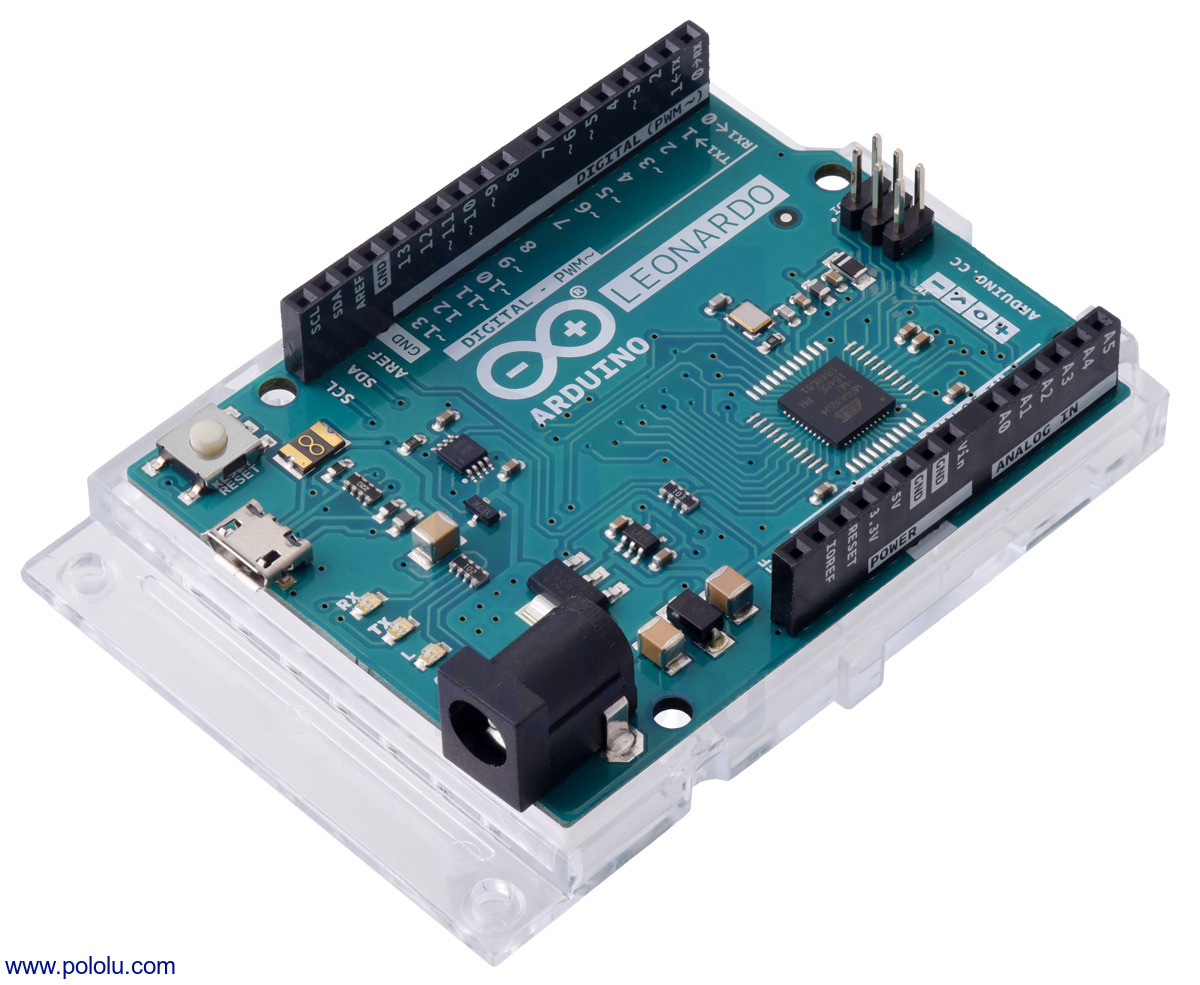
The Arduino Leonardo is a microcontroller board based on the ATmega32U4. It has 23 digital input/output pins (of which 7 can be used as PWM outputs and 12 as analog inputs), a 16 MHz crystal oscillator, a micro USB connection, a power jack, an ICSP header, and a reset button. It contains everything needed to support the microcontroller; simply connect it to a computer with a USB cable or power it with a AC-to-DC adapter or battery to get started (USB cable and power supply are not included). This board ships with the female header pins soldered in, as shown in the product picture.
| Description | Specs (11) | Pictures (4) | Resources (13) | FAQs (0) | On the blog (2) | Distributors (0) |
|---|
File downloads
-
Arduino Leonardo Eagle files (251k zip)
-
Arduino Leonardo schematic (1MB pdf)
Recommended links
-
Arduino Leonardo
Detailed description of the Arduino Leonardo.
-
Arduino Leonardo Getting Started Guide
Guide for getting started with the Arduino Leonardo.
-
How to get Arduino running on Windows
A tutorial for setting up an Arduino environment on Windows.
-
Arduino Software
Arduino integrated development environment (IDE) software
-
Arduino Programming Reference
-
Arduino Forum
-
ATmega32U4 documentation
Microchip’s product page for the ATmega32U4 AVR microcontroller, with links to its datasheet, application notes, and other resources.
-
LSM303 Arduino library
This is a library for the Arduino that interfaces with our LSM303D, LSM303DLHC, and LSM303DLM 3D compass and accelerometer carriers as well as the compass and accelerometer ICs on the MinIMU-9 v3 and AltIMU-10 v4 (it also works with older versions of those boards, some of which used the LSM303DLH and LSM303DLHC). It makes it simple to configure the device and read the raw accelerometer and magnetometer data, and it has a function for computing the tilt-compensated heading for those looking to use the LSM303 as a tilt-compensated compass.
-
L3G Arduino library
This is a library for the Arduino that interfaces with our L3GD20H and L3GD20 3-axis gyro carriers as well as the gyros on the MinIMU-9 v3 and AltIMU-10 v3 (it also works with older versions of those boards, some of which used the L3G4200D and the L3GD20). It makes it simple to configure the device and read the raw gyro data.
-
MinIMU-9 + Arduino AHRS
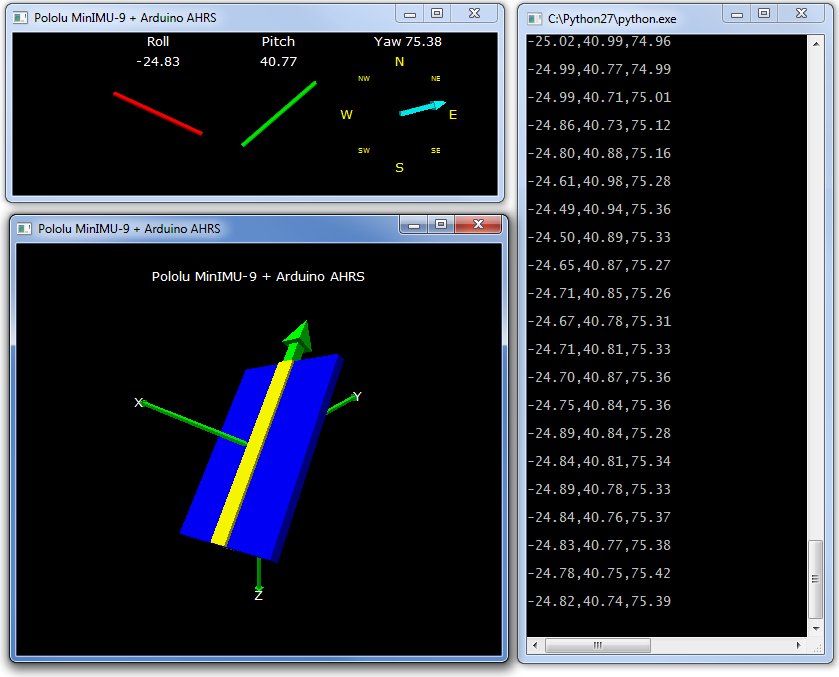
This Arduino program (sketch) allows an Arduino-compatible board like an A-Star connected to a MinIMU-9 v6 or AltIMU-10 v6 (or older versions of those boards) to function as an attitude and heading reference system, calculating estimated roll, pitch, and yaw angles from sensor readings that can be visualized with a 3D test program on a PC. It is based on the work of Jordi Munoz, William Premerlani, Jose Julio, and Doug Weibel.
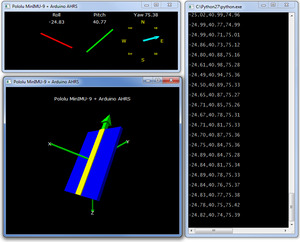
Visualization of AHRS orientation calculated from MinIMU-9 readings.
-
Arduino Library for the Pololu QTR Reflectance Sensors
This guide explains how to use the QTRSensors library to read Pololu QTR reflectance sensors and QTR sensor arrays with Arduinos and Arduino-compatible devices like the Pololu Orangutan robot controllers.
Related products


Related categories


Home | Forum | Blog | Support | Ordering Information | Lists | Distributors | BIG Order Form | About | Contact
© 2001–2026 Pololu Corporation



